





Ads

HP M507 Black Toner Cartridges

HP M507 Toner Set

HP M507 Fusers

HP M507 Paper Trays

HP M507 Printer Accessories

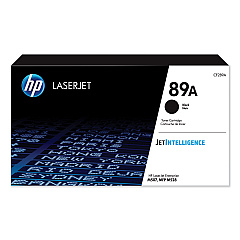
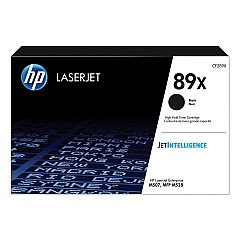
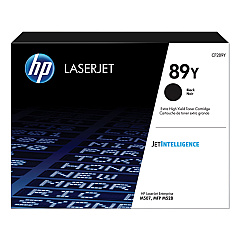
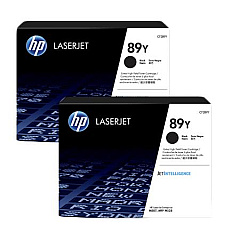
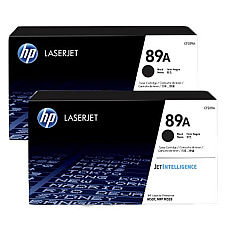
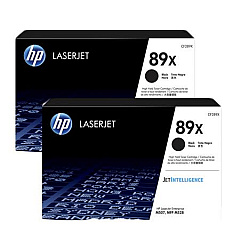
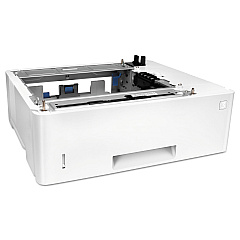
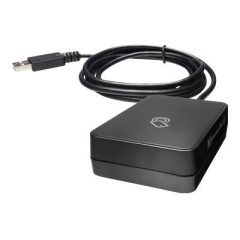
Enhance your printing efficiency with genuine HP M507 Toner Cartridges and accessories. Our comprehensive range includes the HP 89A, 89X, and 89Y Black Toner Cartridge 2-packs, offering various yield options to suit your printing needs. For seamless connectivity, consider the HP B5L28A Internal USB Port Kit or the HP J8030A Wireless Accessory. Expand your paper handling capabilities with the HP F2A72A Paper Tray and organize your workspace with the HP F2A73A Printer Cabinet. Ensure consistent print quality with the HP RM2-2585 Fuser Unit. Whether you're a small business or a large enterprise, our selection of HP M507 Toner Cartridges and supplies will help you maximize productivity and achieve professional-quality prints every time.

HP M507 Toner Cartridges FAQs

  • What is the difference between HP 89A, 89X, and 89Y toner cartridges?

    The main difference is the yield. 89A is standard yield, 89X is high yield, and 89Y is extra high yield, offering progressively more prints per cartridge.

  • Are these toner cartridges compatible with other HP printers?

    These cartridges are specifically designed for the HP M507 printer series. Always check your printer's compatibility before purchasing.

  • How many pages can I print with the HP 89Y Extra High Yield Black Toner Cartridge?

    The HP 89Y Extra High Yield Black Toner Cartridge can print approximately 20,000 pages, based on 5% coverage.

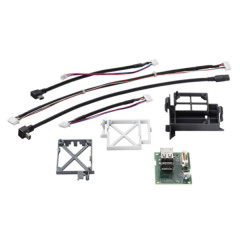
  • What is the purpose of the HP B5L28A Internal USB Port Kit?

    The Internal USB Port Kit allows you to connect additional accessories or devices directly to your printer, enhancing its functionality.

  • How often should I replace the HP RM2-2585 Fuser Unit?

    The fuser unit typically needs replacement after 150,000 to 200,000 pages, but this can vary based on usage and print environment.

  • Can I use third-party toner cartridges in my HP M507 printer?

    While third-party cartridges may work, using genuine HP toner cartridges ensures optimal print quality and prevents potential damage to your printer.

  • What is the capacity of the HP F2A72A Paper Tray?

    The HP F2A72A Paper Tray has a capacity of 550 sheets, allowing for extended printing without frequent paper refills.

  • Is the HP J8030A Wireless Accessory easy to install?

    Yes, the HP J8030A Wireless Accessory is designed for easy installation, allowing you to quickly add wireless printing capabilities to your HP M507 printer.

  • How do I know when it's time to replace my toner cartridge?

    Your HP M507 printer will display a low toner warning when it's time to replace the cartridge. You may also notice a decrease in print quality.

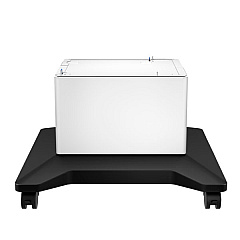
  • What are the dimensions of the HP F2A73A Printer Cabinet?

    The HP F2A73A Printer Cabinet measures approximately 17.7 x 18.9 x 14.8 inches (W x D x H), providing a sturdy base and storage for your HP M507 printer.

Warehouse Locations

Policy & Agreement | Copyright © 1995-2026 BlueDogInk.com
