




Ads

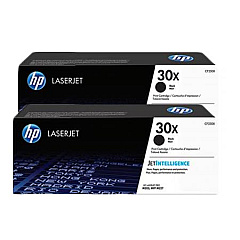
HP LaserJet Pro M203 Black Toner Cartridges

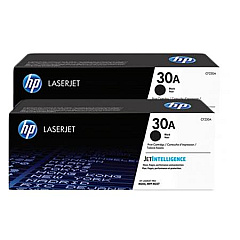
HP LaserJet Pro M203 Toner Set

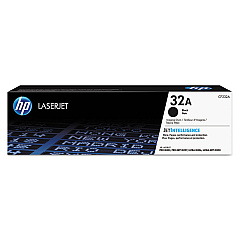
HP LaserJet Pro M203 Drum Units

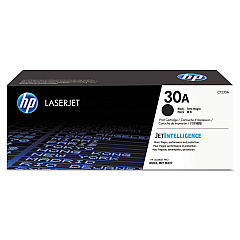
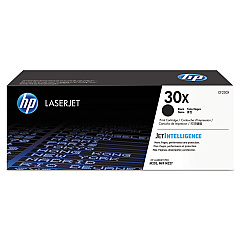
Ensure peak performance for your HP LaserJet Pro M203 with our comprehensive range of HP LaserJet Pro M203 Toner Cartridges. Whether you're a high-volume business or a small office, we offer options to suit your printing needs. Choose from the economical HP 30A Black Toner Cartridge 2-pack for standard use, or opt for the HP 30X High Yield Black Toner Cartridge 2-pack for extended printing capacity. For individual replacements, the HP CF230A and CF230X Black Toner Cartridges provide reliable, high-quality output. Don't forget the HP CF232A Imaging Drum to maintain crisp, clear prints. Our genuine HP toner cartridges ensure consistent, professional results, minimizing downtime and maximizing productivity. Trust in the superior quality and reliability of HP supplies to keep your LaserJet Pro M203 running smoothly, delivering sharp text and graphics for all your printing tasks.

HP LaserJet Pro M203 Printers Supplies FAQs

  • What is the page yield for the HP 30A Black Toner Cartridge?

    The HP 30A Black Toner Cartridge has a page yield of approximately 1,600 pages.

  • How does the HP 30X High Yield Black Toner Cartridge differ from the standard 30A?

    The HP 30X High Yield Black Toner Cartridge offers a higher page yield of about 3,500 pages, compared to the 1,600 pages of the standard 30A cartridge.

  • Is the HP CF232A Imaging Drum compatible with all HP LaserJet Pro M203 toner cartridges?

    Yes, the HP CF232A Imaging Drum is compatible with all toner cartridges designed for the HP LaserJet Pro M203 printer.

  • How often should I replace the imaging drum?

    The HP CF232A Imaging Drum typically needs replacement after about 23,000 pages, but this can vary based on usage patterns.

  • Can I use non-HP toner cartridges in my LaserJet Pro M203?

    While third-party cartridges may work, HP recommends using genuine HP toner cartridges for optimal print quality and printer performance.

  • What's the benefit of buying the 2-pack toner cartridges?

    Purchasing 2-pack toner cartridges often provides cost savings compared to buying individual cartridges and ensures you have a replacement on hand.

  • How do I know when it's time to replace my toner cartridge?

    Your HP LaserJet Pro M203 will display a low toner warning when it's time to replace the cartridge. You may also notice a decrease in print quality.

  • Are these toner cartridges recyclable?

    Yes, HP offers a free recycling program for used toner cartridges through their HP Planet Partners initiative.

  • What's the shelf life of unopened toner cartridges?

    Unopened HP toner cartridges typically have a shelf life of about 2.5 years from the date of manufacture when stored properly.

  • Can I use the same toner cartridges in other HP printer models?

    These specific toner cartridges are designed for the HP LaserJet Pro M203 series. Always check your printer's compatibility before purchasing toner cartridges.

Warehouse Locations

Policy & Agreement | Copyright © 1995-2026 BlueDogInk.com
