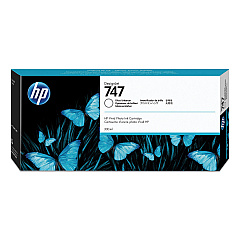
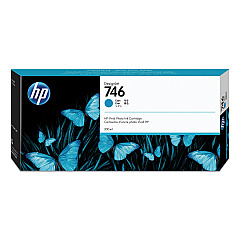
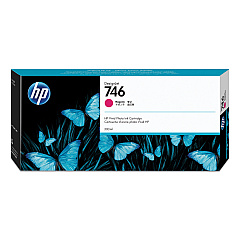
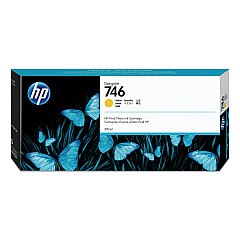








HP DesignJet Z9 Black Ink Cartridges

HP DesignJet Z9 Color Ink Cartridges

HP DesignJet Z9 Printheads

HP DesignJet Z9 Printer Accessories

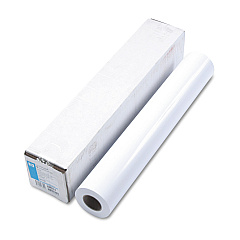
HP DesignJet Z9 Large Format Paper

HP DesignJet Z9 Warranty and Services

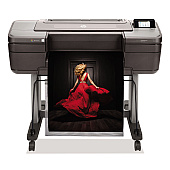
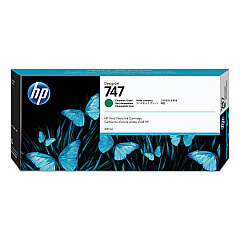
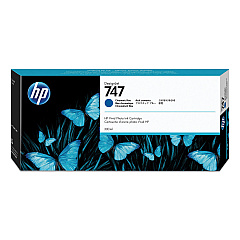
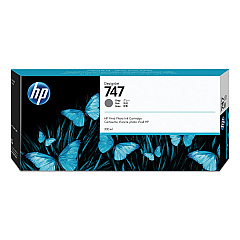
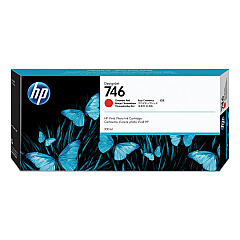
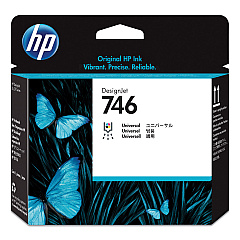
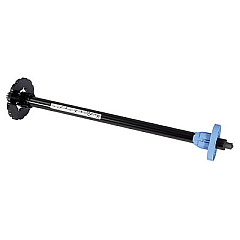
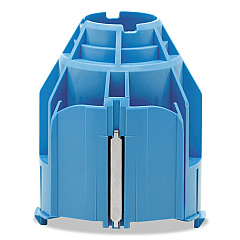
Elevate your large-format printing with HP DesignJet Z9 Ink Cartridges, designed for exceptional color accuracy and professional-grade output. This comprehensive range includes the HP 2QX55A Gloss Enhancer Upgrade Kit for stunning finishes, and a variety of ink cartridges such as HP P2V78A Magenta, HP P2V79A Yellow, and HP P2V80A Cyan. Achieve precise color reproduction with specialized inks like HP P2V81A Chromatic Red and HP P2V84A Chromatic Green. The HP P2V25A Printhead ensures consistent, high-quality prints, while accessories like the HP CN538A 3-in Core Adapter and HP Q6700A 24-in Spindle optimize your workflow. Whether you're printing vibrant photos or detailed technical drawings, these HP DesignJet Z9 Ink Cartridges deliver unparalleled results for businesses, educational institutions, government agencies, healthcare facilities, and wholesale operations.

HP DesignJet Z9 Ink Cartridges FAQs

  • What is the page yield for HP DesignJet Z9 Ink Cartridges?

    Page yield varies depending on the specific cartridge and print content. It's best to check the product specifications for each individual cartridge.

  • Are these ink cartridges compatible with other HP DesignJet models?

    HP DesignJet Z9 Ink Cartridges are specifically designed for the Z9 series. They may not be compatible with other models.

  • What is the purpose of the Gloss Enhancer Upgrade Kit?

    The Gloss Enhancer Upgrade Kit improves print quality by adding a glossy finish to your prints, enhancing color vibrancy and depth.

  • How often should I replace the HP P2V25A Printhead?

    Printhead replacement frequency depends on usage. Replace it when print quality noticeably declines or when prompted by the printer.

  • Can I use third-party ink cartridges with the HP DesignJet Z9?

    While third-party cartridges may work, using genuine HP cartridges ensures optimal print quality and prevents potential damage to your printer.

  • What's the difference between Photo Black and Matte Black ink cartridges?

    Photo Black is ideal for glossy media, while Matte Black is best for matte or uncoated papers, providing deeper blacks on these surfaces.

  • How do I install the HP CN538A 3-in Core Adapter?

    Refer to your printer's user manual for specific instructions on installing the 3-in Core Adapter, as the process may vary slightly between models.

  • Are these ink cartridges environmentally friendly?

    HP offers a recycling program for used ink cartridges, helping to reduce environmental impact. Check HP's website for details on their recycling initiatives.

  • What is the shelf life of unopened HP DesignJet Z9 Ink Cartridges?

    Unopened cartridges typically have a shelf life of 1-2 years. Always check the expiration date printed on the cartridge packaging.

  • Can I mix old and new ink cartridges in my HP DesignJet Z9?

    While it's possible to mix old and new cartridges, it's recommended to replace all cartridges at the same time for consistent print quality.

Warehouse Locations

Policy & Agreement | Copyright © 1995-2026 BlueDogInk.com
