




Ads

HP DesignJet T930 Black Ink Cartridges

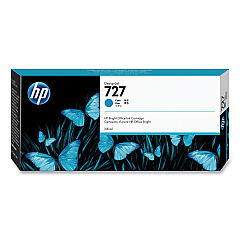
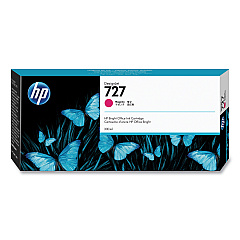
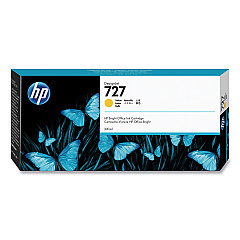
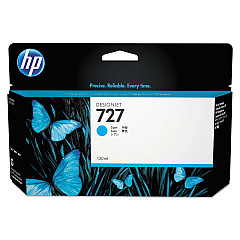
HP DesignJet T930 Color Ink Cartridges

HP DesignJet T930 Printheads

HP DesignJet T930 Printer Accessories

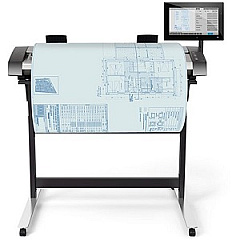
  • HP HD Pro 42-in Scanner

    Item G6H51B

    HP HD Pro 42-in Scanner

    Roll scanner - Roll (42 in) - 1200 dpi x 1200 dpi - USB 3.0, Gigabit LAN - for D..

    Status

    In Stock

    Free Shipping

    $16995.00

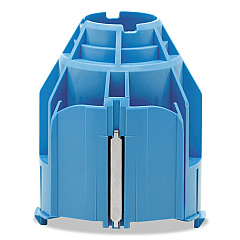
  • HP CN538A 3-in Core Adapter

    Item CN538A

    HP CN538A 3-in Core Adapter

    Printer roll media adapter - for DesignJet HD Pro MFP, SD Pro MFP, T1530, T1700,..

    Status

    In Stock

    $15.00

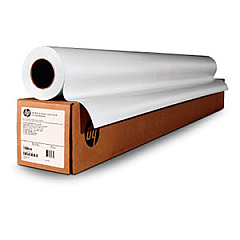
HP DesignJet T930 Large Format Paper

HP DesignJet T930 Warranty and Services

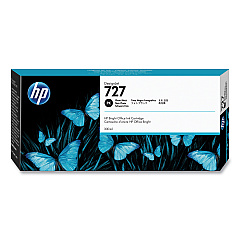
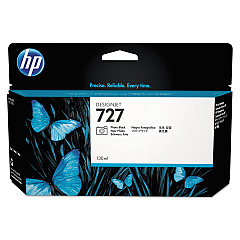
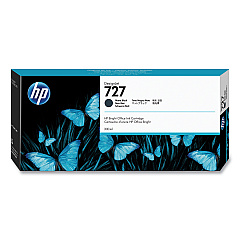
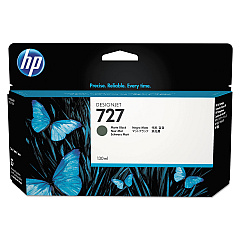
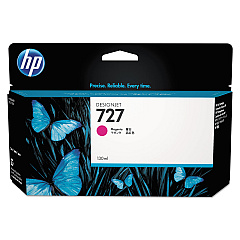
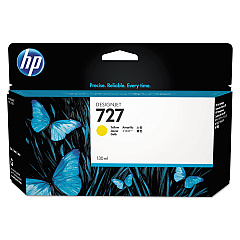
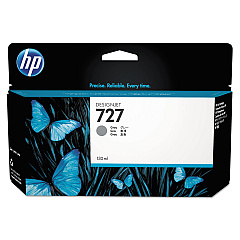
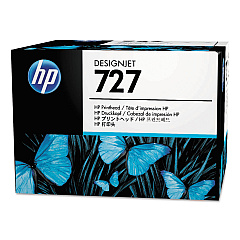
Enhance your large-format printing with genuine HP DesignJet T930 Ink Cartridges. This comprehensive range includes the HP B3P06A Printhead and a variety of color cartridges such as Cyan, Magenta, Yellow, Matte Black, Photo Black, and Gray. For high-volume printing, consider the larger capacity options like HP C1Q12A Matte Black and HP F9J76A-80A series. The CN538A 3-in Core Adapter ensures smooth media handling, while the HD Pro 42-in Scanner complements your printing setup. These premium supplies are designed to deliver exceptional print quality, color accuracy, and longevity for your technical drawings, maps, and presentations. Trust in HP's innovative technology to provide consistent, professional results for your large-format printing needs. Choose HP DesignJet T930 Ink Cartridges for unparalleled performance and reliability in your design and engineering projects.

HP DesignJet T930 Ink Cartridges FAQs

  • What is the page yield of HP DesignJet T930 Ink Cartridges?

    Page yield varies depending on the specific cartridge and print content. For accurate information, refer to the product specifications for each individual cartridge.

  • Are these ink cartridges compatible with other HP DesignJet models?

    These cartridges are specifically designed for the HP DesignJet T930. Always check your printer's compatibility before purchasing ink cartridges.

  • How long do HP DesignJet T930 Ink Cartridges last?

    Cartridge life depends on usage frequency and print volume. Under normal conditions, they can last several months to a year.

  • Can I use third-party ink cartridges in my HP DesignJet T930?

    While third-party cartridges may work, using genuine HP cartridges ensures optimal print quality and prevents potential damage to your printer.

  • What's the difference between Matte Black and Photo Black ink cartridges?

    Matte Black is ideal for text and line drawings on matte paper, while Photo Black provides deep blacks and contrast on glossy media.

  • How do I install new ink cartridges in the HP DesignJet T930?

    Refer to your printer's user manual for step-by-step instructions on replacing ink cartridges. Generally, it involves opening the ink cartridge cover and following the on-screen prompts.

  • Are HP DesignJet T930 Ink Cartridges recyclable?

    Yes, HP offers a recycling program for used ink cartridges. Visit HP's website for information on how to participate in their recycling initiative.

  • What should I do if my printer doesn't recognize a new ink cartridge?

    Try removing and reinserting the cartridge. If the issue persists, clean the cartridge contacts and ensure it's properly seated. Contact HP support if problems continue.

  • Can I buy HP DesignJet T930 Ink Cartridges in bulk?

    Yes, many suppliers offer bulk purchasing options for businesses with high-volume printing needs. Contact your preferred retailer for bulk pricing and availability.

  • How do I know when it's time to replace my ink cartridges?

    Your printer will display low ink warnings. You can also check ink levels through the printer's control panel or HP software on your computer.

Warehouse Locations

Policy & Agreement | Copyright © 1995-2026 BlueDogInk.com
