





HP DesignJet T830 Ink Cartridges

HP DesignJet T830 Black Ink Cartridges

HP DesignJet T830 Color Ink Cartridges

HP DesignJet T830 Printheads

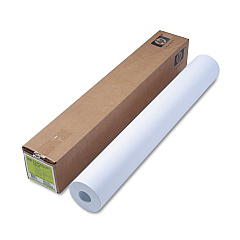
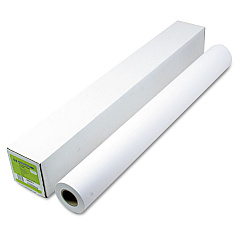
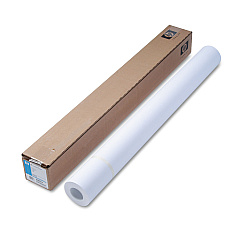
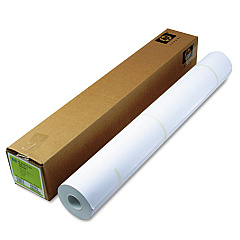
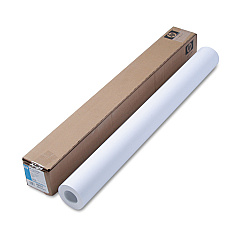
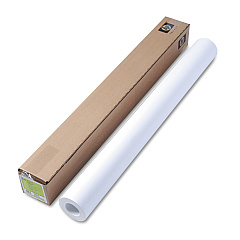
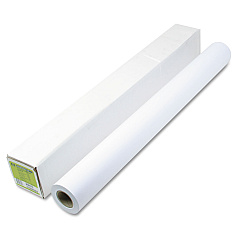
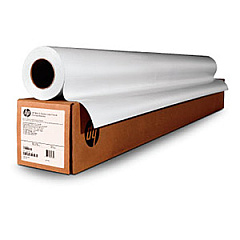
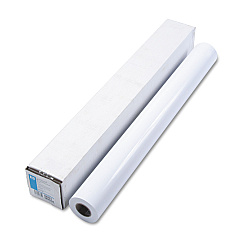
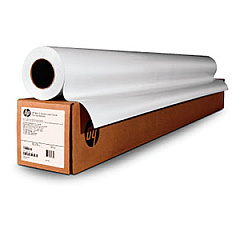
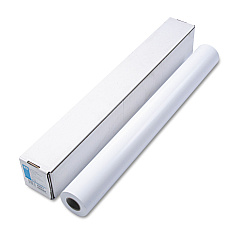
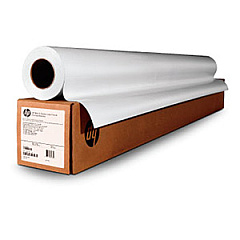
HP DesignJet T830 Large Format Paper

HP DesignJet T830 Warranty and Services

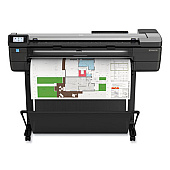
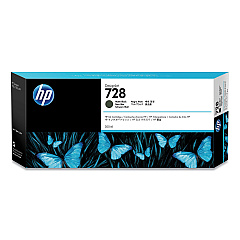
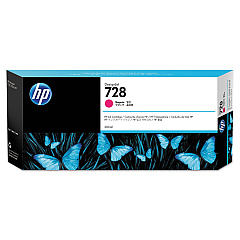
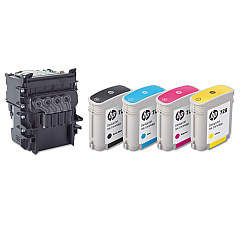
Enhance your printing experience with genuine HP DesignJet T830 Ink Cartridges, designed to deliver exceptional quality and reliability. These high-performance cartridges, including the HP 728 Matte Black Ink Cartridge (3WX25A) and color options in yellow, magenta, and cyan, ensure vibrant, long-lasting prints for your large-format projects. The HP F9J81A DesignJet Printhead complements these cartridges, providing precise ink placement for sharp, detailed output. Whether you're printing technical drawings, maps, or presentations, these ink cartridges offer consistent results and optimal performance. Compatible with the HP DesignJet T830 printer series, these cartridges are engineered to work seamlessly with your device, minimizing downtime and maximizing productivity. Choose HP DesignJet T830 Ink Cartridges for professional-grade prints that make a lasting impression.

HP DesignJet T830 Ink Cartridges FAQs

  • How long do HP DesignJet T830 Ink Cartridges typically last?

    The lifespan of ink cartridges varies depending on usage, but they generally last for several hundred to a few thousand pages.

  • Are these ink cartridges compatible with other HP DesignJet models?

    These cartridges are specifically designed for the HP DesignJet T830 series. Always check your printer's compatibility before purchasing.

  • How can I tell when it's time to replace my ink cartridges?

    Your printer will display a low ink warning when cartridges need replacement. You can also check ink levels through the printer's control panel or software.

  • Can I use third-party ink cartridges in my HP DesignJet T830?

    While third-party cartridges may work, HP recommends using genuine HP ink cartridges for optimal print quality and to maintain your printer's warranty.

  • How should I store unused ink cartridges?

    Store cartridges in their original packaging at room temperature, away from direct sunlight and heat sources, until you're ready to use them.

  • What's the difference between the standard and high-capacity ink cartridges?

    High-capacity cartridges contain more ink and are ideal for high-volume printing, while standard cartridges are suitable for regular use.

  • How often should I replace the HP F9J81A DesignJet Printhead?

    Printhead replacement frequency depends on usage and maintenance. Replace it when print quality noticeably declines or when prompted by the printer.

  • Are these ink cartridges environmentally friendly?

    HP offers a recycling program for used ink cartridges, helping to reduce environmental impact. Check HP's website for details on their recycling initiatives.

  • Can I mix old and new ink cartridges in my printer?

    It's best to replace all cartridges at the same time to ensure consistent print quality, but you can replace individual cartridges as needed.

  • What should I do if my printer doesn't recognize a new ink cartridge?

    Try removing and reinserting the cartridge, cleaning the contacts, or restarting the printer. If issues persist, contact HP support for assistance.

Warehouse Locations

Policy & Agreement | Copyright © 1995-2026 BlueDogInk.com
