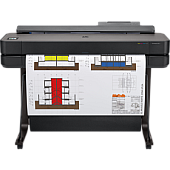
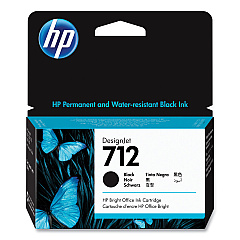
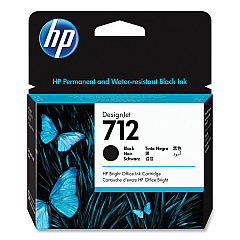
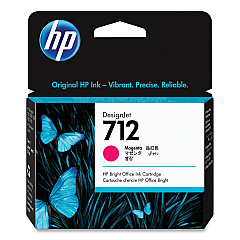
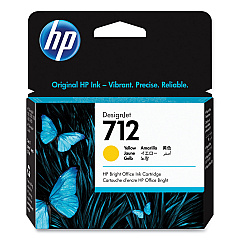
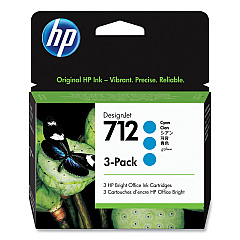
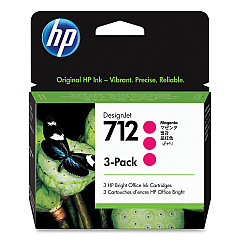





HP DesignJet T650 36-in Black Ink Cartridges

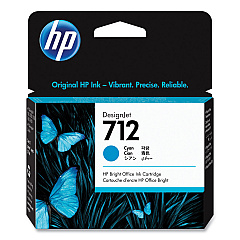
HP DesignJet T650 36-in Color Ink Cartridges

HP DesignJet T650 36-in Printheads

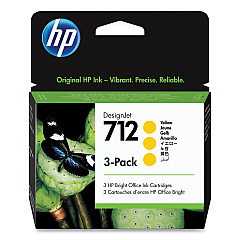
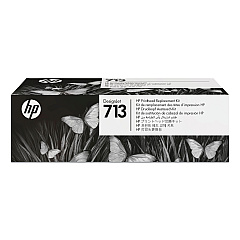
Enhance your large-format printing with genuine HP DesignJet T650 36-in Ink Cartridges. This comprehensive range includes HP 712 cartridges in Cyan (3ED67A, 3ED77A), Magenta (3ED68A, 3ED78A), Yellow (3ED69A, 3ED79A), and Black (3ED70A, 3ED71A), ensuring vibrant color reproduction and crisp text. The HP 713 Printhead (3ED58A) completes the set, delivering exceptional print quality and consistency. These high-capacity cartridges are designed to maximize productivity, reducing downtime and maintenance costs. Whether you're printing technical drawings, maps, or posters, these ink cartridges provide professional-grade results that meet the demands of architects, engineers, and graphic designers. Trust in HP's renowned quality and reliability to bring your projects to life with stunning clarity and color accuracy.

HP DesignJet T650 Ink Cartridges FAQs

  • What is the page yield for HP 712 ink cartridges?

    Page yield varies depending on the specific cartridge and print content. For accurate yield information, please refer to the product specifications on the HP website.

  • Are these ink cartridges compatible with other HP DesignJet models?

    HP 712 ink cartridges are specifically designed for the HP DesignJet T650 36-in printer. Always check your printer's compatibility before purchasing ink cartridges.

  • How often should I replace the HP 713 Printhead?

    The HP 713 Printhead typically lasts for the lifetime of the printer under normal use. However, if print quality deteriorates, you may need to replace it.

  • Can I use non-HP ink cartridges in my HP DesignJet T650 36-in printer?

    While third-party cartridges may work, HP recommends using genuine HP ink cartridges to ensure optimal print quality and printer performance.

  • How do I install new ink cartridges in the HP DesignJet T650 36-in?

    To install new cartridges, open the ink cartridge cover, remove the old cartridge, insert the new one, and close the cover. The printer will recognize the new cartridge automatically.

  • What's the difference between the standard and high-capacity HP 712 cartridges?

    High-capacity cartridges (e.g., 3ED77A, 3ED78A, 3ED79A) contain more ink than standard cartridges, allowing for more prints before replacement.

  • Are these ink cartridges environmentally friendly?

    HP offers a recycling program for used ink cartridges. Visit the HP website for information on how to recycle your used cartridges responsibly.

  • How long do unopened HP 712 ink cartridges last?

    Unopened HP 712 ink cartridges typically have a shelf life of 24 months from the date of manufacture when stored properly.

  • Can I mix different brands of ink cartridges in my HP DesignJet T650 36-in?

    It's not recommended to mix different brands of ink cartridges. Using genuine HP cartridges ensures the best print quality and printer longevity.

  • How can I check the ink levels in my HP DesignJet T650 36-in printer?

    You can check ink levels through the printer's control panel or by using the HP DesignJet Utility software on your computer.

Warehouse Locations

Policy & Agreement | Copyright © 1995-2026 BlueDogInk.com
