




Ads

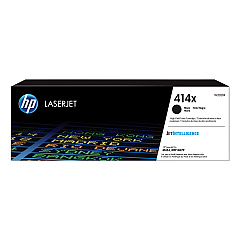
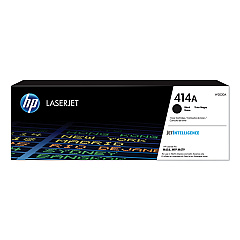
HP Color LaserJet Pro MFP M479fdn Black Toner Cartridges

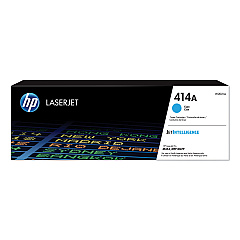
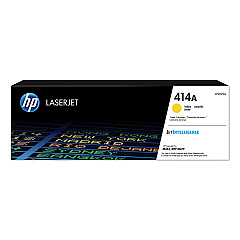
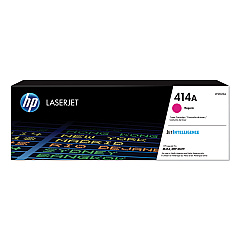
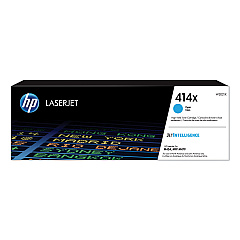
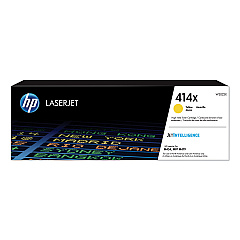
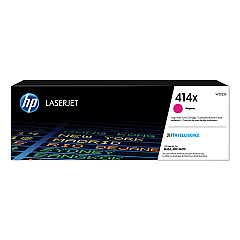
HP Color LaserJet Pro MFP M479fdn Color Toner Cartridges

HP Color LaserJet Pro MFP M479fdn Toner Set

HP Color LaserJet Pro MFP M479fdn Paper Trays

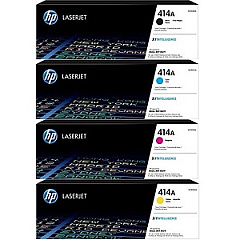
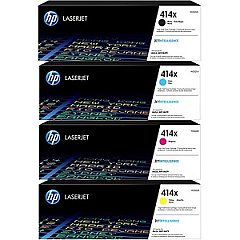
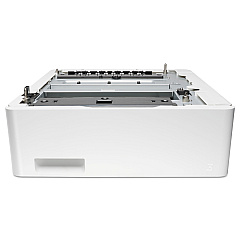
Enhance your printing experience with genuine HP Color LaserJet Pro MFP M479fdn Toner Cartridges. These high-quality cartridges are designed to deliver exceptional print quality and reliability for your business, educational, healthcare, or wholesale needs. Choose from the standard HP 414A Toner Cartridge Set or the high-yield HP 414X Toner Cartridge Set for increased productivity. The range includes black, cyan, yellow, and magenta cartridges, ensuring vibrant color prints and crisp text. For added convenience, consider the HP CF404A Paper Tray to expand your printer's paper capacity. Whether you're printing important documents, marketing materials, or everyday correspondence, these toner cartridges will help you achieve professional results every time. Trust in the superior performance and consistency of genuine HP supplies to keep your HP Color LaserJet Pro MFP M479fdn running smoothly and efficiently.

HP Color LaserJet Pro MFP M479fdn Toner Cartridges FAQs

  • What is the difference between HP 414A and HP 414X toner cartridges?

    HP 414A are standard yield cartridges, while HP 414X are high-yield cartridges that offer more prints per cartridge.

  • Are these toner cartridges compatible with other HP printers?

    These cartridges are specifically designed for the HP Color LaserJet Pro MFP M479fdn. Always check your printer's compatibility before purchasing.

  • How many pages can I print with the HP 414X high-yield cartridges?

    Page yield varies by color, but generally, the 414X black cartridge yields about 7,500 pages, while color cartridges yield about 6,000 pages each.

  • Can I use third-party toner cartridges in my HP Color LaserJet Pro MFP M479fdn?

    While third-party cartridges may work, using genuine HP cartridges ensures the best print quality and printer performance.

  • How do I install new toner cartridges in my printer?

    Open the front cover, remove the old cartridge, and insert the new one. The printer will guide you through the process with on-screen instructions.

  • What is the shelf life of these toner cartridges?

    Unopened HP toner cartridges typically have a shelf life of about 2.5 years from the date of manufacture.

  • Can I recycle used toner cartridges?

    Yes, HP offers a free recycling program for used toner cartridges. Visit their website for details on how to participate.

  • Do I need to replace all color cartridges at once?

    No, you can replace individual color cartridges as needed when they run out.

  • What should I do if my prints are coming out faded or streaky?

    Try cleaning the print heads and checking the toner levels. If the issue persists, you may need to replace the toner cartridge.

  • Is the HP CF404A Paper Tray necessary for the printer to function?

    No, the paper tray is an optional accessory that increases the printer's paper capacity. The printer will function without it.

Warehouse Locations

Policy & Agreement | Copyright © 1995-2026 BlueDogInk.com
