




Ads

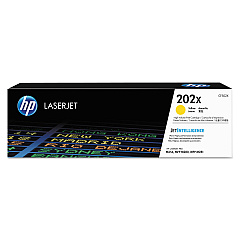
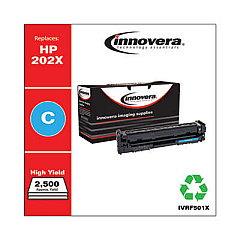
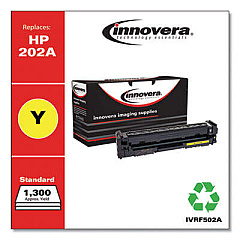
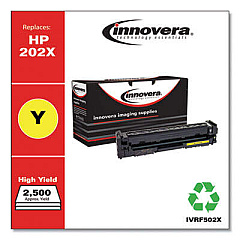
HP Color LaserJet Pro MFP M281cdw Black Toner Cartridges

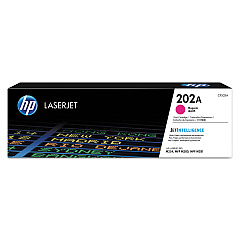
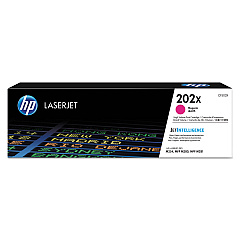
HP Color LaserJet Pro MFP M281cdw Color Toner Cartridges

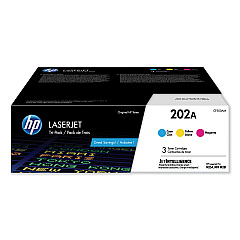
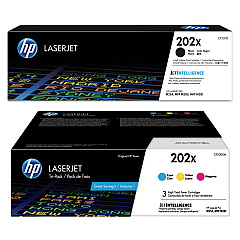
HP Color LaserJet Pro MFP M281cdw Toner Set

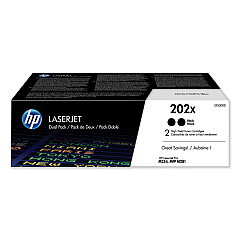
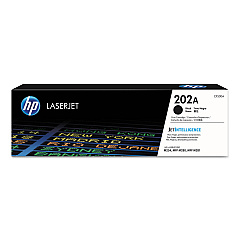
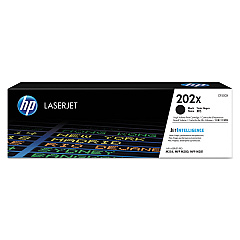
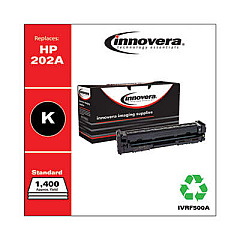
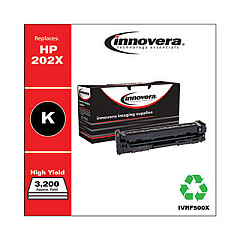
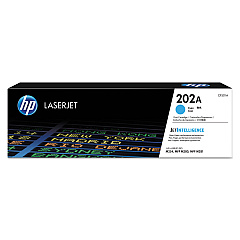
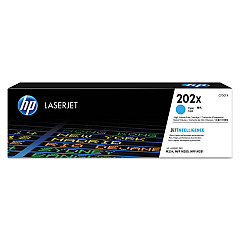
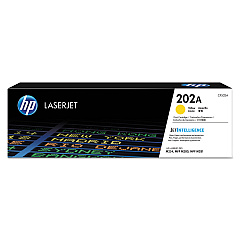
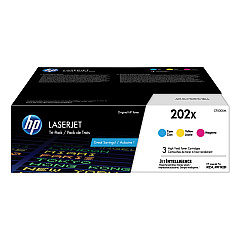
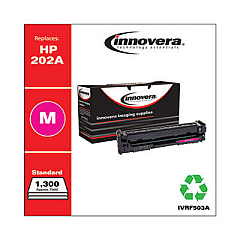
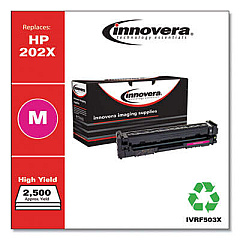
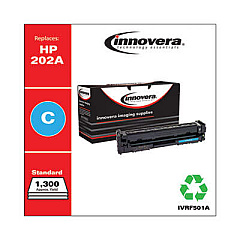
Enhance your printing experience with genuine HP Color LaserJet Pro MFP M281cdw Toner Cartridges. These high-quality cartridges ensure exceptional color accuracy and sharp text for all your professional documents. Choose from a range of options, including standard and high-yield cartridges in black, cyan, magenta, and yellow. The HP 202A and 202X series offer versatility with individual cartridges or convenient multi-packs. Whether you need the CF500AM 3-pack for vibrant colors or the CF500XD high-yield black 2-pack for increased efficiency, these toner cartridges deliver consistent, reliable results. Designed specifically for the HP Color LaserJet Pro MFP M281cdw, these cartridges optimize print quality and extend the life of your printer. Invest in genuine HP toner cartridges for unparalleled performance and cost-effective printing solutions that meet the demands of businesses, schools, and healthcare facilities.

HP Color LaserJet Pro MFP M281cdw Toner Cartridges FAQs

  • What is the difference between HP 202A and 202X toner cartridges?

    HP 202A are standard yield cartridges, while 202X are high-yield cartridges that offer more prints per cartridge.

  • Are these toner cartridges compatible with other HP printers?

    These cartridges are specifically designed for the HP Color LaserJet Pro MFP M281cdw. Always check your printer's compatibility before purchasing.

  • How many pages can I print with the high-yield cartridges?

    Page yield varies by cartridge, but high-yield cartridges typically produce 3,200 pages for black and 2,500 pages for each color.

  • Can I use third-party toner cartridges in my HP Color LaserJet Pro MFP M281cdw?

    While third-party cartridges may work, using genuine HP cartridges ensures optimal print quality and printer performance.

  • How long do these toner cartridges last?

    Cartridge life depends on usage, but unopened cartridges typically have a shelf life of 24-30 months.

  • What's the benefit of buying multi-pack toner cartridges?

    Multi-packs often offer cost savings compared to buying individual cartridges and ensure you have replacements on hand.

  • Are these toner cartridges environmentally friendly?

    HP offers a recycling program for used cartridges, contributing to environmental sustainability.

  • How do I know when it's time to replace my toner cartridge?

    Your printer will display a low toner warning. You may also notice a decrease in print quality.

  • Can I use black toner cartridges for color printing?

    No, you need all four colors (black, cyan, magenta, and yellow) for color printing.

  • What should I do if my printer doesn't recognize the new toner cartridge?

    Ensure the cartridge is properly installed and compatible. If issues persist, contact HP support for assistance.

Warehouse Locations

Policy & Agreement | Copyright © 1995-2026 BlueDogInk.com
