




Ads

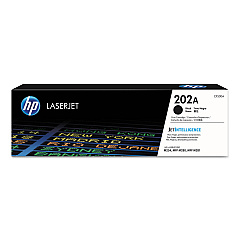
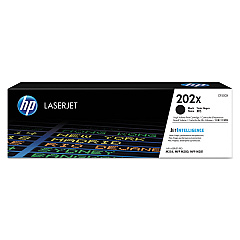
HP Color LaserJet Pro MFP M280 Black Toner Cartridges

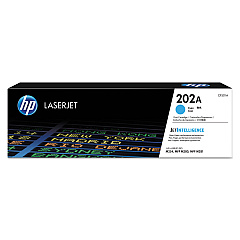
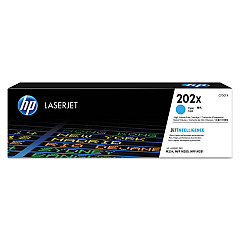
HP Color LaserJet Pro MFP M280 Color Toner Cartridges

HP Color LaserJet Pro MFP M280 Toner Set

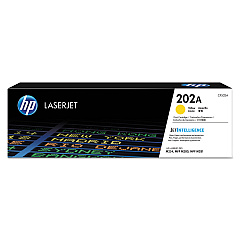
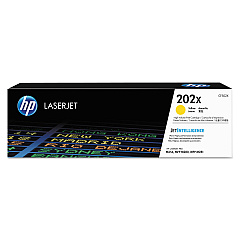
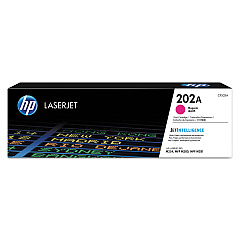
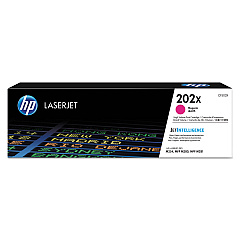
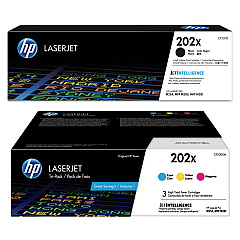
Enhance your printing experience with genuine HP Color LaserJet Pro MFP M280 Toner Cartridges. These high-quality cartridges ensure exceptional color accuracy and sharp text for all your professional documents. The comprehensive range includes the HP 202X Toner Cartridge Set, offering both standard and high-yield options in black, cyan, yellow, and magenta. From the CF500A Black Toner Cartridge to the CF503X Magenta Toner Cartridge, each product is designed to deliver consistent, reliable performance. Whether you're printing reports, presentations, or marketing materials, these toner cartridges provide vibrant colors and crisp details. Compatible with the HP Color LaserJet Pro MFP M280 printer, these cartridges are easy to install and maintain, minimizing downtime and maximizing productivity. Choose HP original toner cartridges for optimal print quality and longevity, ensuring your HP Color LaserJet Pro MFP M280 performs at its best.

HP Color LaserJet Pro MFP M280 Printers Supplies FAQs

  • What is the difference between standard and high-yield cartridges?

    High-yield cartridges (X series) contain more toner and can print more pages than standard cartridges, making them more cost-effective for high-volume printing.

  • How many pages can I print with these toner cartridges?

    Page yield varies by cartridge. Standard cartridges typically yield around 1,400 pages, while high-yield cartridges can print up to 3,200 pages.

  • Are these cartridges compatible with other HP printers?

    These cartridges are specifically designed for the HP Color LaserJet Pro MFP M280 series. Always check your printer's compatibility before purchasing.

  • How long do these toner cartridges last?

    Toner cartridge lifespan depends on usage. Unopened, they can last up to two years. Once installed, it's best to use them within 6-12 months for optimal quality.

  • Can I use third-party toner cartridges instead of HP originals?

    While third-party options exist, using genuine HP toner cartridges ensures the best print quality and helps maintain your printer's warranty.

  • How do I know when it's time to replace my toner cartridge?

    Your printer will display a low toner warning. You may also notice faded prints or streaks on your documents.

  • Are these toner cartridges environmentally friendly?

    HP offers a recycling program for used cartridges, helping to reduce environmental impact. The cartridges are designed with recyclable materials.

  • Can I buy individual color cartridges or do I need to purchase a complete set?

    You can buy individual color cartridges as needed. The HP 202X Toner Cartridge Set is available for those who prefer to replace all colors at once.

  • How do I install these toner cartridges?

    Installation is simple. Open the printer's front cover, remove the old cartridge, and insert the new one until it clicks into place. Detailed instructions are included with each cartridge.

  • What's the shelf life of unopened toner cartridges?

    Unopened toner cartridges can last up to two years when stored properly in a cool, dry place away from direct sunlight.

Warehouse Locations

Policy & Agreement | Copyright © 1995-2026 BlueDogInk.com
