









Ads

HP Color LaserJet Managed E65150dn Waste Toner Kits

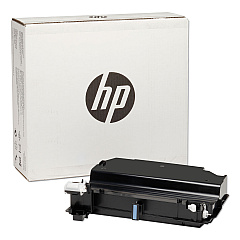
  • HP P1B94A Toner Collection Unit

    Item P1B94A

    HP P1B94A Toner Collection Unit

    HP P1B94A LaserJet Toner Collection Unit; Yield: 100,000 pages..

    Status

    In Stock

    $32.99

HP Color LaserJet Managed E65150dn Fusers

HP Color LaserJet Managed E65150dn Transfer Units

HP Color LaserJet Managed E65150dn Paper Trays

HP Color LaserJet Managed E65150dn Printer Accessories

HP Color LaserJet Managed E65150dn Printer Parts

HP Color LaserJet Managed E65150dn Warranty and Services

Enhance your printing capabilities with genuine HP Color LaserJet Managed E65150dn Toner Cartridges and accessories. This high-performance printer offers a range of options to boost productivity and print quality. From memory upgrades like the 1GB and 2GB DDR3 SODIMM modules to wireless accessories and additional paper trays, you can customize your E65150dn to meet your specific needs. The printer supports various consumables, including the fuser kit, transfer belt kit, and toner collection unit, ensuring optimal performance and longevity. With options for increased paper capacity and internal storage, this printer is ideal for businesses, educational institutions, government offices, and healthcare facilities requiring reliable, high-volume color printing. Invest in authentic HP supplies to maintain your printer's efficiency and produce professional-quality documents consistently.

HP Color LaserJet Managed E65150dn Printers Supplies FAQs

  • What is the maximum paper capacity of the HP Color LaserJet Managed E65150dn?

    The maximum paper capacity depends on the additional trays installed. With the HCI Feeder and Stand (HP P1B12A), it can hold up to 3,200 sheets.

  • Can I upgrade the printer's memory?

    Yes, you can upgrade the memory using the HP 1GB (E5K48A) or 2GB (E5K49A) DDR3 SODIMM modules.

  • Is wireless printing available for this model?

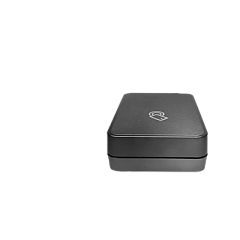
    Yes, you can add wireless capability using the HP 3JN69A BLE/NFC/Wireless Accessory or the HP J8030A Wireless Accessory.

  • How often should I replace the fuser kit?

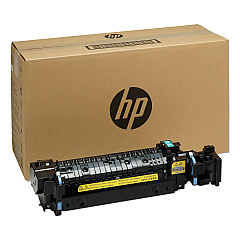
    The fuser kit (HP P1B91A) typically needs replacement after 150,000 pages, but this may vary based on usage.

  • What is the purpose of the toner collection unit?

    The toner collection unit (HP P1B94A) collects excess toner during printing to prevent it from contaminating the printer or prints.

  • Can I add an internal hard drive to this printer?

    Yes, you can install the HP B5L29A 500GB Internal Hard Disk Drive for additional storage.

  • What is the function of the transfer belt kit?

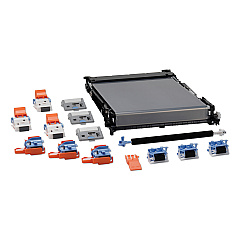
    The transfer belt kit (HP P1B93A) helps transfer toner from the cartridges onto the paper, ensuring accurate color reproduction.

  • Are there options for adding extra paper trays?

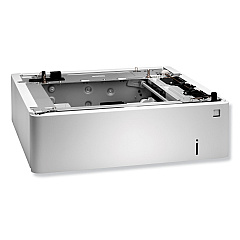
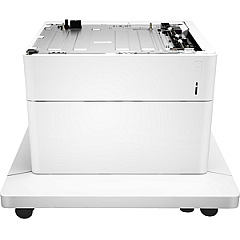
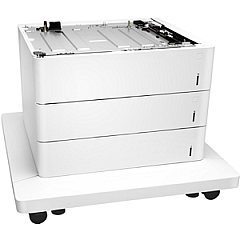
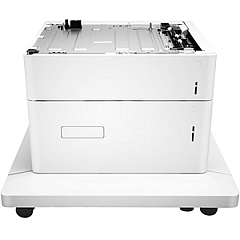
    Yes, you can add the HP P1B09A Paper Tray, HP P1B10A Paper Tray and Stand, or HP P1B11A Paper Trays and Stand for increased paper capacity.

  • What is the purpose of the internal USB port kit?

    The HP B5L28A Internal USB Port Kit allows you to connect USB devices directly to the printer for enhanced functionality.

  • How do I know when to replace the toner cartridges?

    The printer will display a message when toner levels are low. You can also check toner levels through the printer's control panel or your computer's print management software.

Warehouse Locations

Policy & Agreement | Copyright © 1995-2026 BlueDogInk.com
