










Ads

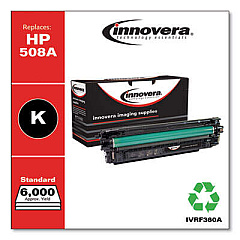
HP Color LaserJet Enterprise M553dn Black Toner Cartridges

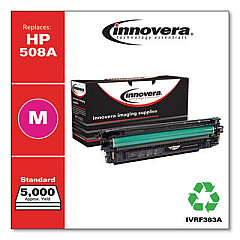
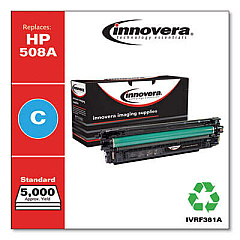
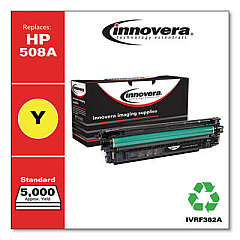
HP Color LaserJet Enterprise M553dn Color Toner Cartridges

HP Color LaserJet Enterprise M553dn Toner Set

HP Color LaserJet Enterprise M553dn Waste Toner Kits

HP Color LaserJet Enterprise M553dn Fusers

HP Color LaserJet Enterprise M553dn Maintenance Kits

HP Color LaserJet Enterprise M553dn Transfer Units

HP Color LaserJet Enterprise M553dn Paper Trays

HP Color LaserJet Enterprise M553dn Printer Accessories

HP Color LaserJet Enterprise M553dn Printer Parts

HP Color LaserJet Enterprise M553dn Copy Paper

HP Color LaserJet Enterprise M553dn Warranty and Services

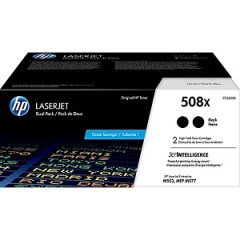
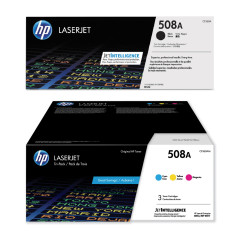
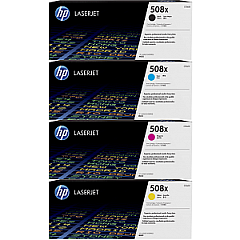
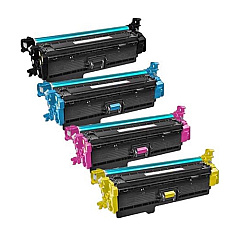
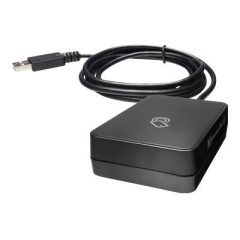
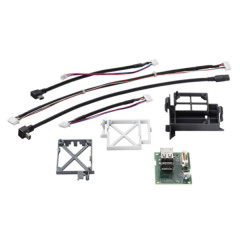
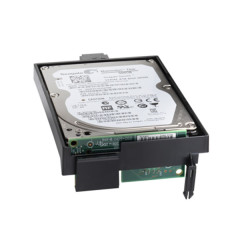
Enhance your printing capabilities with genuine HP Color LaserJet Enterprise M553dn Toner Cartridges and accessories. Choose from a wide range of options, including standard and high-yield toner cartridges in black, cyan, magenta, and yellow. Boost efficiency with multi-packs like the HP 508A CF360AM 3-pack or the HP 508X CF360XD high-yield black 2-pack. Maintain optimal performance with essential components such as the B5L24-67901 transfer belt kit, B5L35A fuser kit, and B5L37A toner collection unit. Expand functionality with the B5L28A internal USB port kit or J8030A wireless accessory. Increase storage capacity with the B5L29A 500GB internal hard drive. Whether you need individual cartridges, maintenance kits, or performance upgrades, our comprehensive selection ensures your HP Color LaserJet Enterprise M553dn operates at peak efficiency.

HP Color LaserJet Enterprise M553dn Toner Cartridges FAQs

  • What is the difference between HP 508A and HP 508X toner cartridges?

    HP 508A are standard yield cartridges, while HP 508X are high-yield cartridges that provide more prints per cartridge.

  • How often should I replace the transfer belt kit?

    The transfer belt kit (B5L24-67901) typically needs replacement after 150,000 to 200,000 pages, depending on usage.

  • Can I use non-HP toner cartridges in my M553dn printer?

    While third-party cartridges may work, HP recommends using genuine HP toner cartridges for optimal print quality and printer performance.

  • What is the purpose of the toner collection unit?

    The toner collection unit (B5L37A) collects excess toner during printing to prevent it from contaminating the printer or prints.

  • How do I install the wireless accessory?

    The J8030A wireless accessory can be installed in the Hardware Integration Pocket (HIP) of your printer. Consult the user manual for specific instructions.

  • What is the capacity of the B5L34A paper tray?

    The B5L34A paper tray has a capacity of 550 sheets, increasing the printer's total paper capacity.

  • How often should I replace the pickup roller assembly?

    The B5L24-67904 pickup roller assembly for trays 2-5 should be replaced after approximately 150,000 pages or if you experience frequent paper feed issues.

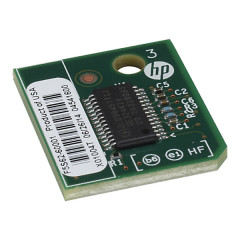
  • What is the purpose of the Trusted Platform Module?

    The F5S62A Trusted Platform Module enhances printer security by providing hardware-based encryption and authentication capabilities.

  • Can I upgrade the printer's memory?

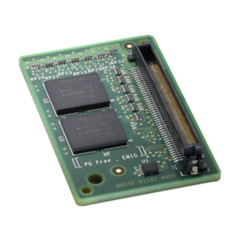
    Yes, you can upgrade the printer's memory using the G6W84A 1GB 90-pin DDR3 DIMM Memory Module for improved performance with complex print jobs.

  • How long does the fuser kit typically last?

    The B5L35A fuser kit usually lasts for about 150,000 pages, but this can vary depending on the types of media used and print volumes.

Warehouse Locations

Policy & Agreement | Copyright © 1995-2026 BlueDogInk.com
