














Epson XP 440 Printer Color & Black Ink & Supplies

Ads

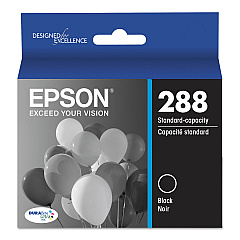
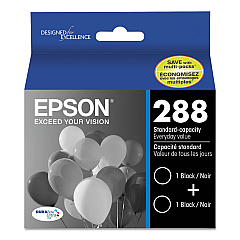
Epson XP-440 Black Ink Cartridges

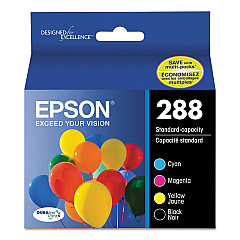
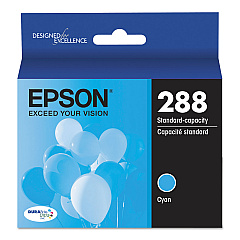
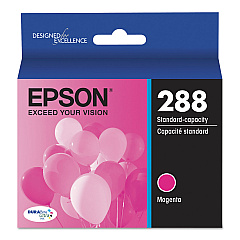
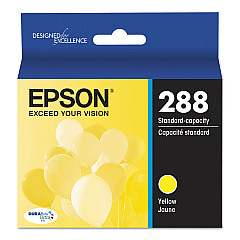
Epson XP-440 Color Ink Cartridges

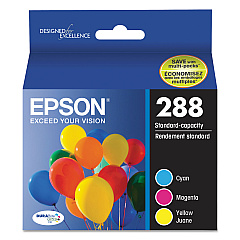
Epson XP-440 Ink Set

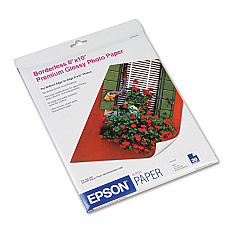
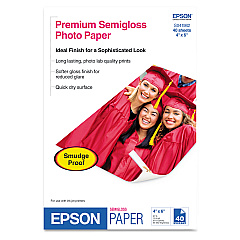
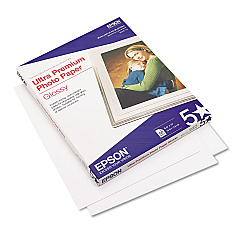
Epson XP-440 Photo Paper

Enhance your printing experience with genuine Epson XP-440 Ink Cartridges. These high-quality cartridges are designed to deliver exceptional results for your Epson XP-440 printer. Choose from a range of options including individual color cartridges (black, cyan, magenta, and yellow), convenient combo packs, and cost-effective dual packs. The T288 series offers standard capacity, while the T288XL series provides high-yield alternatives for more frequent printing needs. Whether you're printing documents or photos, these cartridges ensure crisp text and vibrant colors. With options like the T288520 Color Ink Cartridge Multipack, you can easily replace all your color cartridges at once. Trust in Epson's reliable ink technology to produce professional-quality prints every time. Stock up on Epson XP-440 Ink Cartridges to keep your printer running smoothly and your projects looking their best.

Epson XP 440 Printer Color & Black Ink & Supplies FAQs

  • What ink does Epson XP 440 take?

    The Epson XP-440 printer uses four Epson T288 DuraBrite Ultra pigment ink cartridges: black, cyan, magenta, and yellow cartridges.

  • What is the difference between T288 and T288XL cartridges?

    T288 are standard capacity cartridges, while T288XL are high-yield cartridges that last longer and are more suitable for frequent printing.

  • How do I get my Epson printer to recognize my ink cartridges?

    You can try these steps: If the ink not recognized message is on the screen, select the option to replace the ink cartridge and press the OK button. If the ink not recognized message is not on the screen, press the home button, if necessary, and select Setup > Maintenance > Ink Cartridge Replacement.

  • Are these cartridges compatible with other Epson printers?

    These cartridges are specifically designed for the Epson XP-440 printer. Always check your printer's compatibility before purchasing.

  • How do I change the ink in my Epson XP 440?

    Turn on your Epson XP 440 and lift up the scanner unit. Squeeze the tab on the cartridge and lift the cartridge straight up to remove it. Before opening the new cartridge package, shake it gently four or five times. Remove the cartridge from the package.

  • How long do these ink cartridges typically last?

    The lifespan of ink cartridges varies depending on usage, but standard T288 cartridges typically last for about 175-300 pages, while XL cartridges can print up to 500 pages.

  • Why is my Epson XP 440 printing blanks?

    Several different factors may cause the product to print blank pages, such as print settings, low ink, or damage to the printer itself. If the ink cartridges are old or low on ink, you may need to replace them. Make sure the yellow tape that holds down components during shipping was removed from the ink cartridges and kink carousel installed in your product.

  • Can I use third-party ink cartridges in my Epson XP-440?

    While third-party cartridges may work, using genuine Epson cartridges ensures the best print quality and helps maintain your printer's warranty.

  • What's included in the T288120-BCS Combo Pack?

    The T288120-BCS Combo Pack typically includes one standard capacity black cartridge and one set of color cartridges (cyan, magenta, and yellow).

  • How do I install these ink cartridges in my Epson XP-440?

    To install, turn on your printer, open the cartridge cover, remove the old cartridge, insert the new one until it clicks, and close the cover. The printer will then recognize the new cartridge.

  • Are these cartridges recyclable?

    Yes, Epson offers a cartridge recycling program. You can return your used cartridges to Epson for free recycling.

  • What's the shelf life of unopened ink cartridges?

    Unopened Epson ink cartridges typically have a shelf life of two years from the date of production when stored properly.

  • Can I mix standard and XL cartridges in my printer?

    Yes, you can use a combination of standard T288 and high-capacity T288XL cartridges in your Epson XP-440 printer.

  • How can I check the ink levels in my Epson XP-440?

    You can check ink levels through the printer's control panel, or by using the Epson printer software on your computer.

Warehouse Locations

Policy & Agreement | Copyright © 1995-2026 BlueDogInk.com
