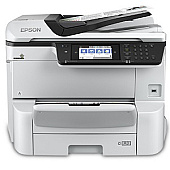
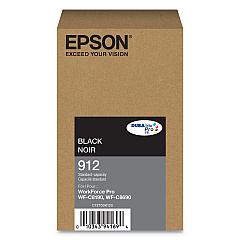
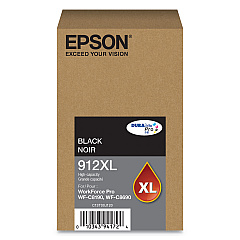
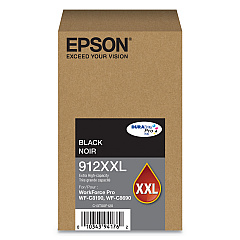
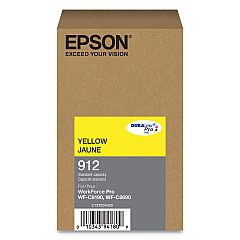
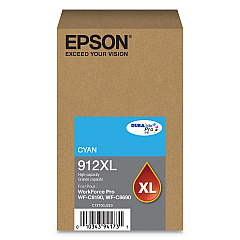
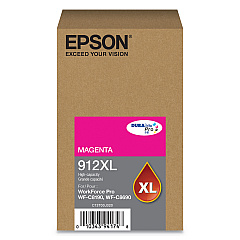
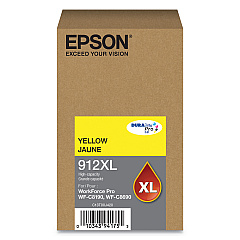





Epson WorkForce Pro WF-C8690 Black Ink Cartridges

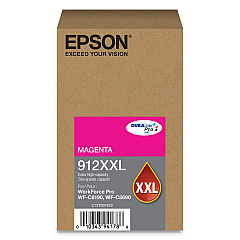
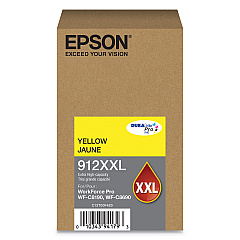
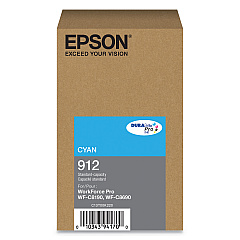
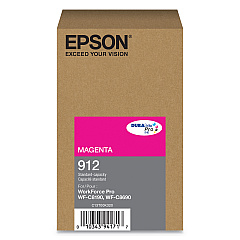
Epson WorkForce Pro WF-C8690 Color Ink Cartridges

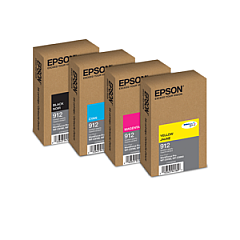
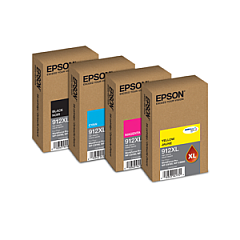
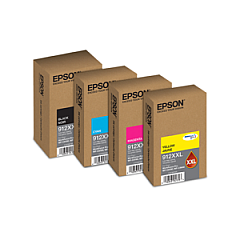
Epson WorkForce Pro WF-C8690 Ink Set

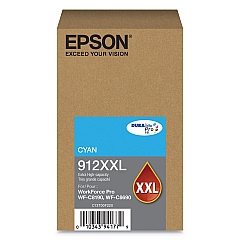
Enhance your printing experience with genuine Epson WorkForce Pro WF-C8690 Ink Cartridges. This comprehensive range includes the C12C932611 Paper Tray and various T912 series cartridges in standard, XL, and XXL sizes. Choose from black, cyan, magenta, and yellow options to suit your specific needs. The T912 series offers standard capacity, while T912XL provides higher yield for increased efficiency. For maximum output, opt for the T912XXL cartridges. These authentic Epson inks ensure superior print quality, vibrant colors, and sharp text, making them ideal for businesses, schools, government offices, and healthcare facilities. Whether you're printing reports, presentations, or marketing materials, these cartridges deliver consistent, professional results. Trust in Epson's reliability and performance to keep your WorkForce Pro WF-C8690 running smoothly and efficiently.

Epson WorkForce Pro WF-C8690 Ink Cartridges FAQs

  • Are these ink cartridges compatible with other Epson printers?

    These cartridges are specifically designed for the Epson WorkForce Pro WF-C8690. Always check your printer's manual for compatible cartridge models.

  • What's the difference between T912, T912XL, and T912XXL cartridges?

    The main difference is ink capacity. T912 is standard, T912XL offers higher capacity, and T912XXL provides the maximum ink volume for fewer replacements.

  • How long do these ink cartridges typically last?

    Cartridge life depends on usage, but XL and XXL cartridges generally last longer than standard ones. Check the estimated page yield on each cartridge for more specific information.

  • Can I use third-party ink cartridges in my Epson WorkForce Pro WF-C8690?

    While third-party cartridges may work, using genuine Epson cartridges ensures optimal print quality and helps maintain your printer's warranty.

  • How do I install these ink cartridges?

    Follow the instructions in your printer's manual. Generally, you'll need to turn on the printer, open the ink cartridge cover, remove the old cartridge, and insert the new one until it clicks into place.

  • Are these cartridges environmentally friendly?

    Epson is committed to environmental sustainability. Many of their cartridges are recyclable through Epson's cartridge recycling program.

  • What should I do if my printer doesn't recognize the new cartridge?

    Ensure the cartridge is properly installed and compatible with your printer model. If issues persist, clean the cartridge contacts and try again, or contact Epson support.

  • Can I buy these cartridges in bulk for my business?

    Yes, many suppliers offer bulk purchasing options for businesses. Contact the seller for information on bulk orders and potential discounts.

  • How should I store unused ink cartridges?

    Store cartridges in a cool, dry place in their original packaging. Avoid extreme temperatures and direct sunlight to maintain ink quality.

  • What's the shelf life of these ink cartridges?

    Unopened cartridges typically have a shelf life of about two years from the production date. Always check the expiration date on the packaging before use.

Warehouse Locations

Policy & Agreement | Copyright © 1995-2026 BlueDogInk.com
