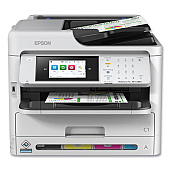
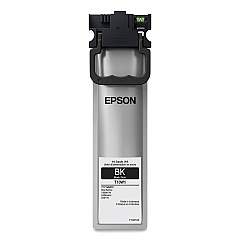
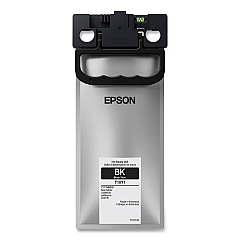
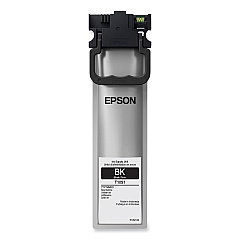





Epson WorkForce Pro WF-C5890 Black Ink Cartridges

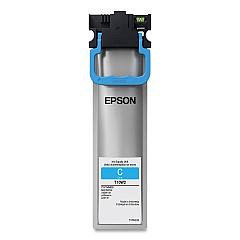
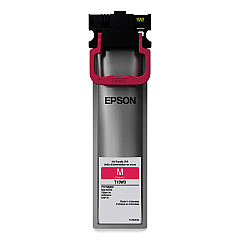
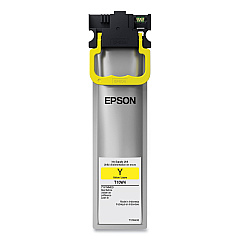
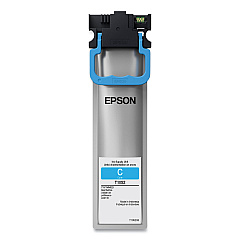
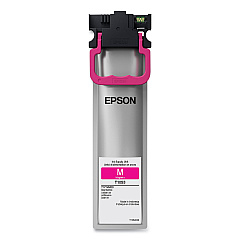
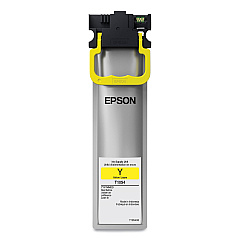
Epson WorkForce Pro WF-C5890 Color Ink Cartridges

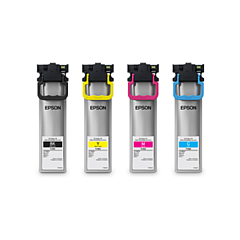
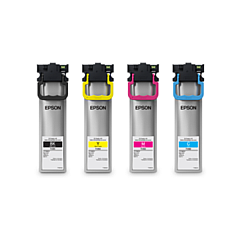
Epson WorkForce Pro WF-C5890 Ink Set

Epson WorkForce Pro WF-C5890 Maintenance Kits

Epson WorkForce Pro WF-C5890 Paper Trays

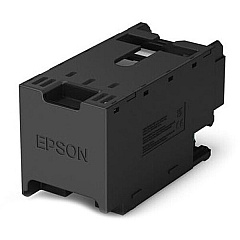
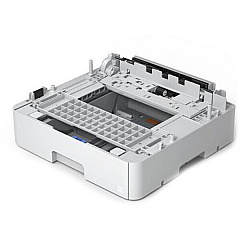
Enhance your printing experience with genuine Epson WorkForce Pro WF-C5890 Ink Cartridges. This versatile printer utilizes a wide range of high-quality ink options, including standard, high-capacity, and extra high-capacity cartridges in black, cyan, magenta, and yellow. The Epson T10S and T10W series offer exceptional print quality and longevity, while the T10Y100 Extra High Capacity Black Ink Cartridge provides extended printing for high-volume tasks. Maximize efficiency with the 500 Sheet Cassette (C12C937901) and ensure smooth operation with the Maintenance Box (C12C938211). Whether you're printing business documents, vibrant marketing materials, or detailed reports, these Epson ink cartridges deliver professional results every time. Trust in Epson's superior ink technology to keep your WorkForce Pro WF-C5890 performing at its best, meeting the demands of businesses, educational institutions, government offices, and healthcare facilities.

Epson WorkForce Pro WF-C5890 Ink Cartridges FAQs

  • What is the difference between standard, high-capacity, and extra high-capacity ink cartridges?

    Standard cartridges have a lower ink volume, high-capacity cartridges contain more ink for longer print runs, and extra high-capacity cartridges offer the maximum ink volume for extensive printing needs.

  • Are these ink cartridges compatible with other Epson printers?

    These cartridges are specifically designed for the Epson WorkForce Pro WF-C5890 and may not be compatible with other printer models.

  • How often should I replace the Maintenance Box?

    The frequency of Maintenance Box replacement depends on usage. Your printer will alert you when it's time to replace it.

  • Can I use third-party ink cartridges in my Epson WorkForce Pro WF-C5890?

    While third-party cartridges may work, using genuine Epson ink cartridges ensures optimal print quality and protects your printer's warranty.

  • What is the shelf life of unopened ink cartridges?

    Unopened Epson ink cartridges typically have a shelf life of two years from the date of production when stored properly.

  • How do I install the 500 Sheet Cassette?

    The 500 Sheet Cassette can be easily installed by following the instructions provided in the user manual or the installation guide included with the cassette.

  • Are these ink cartridges environmentally friendly?

    Epson designs its cartridges with environmental considerations in mind, and they can be recycled through Epson's cartridge recycling program.

  • How many pages can I print with a high-capacity ink cartridge?

    Page yield varies depending on the content being printed, but high-capacity cartridges generally offer significantly more prints than standard cartridges.

  • Can I mix different capacity cartridges in my printer?

    Yes, you can use a combination of standard, high-capacity, and extra high-capacity cartridges in your Epson WorkForce Pro WF-C5890.

  • What should I do if my printer doesn't recognize a new ink cartridge?

    Ensure the cartridge is properly installed and seated. If issues persist, clean the cartridge contacts and try reinserting it. If problems continue, contact Epson support.

Warehouse Locations

Policy & Agreement | Copyright © 1995-2026 BlueDogInk.com
