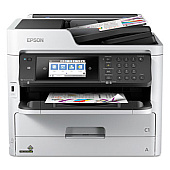
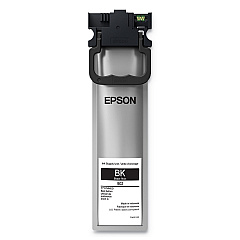
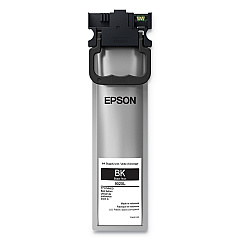
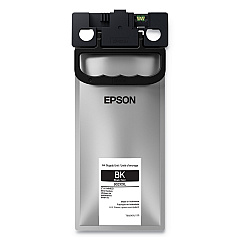
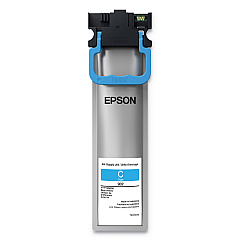
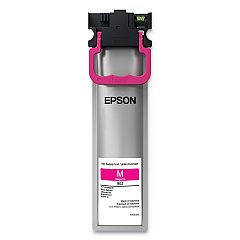
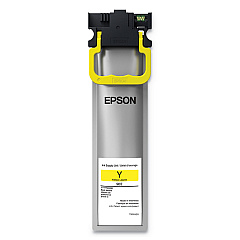
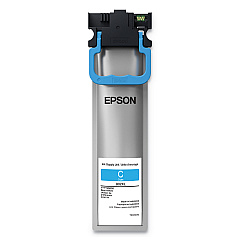


















Epson WorkForce Pro WF-C5710 Black Ink Cartridges

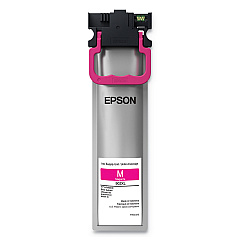
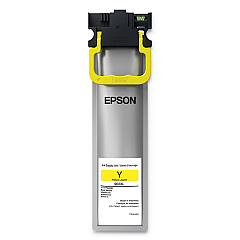
Epson WorkForce Pro WF-C5710 Color Ink Cartridges

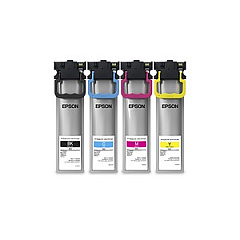
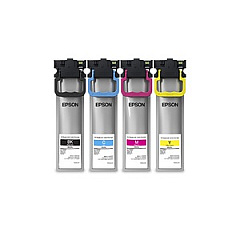
Epson WorkForce Pro WF-C5710 Ink Set

Epson WorkForce Pro WF-C5710 Maintenance Kits

Epson WorkForce Pro WF-C5710 Paper Trays

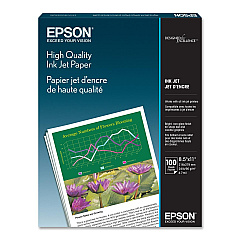
Epson WorkForce Pro WF-C5710 Copy Paper

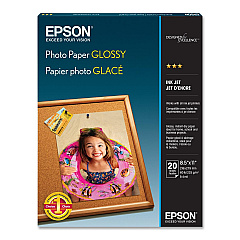
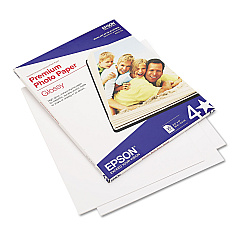
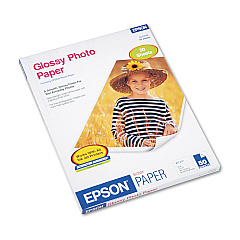
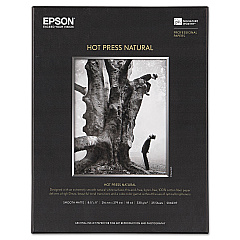
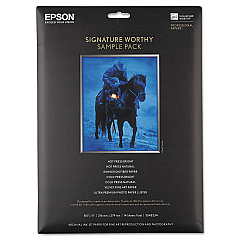
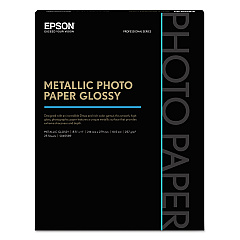
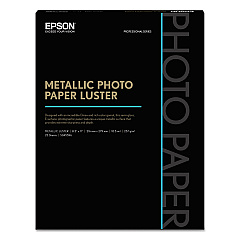
Epson WorkForce Pro WF-C5710 Photo Paper

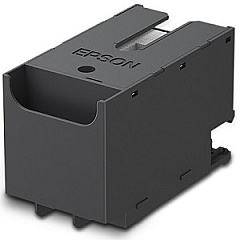
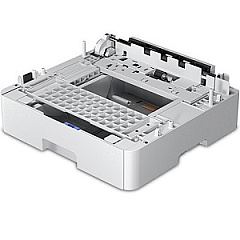
Ensure optimal performance and stunning print quality with genuine Epson WorkForce Pro WF-C5710 Ink Cartridges. This versatile printer utilizes a range of high-capacity cartridges, including the T902 and T902XL series, available in black, cyan, magenta, and yellow. For businesses with high-volume printing needs, the T902XXL120 Black Ink Cartridge offers extended yield. The C12C932871 Paper Tray expands your paper handling capabilities, while the T6716 Ink Maintenance Box ensures smooth operation. Whether you're printing professional documents, vibrant marketing materials, or crisp reports, these Epson cartridges deliver exceptional results. With options for standard and high-yield cartridges, you can tailor your supplies to your specific printing demands, maximizing efficiency and minimizing costs. Trust in Epson's renowned quality to keep your WorkForce Pro WF-C5710 running at peak performance.

Epson WorkForce Pro WF-C5710 Ink Cartridges FAQs

  • What is the difference between T902 and T902XL cartridges?

    T902XL cartridges have a higher ink capacity and yield more pages than standard T902 cartridges.

  • Can I use non-Epson ink cartridges in my WF-C5710 printer?

    While third-party cartridges may work, using genuine Epson cartridges ensures optimal print quality and printer performance.

  • How often should I replace the T6716 Ink Maintenance Box?

    Replace the maintenance box when prompted by your printer, typically after several thousand pages.

  • What is the page yield for the T902XXL120 Black Ink Cartridge?

    The T902XXL120 has the highest yield among the black cartridges, typically producing thousands of pages.

  • Are these cartridges compatible with other Epson printers?

    These cartridges are specifically designed for the WorkForce Pro WF-C5710 and may not be compatible with other models.

  • How can I extend the life of my ink cartridges?

    Print in draft mode for non-critical documents, maintain your printer regularly, and avoid leaving the printer unused for long periods.

  • What should I do if my printer doesn't recognize a new cartridge?

    Ensure the cartridge is properly installed, clean the contacts, and run a nozzle check. If issues persist, contact Epson support.

  • Can I buy individual color cartridges or only sets?

    You can purchase individual color cartridges as well as complete sets, allowing for more economical replacements.

  • How do I know when it's time to replace a cartridge?

    Your printer will alert you when ink levels are low. You can also check ink levels through the printer's control panel or your computer.

  • Is it necessary to replace all cartridges at the same time?

    No, you only need to replace the cartridge that's empty. However, it's a good idea to have spares of all colors on hand.

Warehouse Locations

Policy & Agreement | Copyright © 1995-2026 BlueDogInk.com
