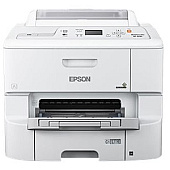
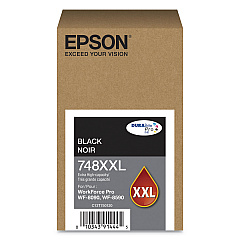
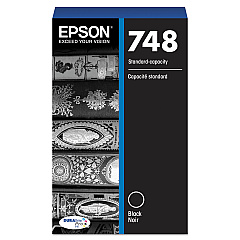
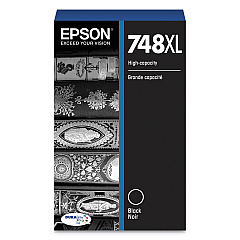














Epson WorkForce Pro WF-6090 Black Ink Cartridges

Epson WorkForce Pro WF-6090 Color Ink Cartridges

Epson WorkForce Pro WF-6090 Maintenance Kits

Epson WorkForce Pro WF-6090 Photo Paper

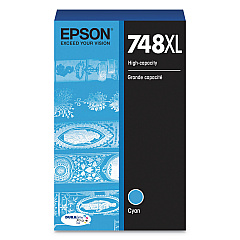
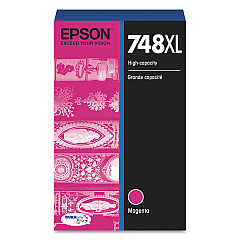
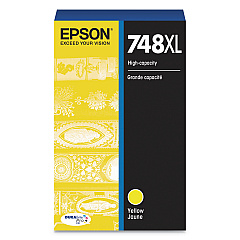
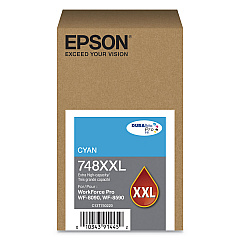
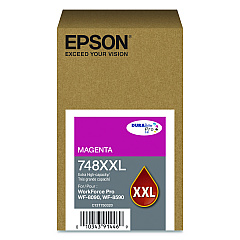
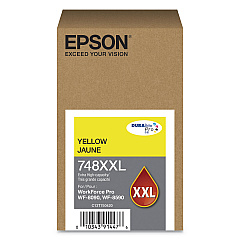
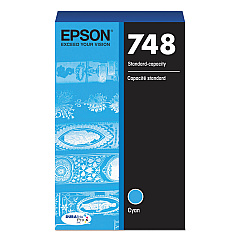
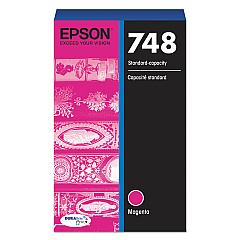
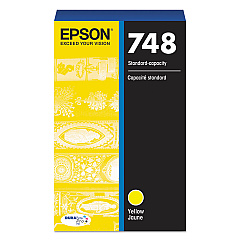
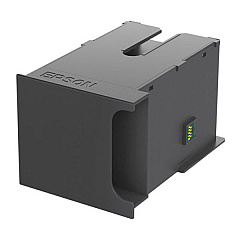
Enhance your printing experience with genuine Epson WorkForce Pro WF-6090 Ink Cartridges. This comprehensive range includes the T671200 Ink Maintenance Box and a variety of color options in standard, XL, and XXL capacities. Choose from T748120 Black, T748220 Cyan, T748320 Magenta, and T748420 Yellow cartridges for everyday printing needs. For higher volume requirements, opt for the XL series (T748XL120, T748XL220, T748XL320, T748XL420) or the ultra-high capacity XXL series (T748XXL120, T748XXL220, T748XXL320, T748XXL420). These authentic Epson cartridges ensure optimal performance, delivering crisp text and vibrant colors for your business, education, healthcare, or wholesale printing needs. With Epson WorkForce Pro WF-6090 Ink Cartridges, you'll achieve professional-quality results while maximizing efficiency and minimizing downtime.

Epson WorkForce Pro WF-6090 Ink Cartridges FAQs

  • Are these ink cartridges compatible with other Epson printers?

    These cartridges are specifically designed for the Epson WorkForce Pro WF-6090 printer. Always check your printer's compatibility before purchasing.

  • What's the difference between standard, XL, and XXL cartridges?

    The main difference is ink capacity. XXL cartridges hold the most ink, followed by XL, then standard. Higher capacity cartridges typically offer better value for high-volume printing.

  • How long do these ink cartridges last?

    The lifespan of ink cartridges depends on usage and print settings. XXL cartridges generally last longer than XL or standard cartridges.

  • Can I use third-party ink cartridges in my Epson WorkForce Pro WF-6090?

    While third-party cartridges may work, using genuine Epson cartridges ensures optimal print quality and helps maintain your printer's warranty.

  • How do I install these ink cartridges?

    Follow the instructions in your printer's manual. Generally, you'll need to turn on the printer, open the ink cartridge cover, remove the old cartridge, and insert the new one until it clicks into place.

  • What's the purpose of the T671200 Ink Maintenance Box?

    The maintenance box collects waste ink during printing and cleaning cycles. It needs to be replaced periodically to maintain printer performance.

  • How do I know when to replace my ink cartridges?

    Your printer will alert you when ink levels are low. You can also check ink levels through your printer's control panel or your computer's printer software.

  • Are these cartridges environmentally friendly?

    Epson is committed to environmental sustainability. Many of their cartridges are recyclable through Epson's cartridge recycling program.

  • Can I buy these cartridges in bulk for my business?

    Yes, bulk purchasing options are often available for businesses. Contact the seller or Epson directly for more information on bulk orders.

  • What should I do if my printer doesn't recognize the new cartridge?

    First, ensure the cartridge is properly installed. If issues persist, clean the cartridge contacts and try again. If problems continue, contact Epson support for assistance.

Warehouse Locations

Policy & Agreement | Copyright © 1995-2026 BlueDogInk.com
