
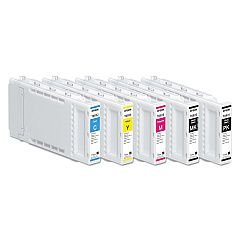
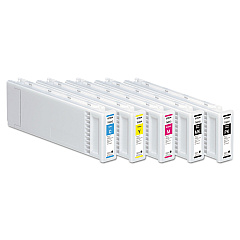
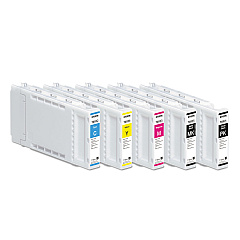
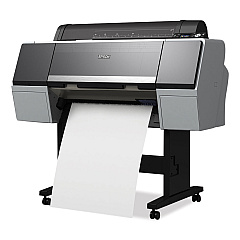
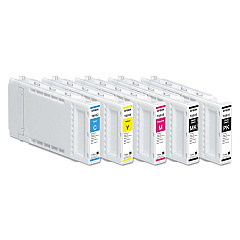
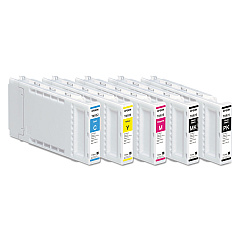
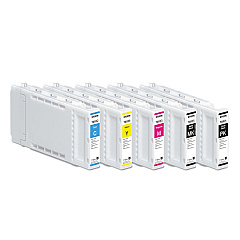
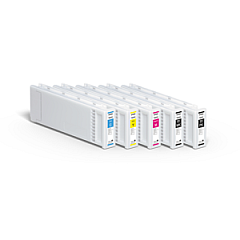







Epson SureColor T7270 Black Ink Cartridges

Epson SureColor T7270 Color Ink Cartridges

Epson SureColor T7270 Ink Set

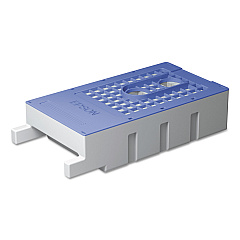
Epson SureColor T7270 Maintenance Kits

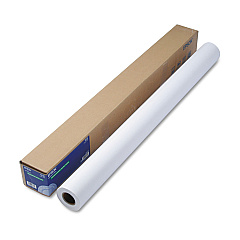
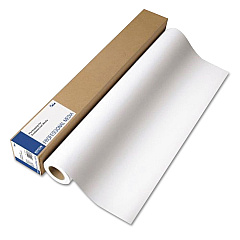
Epson SureColor T7270 Large Format Paper

Enhance your printing experience with Epson SureColor T7270 Ink Cartridges, designed to deliver exceptional quality and performance. This comprehensive range includes the T619300 Ink Maintenance Tank and various color options such as Photo Black, Cyan, Magenta, Yellow, and Matte Black. Available in different sizes (T692, T693, and T694 series), these cartridges ensure vibrant, long-lasting prints for your professional needs. Whether you're producing architectural drawings, GIS maps, or high-quality posters, these genuine Epson ink cartridges guarantee optimal results. The Epson SureColor T7270 Ink Cartridges are engineered to work seamlessly with your printer, providing consistent output and reducing downtime. Invest in these reliable ink supplies to maximize your printer's potential and achieve stunning, precise prints every time.

Epson SureColor T7270 Ink Cartridges FAQs

  • Are these ink cartridges compatible with other Epson printers?

    These cartridges are specifically designed for the Epson SureColor T7270 printer. Always check your printer's compatibility before purchasing.

  • How long do these ink cartridges typically last?

    The lifespan of ink cartridges varies depending on usage and print settings. On average, they can last several months with regular use.

  • Can I use third-party ink cartridges instead of genuine Epson ones?

    While third-party options exist, using genuine Epson ink cartridges ensures optimal print quality and prevents potential damage to your printer.

  • What's the difference between the T692, T693, and T694 series?

    These series represent different ink capacities, with T694 being the largest, followed by T693, and T692 as the standard size.

  • How do I properly store unused ink cartridges?

    Store unused cartridges in a cool, dry place away from direct sunlight. Keep them in their original packaging until ready for use.

  • What should I do if my printer doesn't recognize a new ink cartridge?

    Try removing and reinserting the cartridge. If the issue persists, clean the cartridge contacts and ensure it's properly seated in the printer.

  • How often should I replace the T619300 Ink Maintenance Tank?

    Replace the maintenance tank when prompted by your printer or when it's full. This varies based on usage and print volume.

  • Can I recycle empty ink cartridges?

    Yes, Epson offers a cartridge recycling program. Check their website or local recycling centers for proper disposal methods.

  • What's the shelf life of unopened ink cartridges?

    Unopened cartridges typically have a shelf life of about two years from the production date when stored properly.

  • Do these cartridges come with a warranty?

    Yes, genuine Epson ink cartridges come with a limited warranty. Check the packaging or Epson's website for specific warranty details.

Warehouse Locations

Policy & Agreement | Copyright © 1995-2026 BlueDogInk.com
