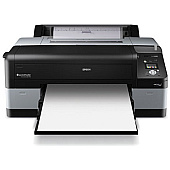





Epson Stylus Pro 4900 Printer Ink: Black, Color & Combo Ink Cartridges

Ads

Epson Stylus Pro 4900 Black Ink Cartridges

Epson Stylus Pro 4900 Color Ink Cartridges

Epson Stylus Pro 4900 Ink Set

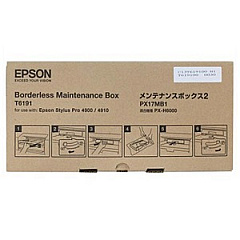
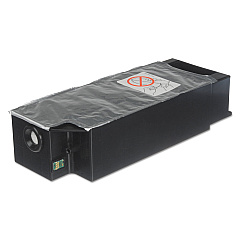
Epson Stylus Pro 4900 Maintenance Kits

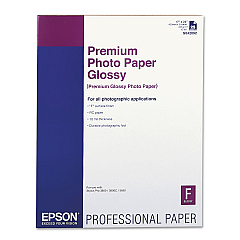
Epson Stylus Pro 4900 Photo Paper

Epson Stylus Pro 4900 Large Format Paper

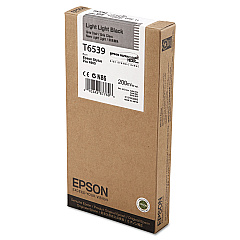
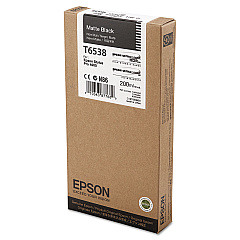
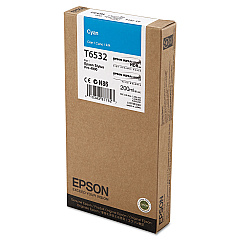
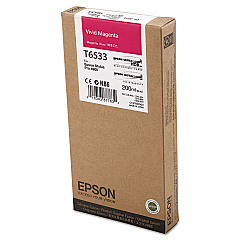
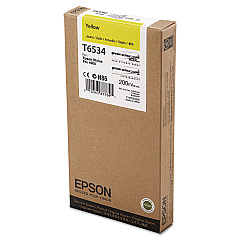
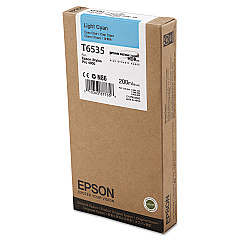
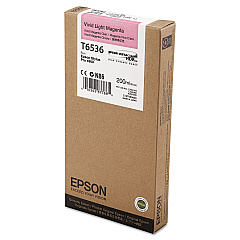
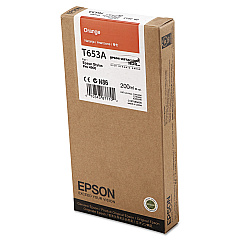
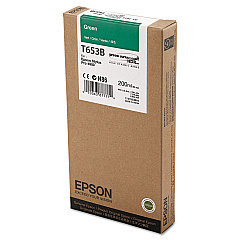
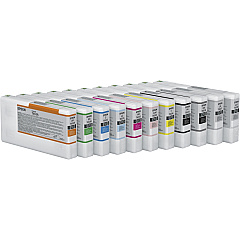
Elevate your printing experience with genuine Epson Stylus Pro 4900 Ink Cartridges. This comprehensive range includes the Epson 4900 Ink Cartridge Set, T619000 Maintenance Kit, and T619100 Borderfree Maintenance Tank for optimal printer performance. Individual cartridges are available in Photo Black, Cyan, Vivid Magenta, Yellow, Light Cyan, Vivid Light Magenta, Light Black, Matte Black, Light Light Black, Orange, and Green. These high-quality inks ensure vibrant, long-lasting prints with exceptional color accuracy and detail. Whether you're a professional photographer, graphic designer, or business owner, these cartridges deliver superior results for all your printing needs. Trust in Epson's innovative technology to produce stunning, gallery-quality prints that will impress your clients and showcase your work in the best possible light.

Epson Stylus Pro 4900 Printer Ink: Black, Color & Combo Ink Cartridges FAQs

  • What ink cartridges are required for the Epson 4900 Stylus Pro Printer?

    The Epson Stylus Pro 4900 uses T653 - 11 separate ink cartridges, including several types of black ink and several colors beyond the usual cyan, yellow and magenta. T653100, T653200, T653300, T653400, T653500, T653600, T653700, T653800, T653900, T653A00, T653B00

  • How long do Epson Stylus Pro 4900 Ink Cartridges typically last?

    The lifespan of ink cartridges varies depending on usage, but they generally last for several hundred to a few thousand prints.

  • Why does the Epson 4900 Stylus Pro Printer use so many different color cartridges?

    To get the best possible print quality this large format photo printer uses additional color cartridges including Green, Orange, light Magenta, and light Cyan. It also uses photo black, light black, and light light black cartridges to produce it's stunning prints.

  • Are these ink cartridges compatible with other Epson printers?

    No, these cartridges are specifically designed for the Epson Stylus Pro 4900 printer and are not compatible with other models.

  • How large can the Epson 4900 print?

    The Epson Stylus Pro 4900 uses a roll of paper, so it is limited only in the width of the document. It's maximum printable width is up to 17 inches wide.

  • Can I use third-party ink cartridges in my Epson Stylus Pro 4900?

    While third-party cartridges may work, using genuine Epson cartridges ensures the best print quality and prevents potential damage to your printer.

  • What do I do if my Epson's print nozzle is clogged?

    A common solution is to remove the cartridges and spray some Windex in the clogged holes where the ink flows into the printhead itself. You can leave this for a few hours or overnight until the ink inside the printhead is completely dissolved.

  • How often should I replace the maintenance kit?

    The maintenance kit should be replaced approximately every 1-2 years, depending on usage and print volume.

  • Do I need to change all the ink cartridges in my Epson 4900 at once?

    No! Because the Epson 4900 uses individual ink cartridges you only need to replace the color you need. If you run out of black, replace only the black cartridge and start printing again.

  • What is the shelf life of unopened ink cartridges?

    Unopened ink cartridges typically have a shelf life of about two years from the date of manufacture.

  • Can I mix different brands of ink cartridges in my Epson Stylus Pro 4900?

    It's not recommended to mix different brands of ink cartridges, as this may affect print quality and potentially damage your printer.

  • How do I know when it's time to replace an ink cartridge?

    Your printer will display a message indicating low ink levels, and you can also check ink levels through the printer's control panel or software.

  • Are these ink cartridges environmentally friendly?

    Epson ink cartridges are designed to be recyclable, and Epson offers a cartridge recycling program to minimize environmental impact.

  • What's the difference between Photo Black and Matte Black ink?

    Photo Black ink is used for glossy media, while Matte Black ink is optimized for matte and fine art papers.

  • Can I purchase individual ink colors, or do I need to buy the entire set?

    You can purchase individual ink colors as needed, allowing you to replace only the colors that are running low.

Warehouse Locations

Policy & Agreement | Copyright © 1995-2026 BlueDogInk.com
