




Ads

Epson EcoTank ET-3850 Black Ink Cartridges

Epson EcoTank ET-3850 Color Ink Cartridges

Epson EcoTank ET-3850 Ink Set

Epson EcoTank ET-3850 Maintenance Kits

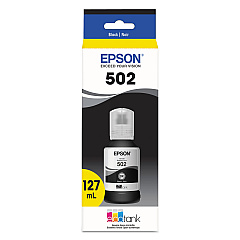
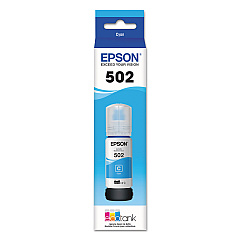
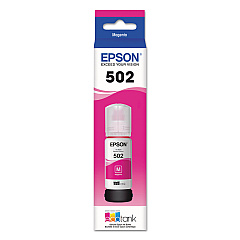
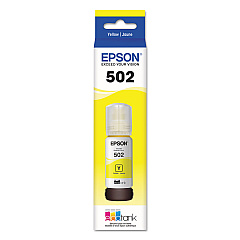
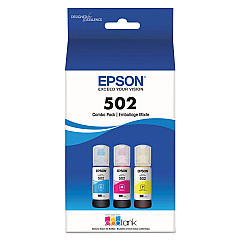
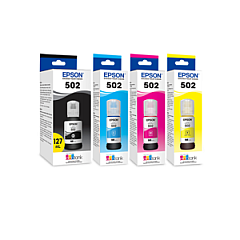
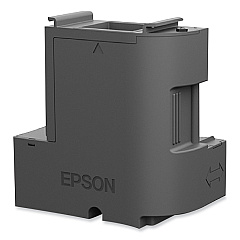
Discover unparalleled printing efficiency with Epson EcoTank ET-3850 Ink Cartridges. This innovative system utilizes high-capacity ink bottles instead of traditional cartridges, offering a cost-effective and eco-friendly printing solution. The ET-3850 employs a range of ink supplies, including the Epson T04D100 Ink Maintenance Box for waste ink management, and the Epson T502 Ink Cartridge Set for comprehensive color coverage. Individual ink bottles are available in Black (T502120), Cyan (T502220), Magenta (T502320), and Yellow (T502420), allowing for targeted replacements. For added convenience, the T502520 Multi-Color Ink Bottles set is also available. These EcoTank supplies ensure vibrant, long-lasting prints while significantly reducing waste and operating costs. Whether for home or office use, the Epson EcoTank ET-3850 Ink Cartridges system delivers exceptional value and print quality for all your document and photo needs.

Epson EcoTank ET-3850 Ink Cartridges FAQs

  • How long do Epson EcoTank ET-3850 ink bottles last?

    Epson EcoTank ink bottles can last up to two years, depending on usage. Each set is designed to print thousands of pages before requiring replacement.

  • Can I use non-Epson ink in my EcoTank ET-3850 printer?

    It's strongly recommended to use genuine Epson ink for optimal print quality and to maintain your printer's warranty. Using non-Epson ink may damage the printer and void the warranty.

  • How do I replace the ink in my Epson EcoTank ET-3850?

    To replace the ink, simply open the ink tank cover, unscrew the cap of the empty tank, and carefully pour in the new ink from the bottle. Close the cap tightly and the ink tank cover when finished.

  • What is the Epson T04D100 Ink Maintenance Box used for?

    The Ink Maintenance Box collects waste ink during printing and maintenance operations. It should be replaced when the printer indicates it's full.

  • Can I buy individual color ink bottles for the ET-3850?

    Yes, you can purchase individual color ink bottles (Cyan T502220, Magenta T502320, Yellow T502420) or black ink (T502120) separately as needed.

  • How often do I need to replace the Ink Maintenance Box?

    The frequency of replacement depends on usage, but typically the Ink Maintenance Box needs to be replaced every 1-2 years for average users.

  • Is the Epson T502 Ink Cartridge Set compatible with other EcoTank models?

    The T502 series is compatible with several EcoTank models, but it's best to check your specific printer model for compatibility before purchasing.

  • How many pages can I print with one set of EcoTank ET-3850 ink bottles?

    A full set of ink bottles can typically print up to 7,500 pages in black and 6,000 pages in color, based on Epson's testing under standard conditions.

  • Can I refill the ink bottles once they're empty?

    Epson does not recommend refilling ink bottles. For best results and to protect your printer, use new, genuine Epson ink bottles when replacements are needed.

  • What's the difference between the T502 Ink Cartridge Set and the T502520 Multi-Color Ink Bottles?

    The T502 Ink Cartridge Set includes all colors plus black, while the T502520 Multi-Color Ink Bottles set only includes the three color inks (cyan, magenta, and yellow) without black.

Warehouse Locations

Policy & Agreement | Copyright © 1995-2026 BlueDogInk.com
