








Ads

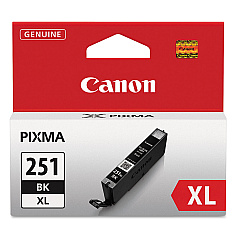
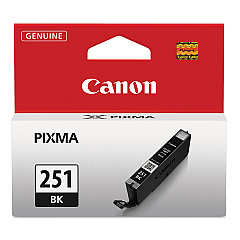
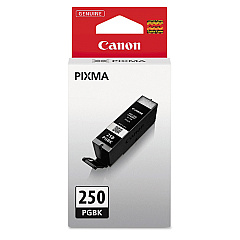
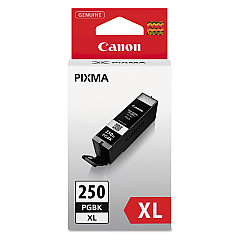
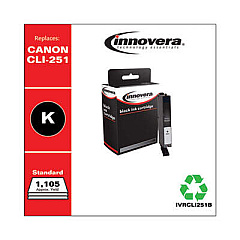
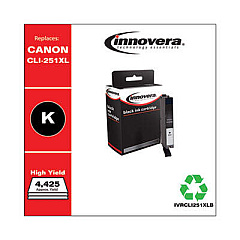
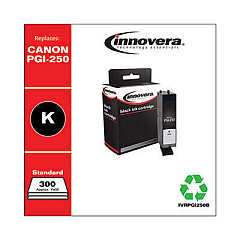
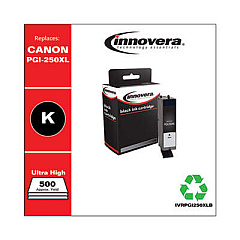
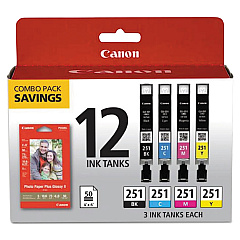
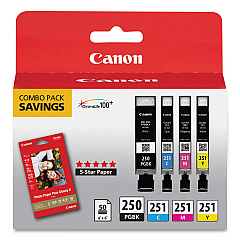
Canon PIXMA MX922 Black Ink Cartridges

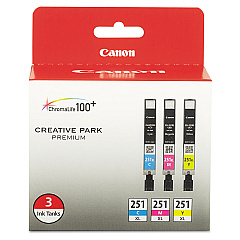
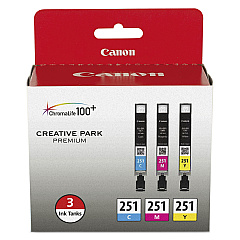
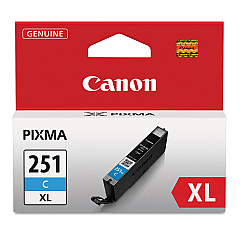
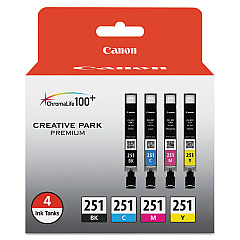
Canon PIXMA MX922 Color Ink Cartridges

Canon PIXMA MX922 Photo Paper

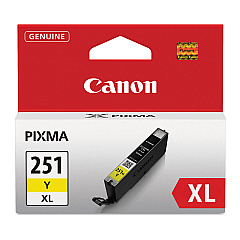
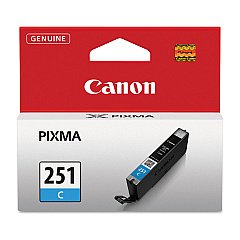
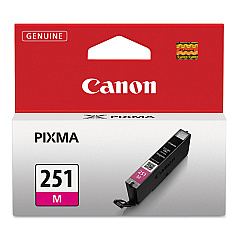
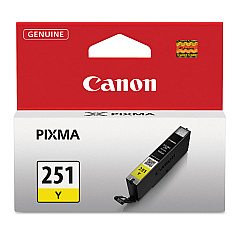
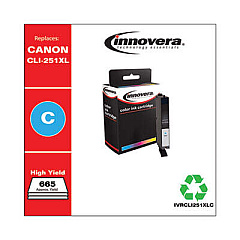
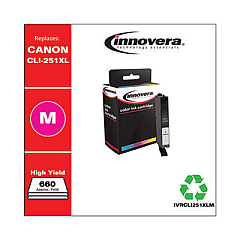
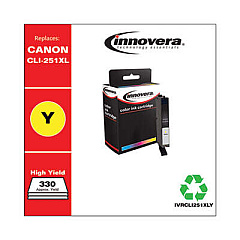
Enhance your printing experience with genuine Canon PIXMA MX922 Ink Cartridges. This versatile printer supports a wide range of ink options, including the Canon CLI-251 Color Value Pack for vibrant color prints and the Canon PGI-250PGBK Pigment Black Ink Tank for crisp text. For high-volume printing, choose XL cartridges like the Canon CLI-251XL Color Value Pack or the Canon PGI-250PGBK XL Pigment Black Ink Cartridge. The Canon PIXMA MX922 Ink Cartridges lineup also includes individual color tanks in cyan, magenta, and yellow, allowing you to replace only the colors you need. Whether you're printing photos, documents, or graphics, these authentic Canon inks ensure exceptional quality and longevity for all your printing needs.

Canon PIXMA MX922 Ink Cartridges FAQs

  • What types of ink cartridges are compatible with the Canon PIXMA MX922?

    The Canon PIXMA MX922 is compatible with various ink cartridges, including CLI-251 and PGI-250 series in both standard and XL sizes.

  • Can I use third-party ink cartridges in my Canon PIXMA MX922?

    While third-party cartridges may work, using genuine Canon ink cartridges is recommended for optimal print quality and to maintain your printer's warranty.

  • What's the difference between standard and XL ink cartridges?

    XL cartridges contain more ink than standard cartridges, allowing for more prints before replacement and potentially reducing cost per page.

  • How do I know when to replace my ink cartridges?

    Your printer will display a low ink warning when cartridges need replacement. You can also check ink levels through the printer's software.

  • Can I replace individual color cartridges in the Canon PIXMA MX922?

    Yes, the MX922 uses individual color cartridges, allowing you to replace only the colors that have run out.

  • What's the shelf life of unopened Canon ink cartridges?

    Unopened Canon ink cartridges typically have a shelf life of 1-2 years from the date of manufacture when stored properly.

  • How many pages can I print with a standard Canon PIXMA MX922 ink cartridge?

    Page yield varies depending on the specific cartridge and print content, but standard cartridges typically yield 300-500 pages.

  • Is it necessary to replace all ink cartridges at the same time?

    No, you only need to replace the cartridges that are empty or low on ink.

  • Can I use CLI-251 and PGI-250 cartridges interchangeably?

    No, CLI-251 and PGI-250 cartridges serve different purposes and are not interchangeable. Always use the correct cartridge type for each color.

  • How do I properly store unused ink cartridges?

    Store unused cartridges in a cool, dry place away from direct sunlight. Keep them in their original packaging until ready for use.

Warehouse Locations

Policy & Agreement | Copyright © 1995-2026 BlueDogInk.com
