







Ads

Canon PIXMA MX452 Black Ink Cartridges

Canon PIXMA MX452 Color Ink Cartridges

Canon PIXMA MX452 Photo Paper

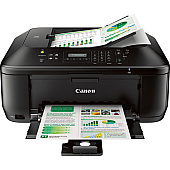
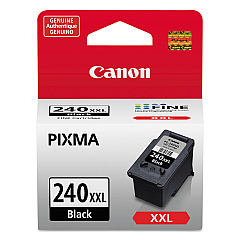
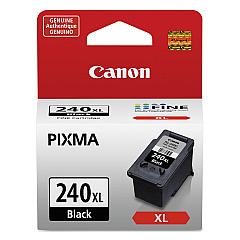
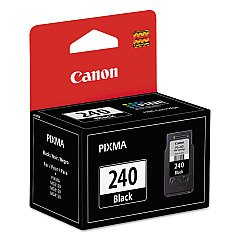
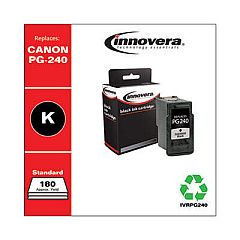
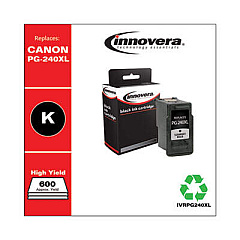
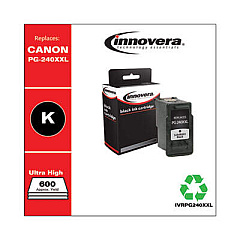
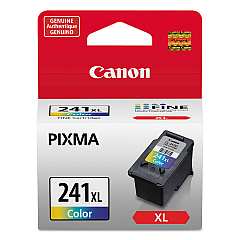
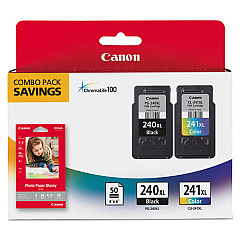
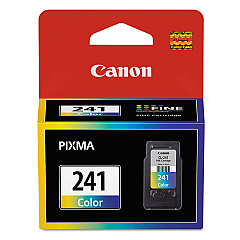
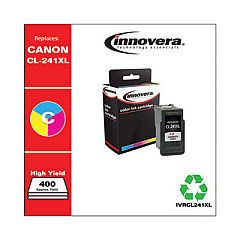
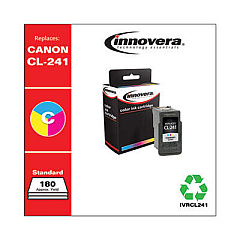
Ensure optimal performance for your Canon PIXMA MX452 with genuine Canon PIXMA MX452 Ink Cartridges. These high-quality cartridges are designed to deliver crisp text and vibrant images, meeting the diverse needs of businesses, schools, government offices, and healthcare facilities. Choose from a range of options including the standard CL-241 Color and PG-240 Black cartridges, or opt for high-yield XL and XXL versions for increased printing capacity. The Canon PIXMA MX452 supports various cartridge combinations, such as the PG-240XL CL-241XL with GP502 photo paper bundle, offering flexibility and cost-effectiveness for your printing requirements. Whether you're producing important documents, colorful presentations, or high-quality photos, these authentic Canon ink cartridges ensure consistent, professional results every time. Trust in Canon's superior ink technology to keep your PIXMA MX452 running smoothly and efficiently.

Canon PIXMA MX452 Ink Cartridges FAQs

  • How long do Canon PIXMA MX452 ink cartridges typically last?

    The lifespan of ink cartridges varies depending on usage, but standard cartridges typically last for 180-200 pages, while XL cartridges can print up to 300-400 pages.

  • Can I use third-party ink cartridges in my Canon PIXMA MX452?

    While third-party cartridges may work, Canon recommends using genuine Canon ink cartridges for optimal print quality and to avoid potential damage to your printer.

  • What's the difference between XL and XXL ink cartridges?

    XL cartridges have a higher ink capacity than standard cartridges, while XXL cartridges offer even more ink, allowing for more prints before replacement is needed.

  • How do I know when it's time to replace my ink cartridges?

    Your printer will display a low ink warning on its screen or through your computer when cartridges are running low. You may also notice a decrease in print quality.

  • Are Canon PIXMA MX452 ink cartridges recyclable?

    Yes, Canon offers a cartridge recycling program. You can return your used cartridges to Canon or participating retailers for proper recycling.

  • Can I use color ink cartridges to print in black and white?

    While it's possible, it's not recommended as it's less efficient and may result in a grayish tone. For best results, use the black ink cartridge for monochrome printing.

  • How should I store unused ink cartridges?

    Store cartridges in their original sealed packaging, away from direct sunlight and extreme temperatures, to maintain their quality and prevent them from drying out.

  • What should I do if my printer doesn't recognize a new ink cartridge?

    Try removing and reinserting the cartridge, ensuring it's properly seated. If the issue persists, clean the cartridge contacts and try again. If problems continue, contact Canon support.

  • Can I refill Canon PIXMA MX452 ink cartridges myself?

    While it's possible to refill cartridges, Canon doesn't recommend this practice as it may lead to poor print quality and potential printer damage. It's best to use new, genuine Canon cartridges.

  • Is it necessary to replace all ink cartridges at the same time?

    No, you only need to replace the cartridge that's empty. The Canon PIXMA MX452 allows for individual cartridge replacement, helping to reduce waste and save money.

Warehouse Locations

Policy & Agreement | Copyright © 1995-2026 BlueDogInk.com
