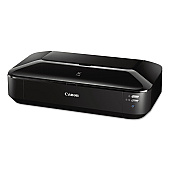
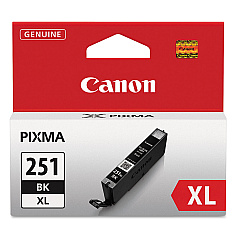
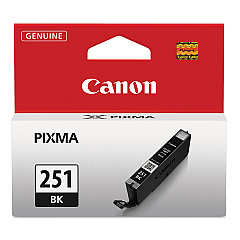
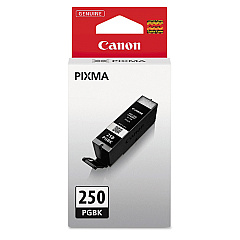
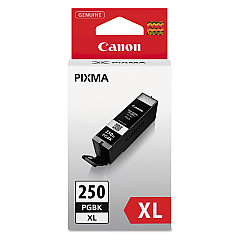
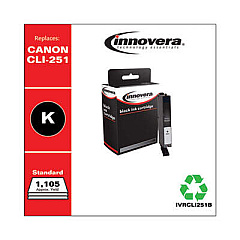
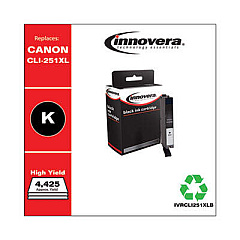
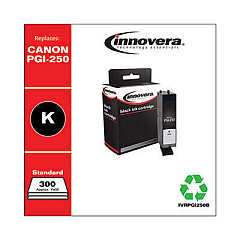
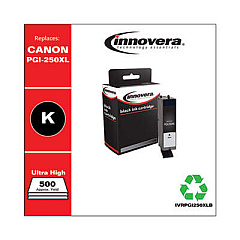
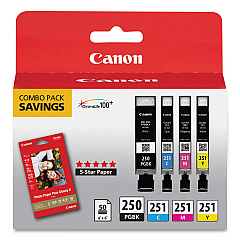
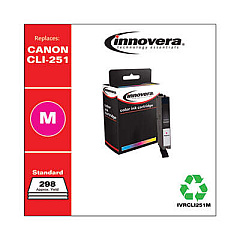
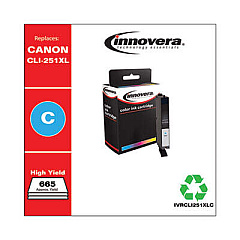
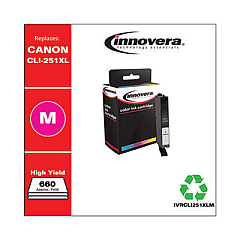
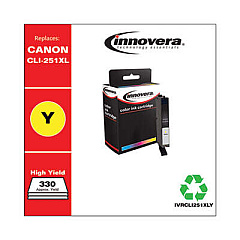








Canon PIXMA iX6820 Black Ink Cartridges

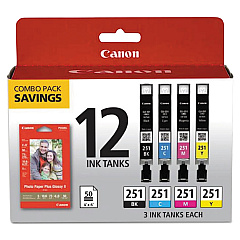
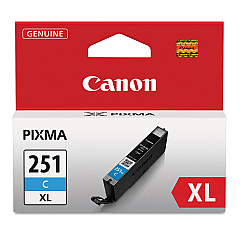
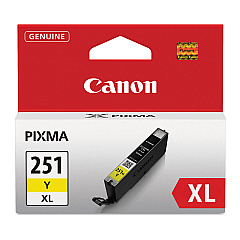
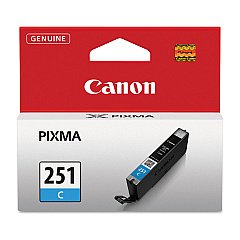
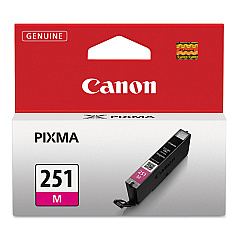
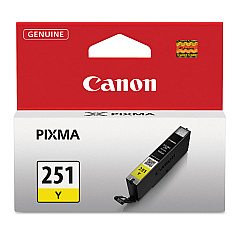
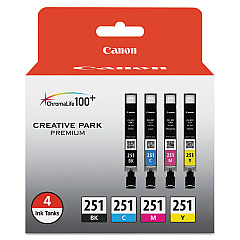
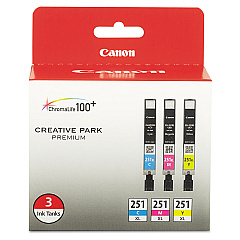
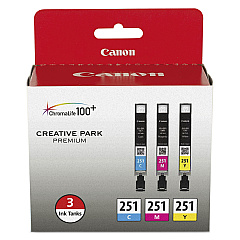
Canon PIXMA iX6820 Color Ink Cartridges

Canon PIXMA iX6820 Photo Paper

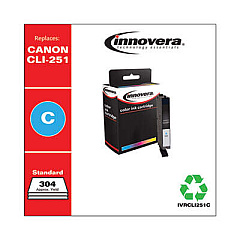
Enhance your printing experience with genuine Canon PIXMA iX6820 Ink Cartridges. These high-quality ink cartridges are designed to deliver exceptional results for your business, educational, or personal printing needs. Choose from a wide range of options, including value packs, combo packs, and individual color tanks. The CLI-251 series offers vibrant colors in standard and high-yield XL versions, while the PGI-250 series provides rich, pigment-based black ink for crisp text and sharp images. For those requiring even higher capacity, the PGI-255XXL Black Ink Cartridge is available. Whether you're printing professional documents, colorful presentations, or stunning photographs, these Canon PIXMA iX6820 Ink Cartridges ensure optimal performance and longevity for your printer.

Canon PIXMA iX6820 Ink Cartridges FAQs

  • What is the difference between standard and XL ink cartridges?

    XL cartridges contain more ink and last longer than standard cartridges, making them more cost-effective for high-volume printing.

  • Are these ink cartridges compatible with other Canon printers?

    These cartridges are specifically designed for the Canon PIXMA iX6820 printer. Always check your printer's compatibility before purchasing.

  • How long do these ink cartridges typically last?

    The lifespan of ink cartridges varies depending on usage and print settings. XL cartridges generally last longer than standard ones.

  • Can I use third-party ink cartridges in my Canon PIXMA iX6820?

    While third-party cartridges may work, using genuine Canon ink cartridges ensures optimal print quality and prevents potential damage to your printer.

  • What's the difference between pigment-based and dye-based inks?

    Pigment-based inks (like PGI-250) are more water-resistant and ideal for text, while dye-based inks (like CLI-251) offer vibrant colors for photos.

  • How do I install these ink cartridges in my Canon PIXMA iX6820?

    Open the printer's front cover, wait for the cartridge holder to move to the center, then gently push the new cartridge into its designated slot until it clicks.

  • Are these ink cartridges environmentally friendly?

    Canon offers a recycling program for used ink cartridges, promoting environmental sustainability.

  • What should I do if my printer doesn't recognize the new ink cartridge?

    Ensure the cartridge is properly installed and compatible with your printer model. If issues persist, clean the cartridge contacts and try again.

  • How can I maximize the lifespan of my ink cartridges?

    Print regularly to prevent ink from drying, use draft mode for non-essential prints, and store cartridges in a cool, dry place when not in use.

  • What's the shelf life of unopened ink cartridges?

    Unopened ink cartridges typically have a shelf life of 1-2 years. Always check the expiration date on the package before use.

Warehouse Locations

Policy & Agreement | Copyright © 1995-2026 BlueDogInk.com
