


Images


$158.99
Free Shipping
Part #: 8468B003
Status: In Stock

$151.04
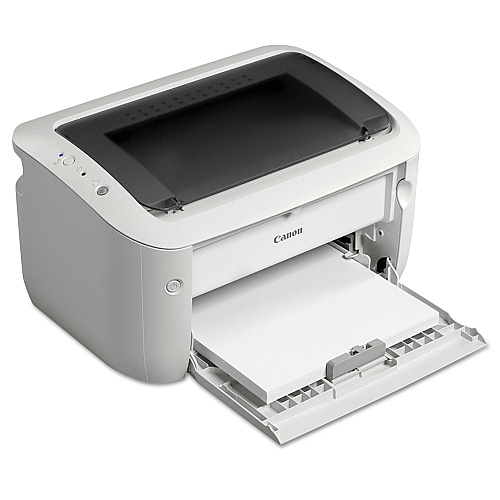
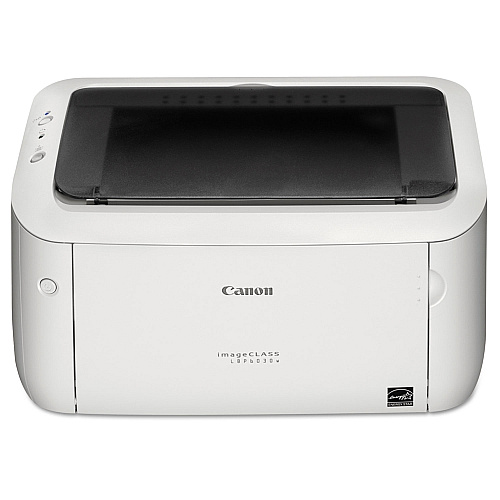
The imageCLASS LBP6030w is a wireless, black and white laser printer that is a great fit for personal printing as well as small office and home office printing. The LBP6030w is easy to use and has a space-saving compact design that will fit right on a desktop. With quick first print speeds of less than 8 seconds the print will be at your fingertips fast with minimal waiting time. Additionally, the LBP6030w boasts print speeds of up to 19 pages per minute3 for multiple page output. To save on energy costs and lower energy consumption, the LBP6030w uses approximately 1.6 watts when in Energy Saver Mode.
$158.99
Free Shipping
Part #: 8468B003
Status: In Stock
$151.04

ITEM 3484B001AA
Canon 125 Black Toner CartridgeCanon Cartridge 125; Yield: 1,600 pages
$78.97
In Stock
Free Shipping
ITEM 3484B001AA-C
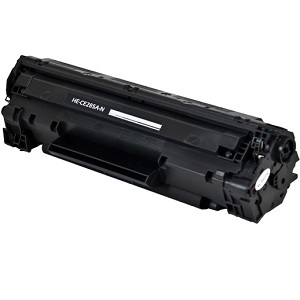
Compatible Canon 125 Black Toner CartridgeCanon Cartridge 125; Yield: 1,600 pages
$22.99
In Stock

ITEM 162008
Hammermill 162008 Tidal MP Copy PaperEveryday Copy and Print Paper, 92Bright, 20lb, Letter, 500 Shts/Ream, 10 Ream/CT
$108.17
In Stock
Free Shipping
ITEM 86700
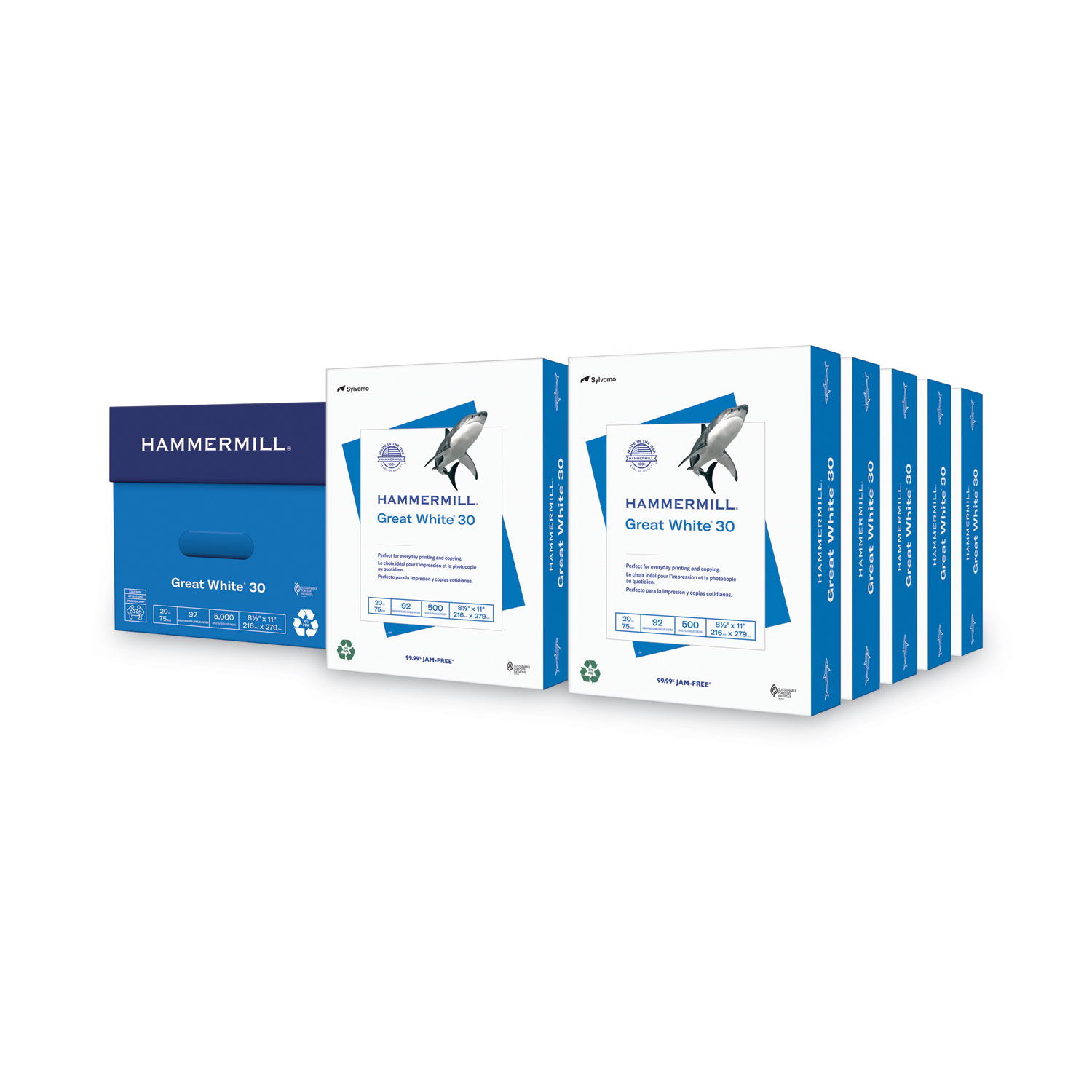
Hammermill 86700 Great White 30 Recycled Copy PaperGreat White Recycled Copy Paper, 92 Brightness, 20lb, 8-1/2 x 11, 5000 Shts/Ctn
$101.99
In Stock
Free Shipping

ITEM NMP1120
Navigator NMP1120 Premium Multipurpose Copy PaperPremium Multipurpose Paper, 97 Brightness, 20lb, 8-1/2x11, White, 5000/Carton
$102.99
In Stock
Free Shipping
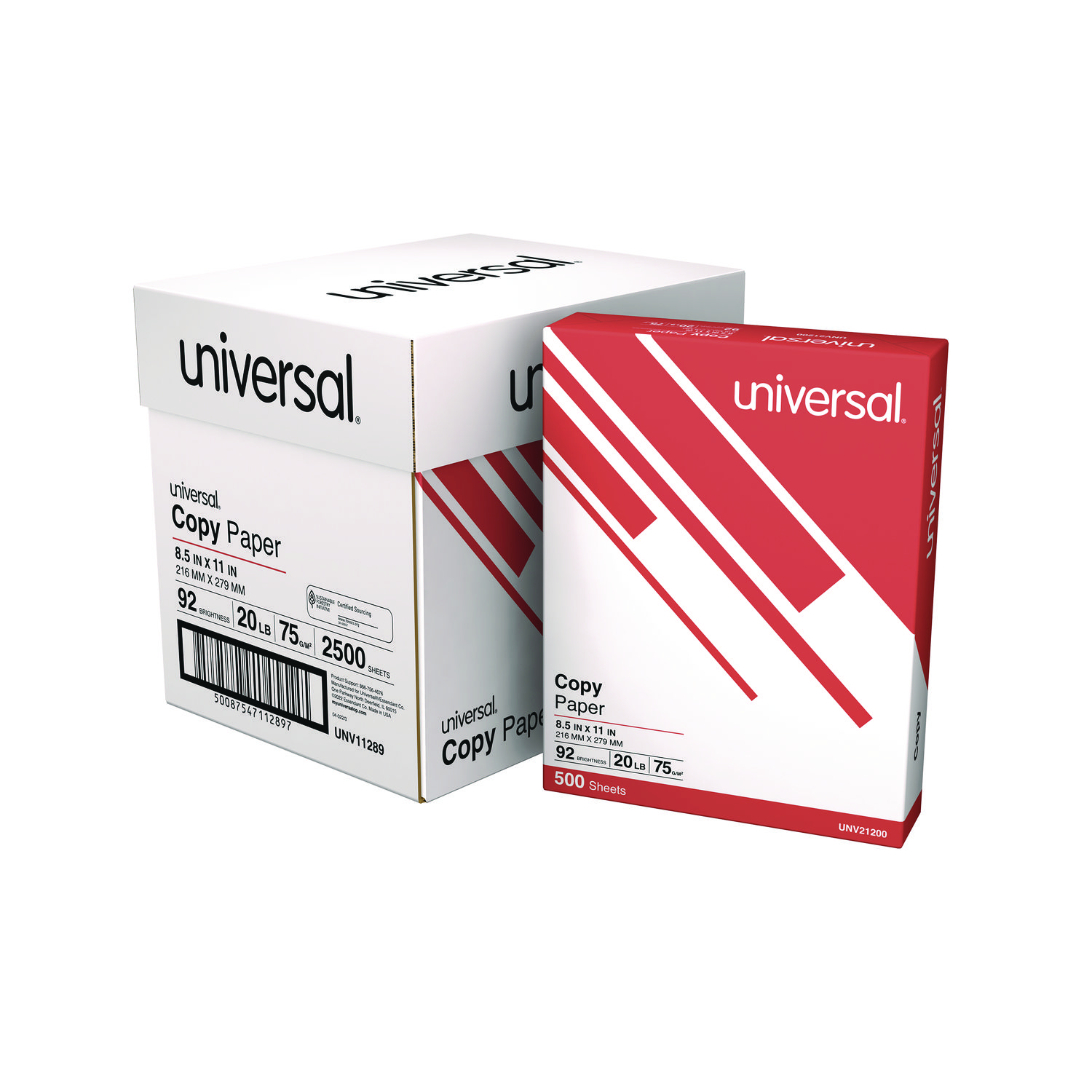
ITEM 11289
Universal 11289 Copy Paper Convenience CartonCopy Paper Convenience Carton, 92 Brightness, 20lb, 8 1/2 x11, White, 5 Reams/CT
$37.99
In Stock
Free Shipping
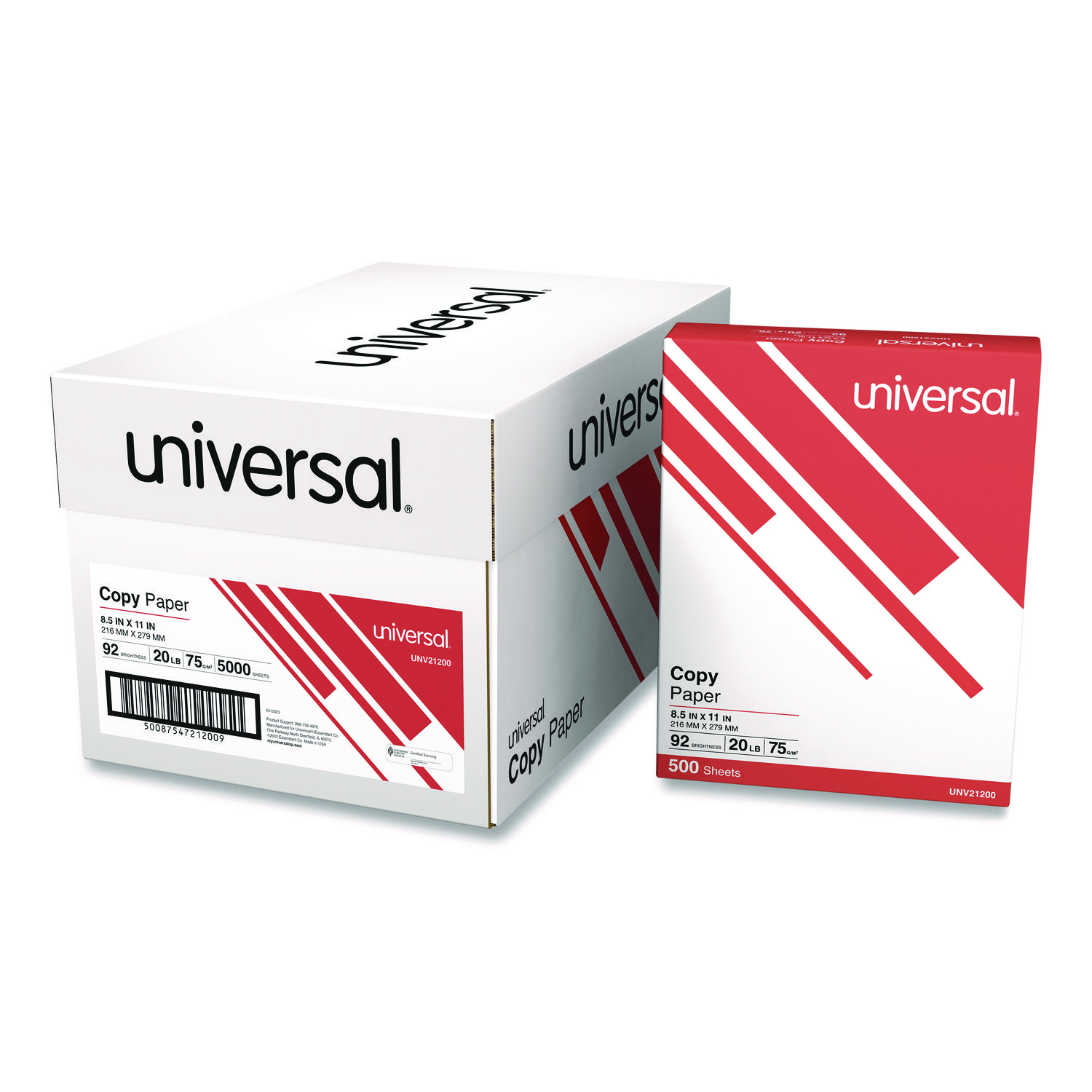
ITEM 21200
Universal 21200 Copy PaperCopy Paper, 92 Brightness, 20lb, 8-1/2 x 11, White, 5000 Sheets/Carton
$94.99
In Stock
Free Shipping

ITEM 5707B038
Canon 5707B038 Exchange/Carry-In WarrantyCanon Extended Service Plan (Exchange/Carry-In) (1 Year)
$13.99
In Stock
ITEM 5707B039
Canon 5707B039 Exchange/Carry-In WarrantyCanon Extended Service Plan (Exchange/Carry-In) (2 Year)
$22.99
In Stock
ITEM 5707B040
Canon 5707B040 Exchange/Carry-In WarrantyCanon Extended Service Plan (Exchange/Carry-In) (3 Year)
$32.99
In Stock
ITEM 5707B041
Canon 5707B041 Exchange/Carry-In WarrantyCanon Extended Service Plan (Exchange/Carry-In) (4 Year)
$45.99
In Stock
Brand
Category
Model
8468B003
B&W or Color Output
B&W
Compliance Standards
Energy Star Qualified
Connector/Port/Interface
USB; Wi-Fi
Depth
9 7/8"
First Page Out
8 sec
Height
7 7/8"
LCD Display
No
Maximum Memory
32 MB
Maximum Paper Size
8 1/2" x 14"
Maximum Print Speed (Black)
19 ppm
Model Name/Number
LBP6030w
Monthly Duty Cycle (Pages)
5,000
Network Capable
Yes
Network Ready
Yes
Network Types
802.11b/g/n Wireless
Operating System Compatibility
Linux; Windows Server 2008, Vista, 7, 8, Server 2012
Package Includes
Power Cord; Manual; User Software CD-ROM; Warranty Card
Paper Feeder Type
Sheet Tray
Paper Input Capacity (Sheets)
150
Post-Consumer Recycled Content Percent
0%
Pre-Consumer Recycled Content Percent
0%
Print Resolution (Black) (Width x Height)
2400 x 600 dpi
Printer Type
Laser
Standard Memory
32 MB
Total Recycled Content Percent
0%
Width
14"
Wireless Printing
Yes
What are the key features of the Canon LBP6030w printer?
The Canon LBP6030w is a compact, wireless, monochrome laser printer designed for efficiency. It features a print speed of up to 19 pages per minute, wireless connectivity via Wi-Fi, and a quick first print time of approximately 8 seconds. The printer is energy efficient with its Canon's On-Demand Fixing technology.
Is the Canon LBP6030w compatible with mobile printing?
Yes, the Canon LBP6030w supports mobile printing. It is compatible with Canon's Mobile Printing app, which allows you to print directly from your iOS or Android devices. This feature enhances flexibility and convenience for users who need to print documents on the go.
What type of toner does the Canon LBP6030w use?
The Canon LBP6030w uses the Canon 125 Black Toner Cartridge. This cartridge is designed to deliver high-quality prints with crisp text and sharp images. It is easy to replace and ensures reliable performance and consistent results.
How do I connect the Canon LBP6030w printer to my wireless network?
To connect the Canon LBP6030w to a wireless network, use the WPS button on your router and the printer. First, ensure the printer is turned on. Press and hold the Wi-Fi button on the printer until the LED blinks. Then, press the WPS button on your router. The printer will automatically connect to the network. For detailed instructions, refer to the user manual.

Bluedogink.com is a leading provider of printer, printer supplies, office and paper products. Our wholesale price on Canon LBP6030w is part of our commitment to provide consumers with the lowest discount price available. Our customers are very important to us. We cater to many industries including military, government, schools, educational, medical, corporate, healthcare, legal, accounting, finance and many more. So, act now and Canon LBP6030w at our low price.

Bluedogink is an authorized Boardwalk dealer 







Thank you for your interest in this item.
Please note: Once you receive word that this item is available, it's up to you to act! An email notification guarantees neither inventory nor price. But don't worry: should you miss out on the first shipment, you can always request another notification.

your order $99+
Sign up for the best discounts and exclusive offers not advertised anywhere else
your order $99+
Sign up for the best discounts and exclusive offers not advertised anywhere else
 At Checkout
*Get $10 off your order $99+, limit one use per customer, expires in 14 days