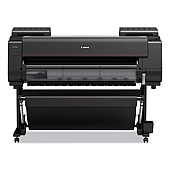
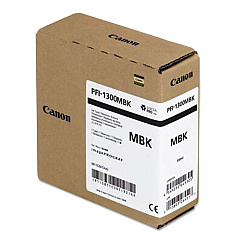
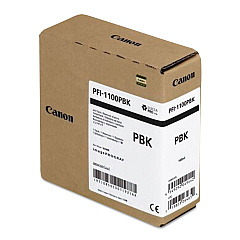
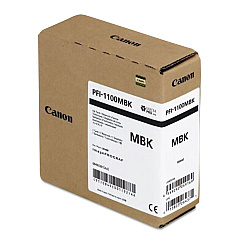
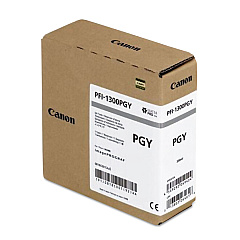
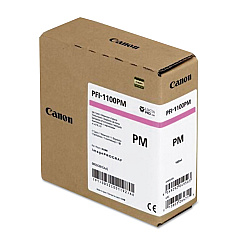
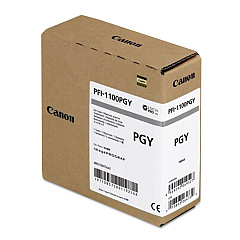
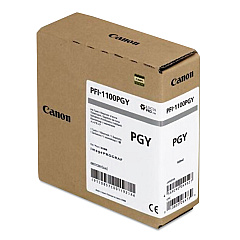
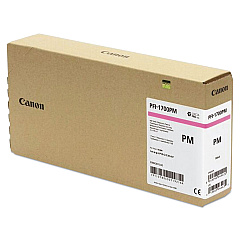
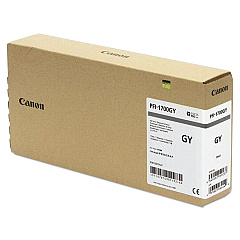
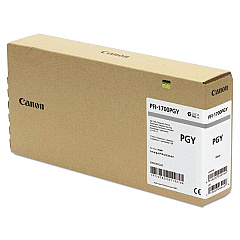
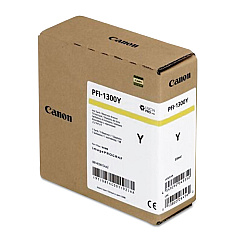
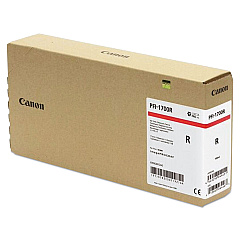
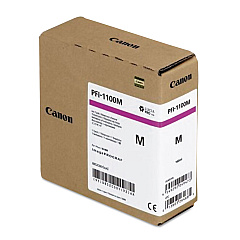
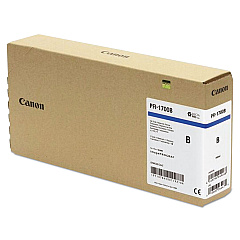
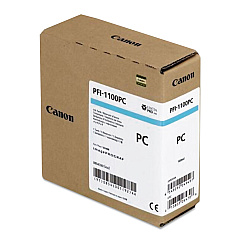
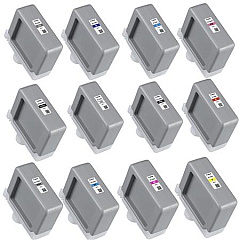





Canon imagePROGRAF PRO-4100 Black Ink Cartridges

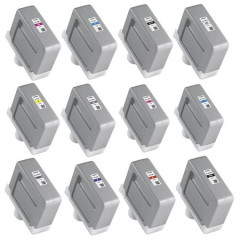
Canon imagePROGRAF PRO-4100 Color Ink Cartridges

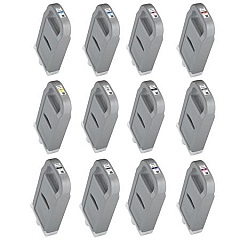
Canon imagePROGRAF PRO-4100 Ink Set

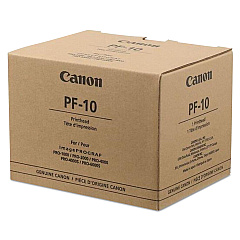
Canon imagePROGRAF PRO-4100 Printheads

Canon imagePROGRAF PRO-4100 Maintenance Kits

Canon imagePROGRAF PRO-4100 Large Format Paper

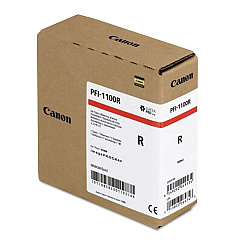
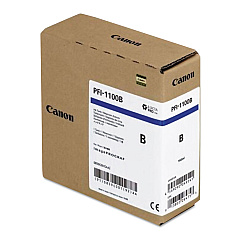
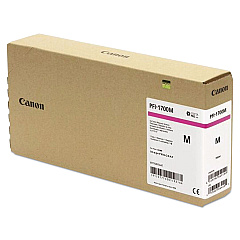
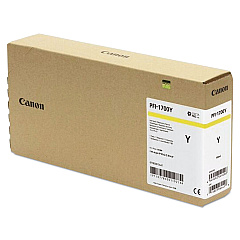
Elevate your printing capabilities with Canon imagePROGRAF PRO-4100 Ink Cartridges, designed for exceptional quality and performance. This comprehensive range includes the CT-07 Cutter Blade, MC-30 Maintenance Cartridge, and PF-10 Print Head, ensuring optimal functionality. The diverse PFI-1100 and PFI-1300 Ink Tank Sets offer a wide color spectrum, including Cyan, Magenta, Yellow, Photo Black, Matte Black, Gray, Photo Gray, Red, Blue, and Chroma Optimizer. These professional-grade cartridges deliver vibrant, long-lasting prints with remarkable detail and color accuracy. Whether you're producing fine art reproductions, large-format photographs, or technical documents, the Canon imagePROGRAF PRO-4100 Ink Cartridges provide the versatility and reliability needed for superior results. Trust in Canon's innovative technology to bring your creative vision to life with unparalleled precision and brilliance.

Canon imagePROGRAF PRO-4100 Ink Cartridges FAQs

  • What is the difference between PFI-1100 and PFI-1300 ink tanks?

    PFI-1100 ink tanks have a smaller capacity compared to PFI-1300 ink tanks, which are designed for higher volume printing.

  • How often should I replace the CT-07 Cutter Blade?

    The CT-07 Cutter Blade should be replaced when you notice a decrease in cutting quality or after approximately 1,000 cuts.

  • Can I use non-Canon ink cartridges in the imagePROGRAF PRO-4100?

    It's recommended to use genuine Canon ink cartridges for optimal print quality and to maintain your printer's warranty.

  • What is the purpose of the Chroma Optimizer ink tank?

    The Chroma Optimizer enhances print quality by improving color gamut, reducing bronzing, and providing a more uniform glossiness.

  • How do I know when to replace the MC-30 Maintenance Cartridge?

    The printer will display a message when the MC-30 Maintenance Cartridge needs to be replaced, typically after it's full of waste ink.

  • Can I replace individual color cartridges or do I need to replace the entire set?

    You can replace individual color cartridges as needed, allowing for more cost-effective ink management.

  • What is the shelf life of unopened Canon ink cartridges?

    Unopened Canon ink cartridges typically have a shelf life of about 6 months to 1 year from the date of manufacture.

  • How do I properly store unused ink cartridges?

    Store unused cartridges in a cool, dry place away from direct sunlight, and keep them in their original packaging until ready for use.

  • Is it necessary to shake the ink cartridges before installation?

    Yes, it's recommended to gently shake new ink cartridges before installation to ensure the ink is well-mixed for optimal performance.

  • How often should the PF-10 Print Head be replaced?

    The PF-10 Print Head doesn't have a set replacement schedule. Replace it only when print quality issues persist after cleaning and alignment procedures.

Warehouse Locations

Policy & Agreement | Copyright © 1995-2026 BlueDogInk.com
