
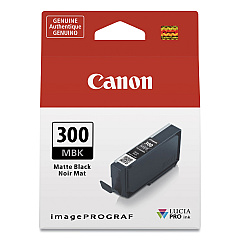
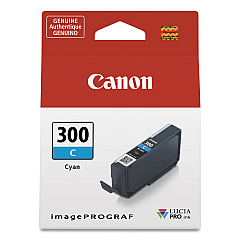
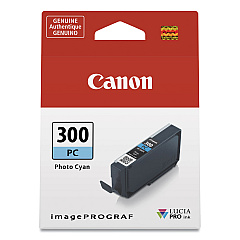
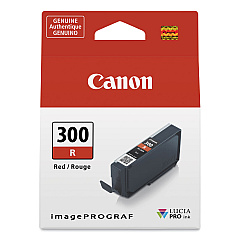
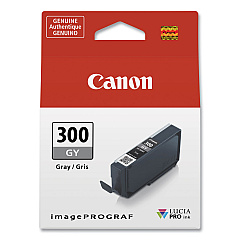





Canon imagePROGRAF PRO-300 Black Ink Cartridges

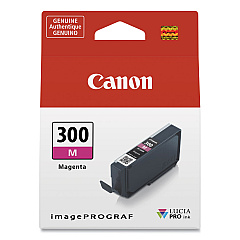
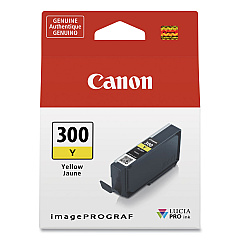
Canon imagePROGRAF PRO-300 Color Ink Cartridges

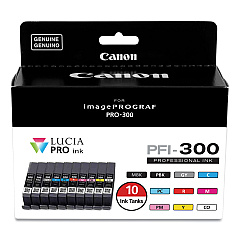
Canon imagePROGRAF PRO-300 Ink Set

Elevate your printing experience with Canon imagePROGRAF PRO-300 Ink Cartridges, designed to deliver exceptional quality and vibrant colors for professional-grade prints. This comprehensive 10-color ink system includes Chroma Optimizer, Cyan, Gray, Magenta, Matte Black, Photo Black, Photo Cyan, Photo Magenta, Red, and Yellow cartridges, ensuring unparalleled color accuracy and depth. The PFI-300 series inks are formulated to produce stunning, gallery-worthy prints with enhanced longevity and resistance to fading. Whether you're a professional photographer, artist, or enthusiast, these high-capacity ink tanks offer consistent performance and cost-effective printing. Experience the perfect balance of rich blacks, smooth gradations, and brilliant colors that bring your images to life. Upgrade your Canon imagePROGRAF PRO-300 printer with genuine Canon inks for reliable, superior results that meet the demands of discerning professionals and art enthusiasts alike.

Canon imagePROGRAF PRO-300 Ink Cartridges FAQs

  • How long do Canon imagePROGRAF PRO-300 ink cartridges typically last?

    The lifespan of ink cartridges varies depending on usage, but they generally last for several hundred prints. Heavy users may need to replace cartridges more frequently.

  • Are these ink cartridges compatible with other Canon printers?

    No, the PFI-300 series ink cartridges are specifically designed for use with the Canon imagePROGRAF PRO-300 printer and are not compatible with other models.

  • What is the purpose of the Chroma Optimizer ink?

    The Chroma Optimizer enhances print quality by applying a clear coat that improves color saturation, reduces metamerism, and provides a more uniform glossiness across the print.

  • Can I use third-party ink cartridges in my Canon imagePROGRAF PRO-300?

    While third-party cartridges may be available, using genuine Canon ink cartridges is recommended to ensure optimal print quality, color accuracy, and to maintain your printer's warranty.

  • How do I know when it's time to replace an ink cartridge?

    The printer will display a warning message when ink levels are low. You can also check ink levels through the printer's control panel or the Canon printing software on your computer.

  • Are these inks archival quality?

    Yes, Canon PFI-300 inks are designed to produce archival-quality prints with excellent resistance to fading when used with appropriate Canon papers.

  • Can I buy individual ink colors or do I have to purchase the entire set?

    You can purchase individual ink tanks as needed, allowing you to replace only the colors that are running low.

  • What's the difference between Photo Black and Matte Black inks?

    Photo Black is optimized for glossy and semi-glossy papers, while Matte Black is designed for matte and fine art papers to achieve deeper blacks and better contrast.

  • How should I store unused ink cartridges?

    Store unused cartridges in their original packaging at room temperature, away from direct sunlight and heat. Avoid storing them in extreme temperatures or humid conditions.

  • Is it necessary to shake the ink cartridges before installation?

    It's generally not necessary to shake Canon PFI-300 ink cartridges. However, gently rocking them side to side before installation can help ensure the ink is well-mixed.

Warehouse Locations

Policy & Agreement | Copyright © 1995-2026 BlueDogInk.com
