





Ads

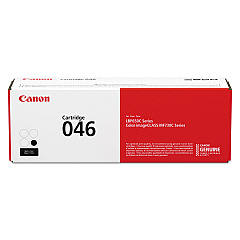
Canon i-SENSYS LBP-653 Cdw Black Toner Cartridges

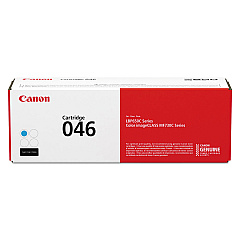
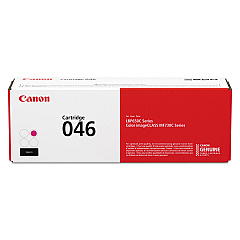
Canon i-SENSYS LBP-653 Cdw Color Toner Cartridges

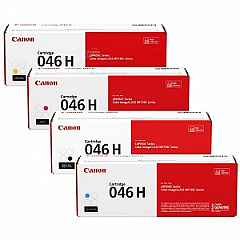
Canon i-SENSYS LBP-653 Cdw Toner Set

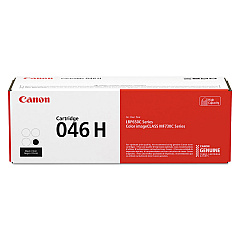
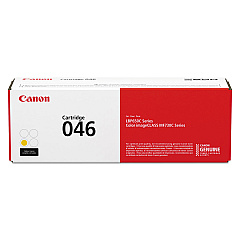
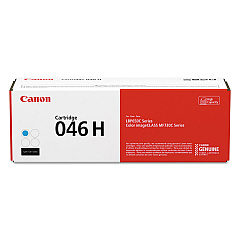
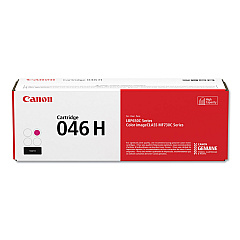
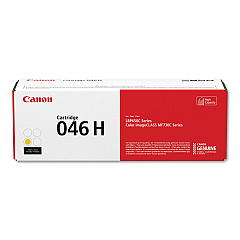
Enhance your printing experience with genuine Canon i-SENSYS LBP-653 Cdw Toner Cartridges. These high-quality cartridges ensure crisp, vibrant prints for your business, educational, or healthcare needs. Choose from standard yield Canon 046 cartridges in black, cyan, magenta, and yellow, or opt for the high-yield Canon 046H series for increased efficiency. The 046H set offers exceptional value for high-volume printing environments. Each cartridge is designed to deliver consistent, professional results, minimizing downtime and maximizing productivity. Whether you're printing important documents, colorful presentations, or marketing materials, these toner cartridges provide the reliability and performance you expect from Canon. Invest in genuine Canon supplies to maintain your printer's optimal performance and protect your investment in the long run.

Canon i-SENSYS LBP-653 Cdw Toner Cartridges FAQs

  • What is the difference between Canon 046 and 046H toner cartridges?

    The main difference is yield. Canon 046H cartridges are high-yield versions, providing more prints per cartridge than the standard 046 series.

  • Are these toner cartridges compatible with other Canon printers?

    These cartridges are specifically designed for the Canon i-SENSYS LBP-653 Cdw. Always check your printer's compatibility before purchasing.

  • How many pages can I expect to print with a Canon 046H cartridge?

    Page yield varies by color, but generally, a Canon 046H black cartridge yields about 6,300 pages, while color cartridges yield around 5,000 pages.

  • Can I use third-party toner cartridges in my Canon i-SENSYS LBP-653 Cdw?

    While third-party cartridges may work, using genuine Canon cartridges ensures optimal print quality and protects your printer's warranty.

  • How do I install a new toner cartridge in my Canon i-SENSYS LBP-653 Cdw?

    Open the printer's front cover, remove the old cartridge, unpack the new one, and insert it until it clicks into place. Close the cover to complete installation.

  • What should I do with my empty toner cartridges?

    Canon offers a recycling program for empty cartridges. Check their website or contact a local Canon dealer for recycling options.

  • How long do unopened toner cartridges last?

    Unopened toner cartridges typically have a shelf life of 1-2 years. Store them in a cool, dry place away from direct sunlight for best results.

  • Can I buy individual color cartridges or do I need to replace all colors at once?

    You can purchase individual color cartridges as needed. The printer will indicate which specific color needs replacement.

  • How do I know when it's time to replace my toner cartridge?

    Your printer will display a message when toner is low. You may also notice a decrease in print quality or faded prints.

  • Are these toner cartridges covered by a warranty?

    Yes, genuine Canon toner cartridges come with a warranty against defects in materials and workmanship under normal use and storage.

Warehouse Locations

Policy & Agreement | Copyright © 1995-2026 BlueDogInk.com
