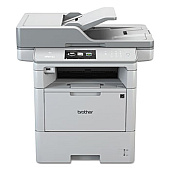
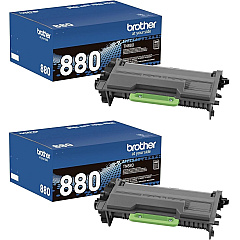
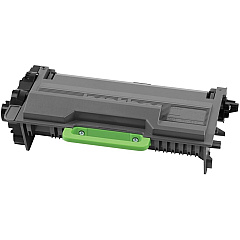
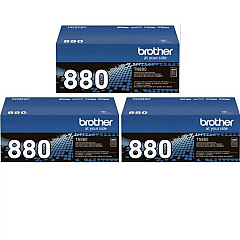
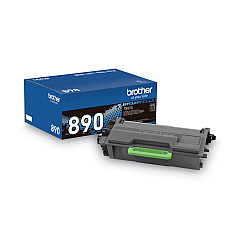
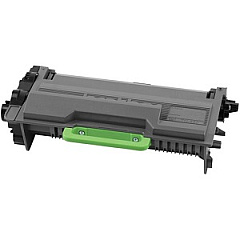
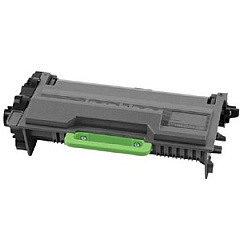
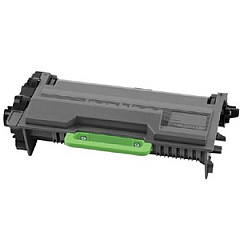











Brother MFC-L6900DW Black Toner Cartridges

Brother MFC-L6900DW Toner Set

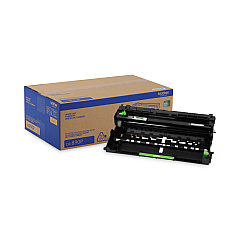
Brother MFC-L6900DW Drum Units

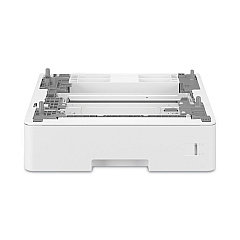
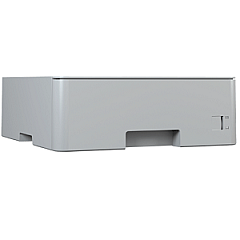
Brother MFC-L6900DW Paper Trays

Brother MFC-L6900DW Printer Accessories

Brother MFC-L6900DW Copy Paper

Brother MFC-L6900DW Warranty and Services

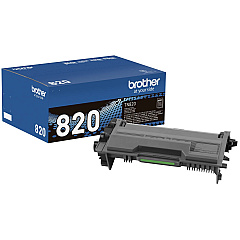
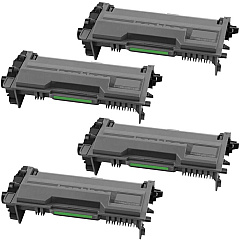
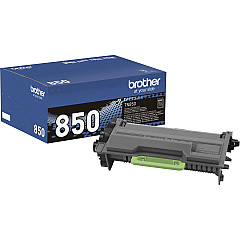
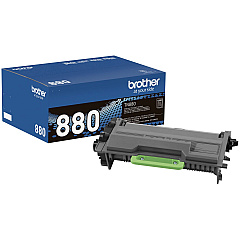
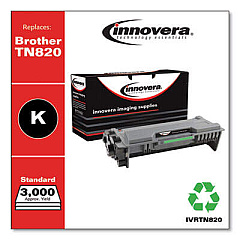
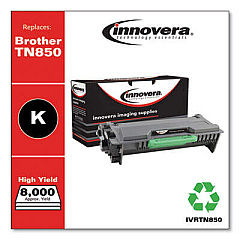
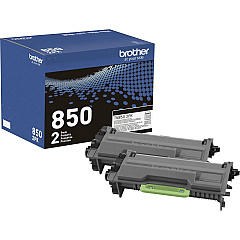
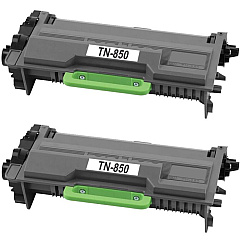
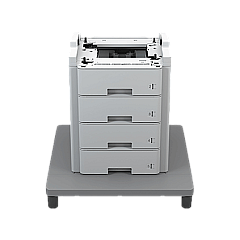
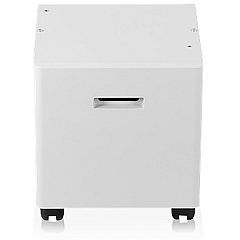
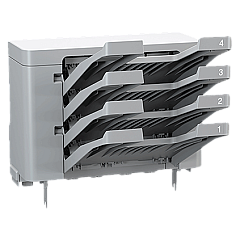
Maximize your printing efficiency with Brother MFC-L6900DW Toner Cartridges and accessories. This versatile lineup includes the CB2000 Cabinet Stand for enhanced organization, and the DR890 Drum Unit for consistent print quality. Choose from various toner options like the TN880 Super High Yield Black Toner Cartridge in 2, 3, or 4-pack configurations for high-volume printing. Expand your paper capacity with LT5505 and LT6505 Paper Trays, or streamline document distribution using the MX4000 4-Bin Mailbox. For standard printing needs, consider the TN820 or TN850 cartridges, available in single or twin packs. The TN890 Black Toner Cartridge offers extended yield, while the TT4000 Tower Tray with Stabilizer provides additional paper storage. With these genuine Brother supplies, your MFC-L6900DW will deliver professional-quality prints for businesses, schools, government offices, healthcare facilities, and wholesale operations.

Brother MFC-L6900DW Toner Cartridges FAQs

  • What is the page yield of the Brother TN880 Super High Yield Black Toner Cartridge?

    The Brother TN880 Super High Yield Black Toner Cartridge has an approximate page yield of 12,000 pages at 5% coverage.

  • Are these toner cartridges compatible with other Brother printers?

    These toner cartridges are specifically designed for the Brother MFC-L6900DW. Always check your printer's compatibility before purchasing toner cartridges.

  • How often should I replace the DR890 Drum Unit?

    The DR890 Drum Unit typically needs replacement after approximately 50,000 pages, but this can vary based on usage and print conditions.

  • What is the purpose of the Brother CB2000 Cabinet Stand?

    The Brother CB2000 Cabinet Stand provides a sturdy base for your printer while offering additional storage space for supplies and paper.

  • Can I use non-Brother brand toner cartridges in my MFC-L6900DW?

    While third-party cartridges may work, using genuine Brother toner cartridges ensures optimal print quality and prevents potential damage to your printer.

  • What is the difference between TN820, TN850, and TN880 toner cartridges?

    These cartridges differ in page yield: TN820 is standard yield, TN850 is high yield, and TN880 is super high yield, offering progressively more prints per cartridge.

  • How many additional sheets can the LT5505 Paper Tray hold?

    The Brother LT5505 Paper Tray can hold an additional 250 sheets of paper.

  • What is the function of the Brother MX4000 4-Bin Mailbox?

    The MX4000 4-Bin Mailbox allows you to sort print jobs into separate bins, which is useful for organizing output in multi-user environments.

  • Is the TT4000 Tower Tray compatible with the CB2000 Cabinet Stand?

    Yes, the TT4000 Tower Tray with Stabilizer can be used in conjunction with the CB2000 Cabinet Stand for maximum paper capacity and storage.

  • How can I determine when it's time to replace my toner cartridge?

    Your Brother MFC-L6900DW will display a 'Toner Low' message when the toner is running low, and a 'Replace Toner' message when it's time to install a new cartridge.

Warehouse Locations

Policy & Agreement | Copyright © 1995-2026 BlueDogInk.com
