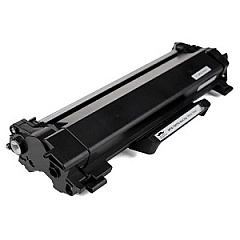
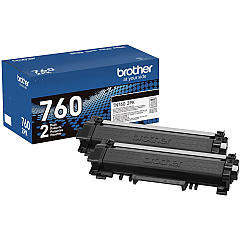
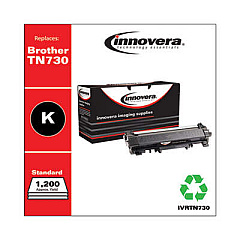
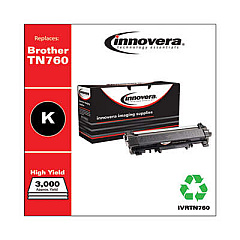
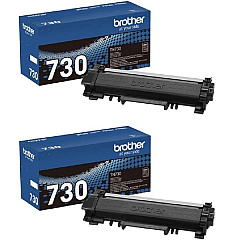
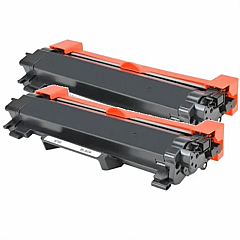
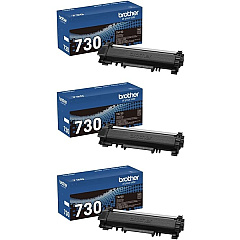
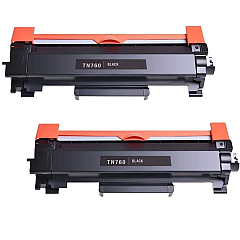










Brother MFC-L2750DW Black Toner Cartridges

Brother MFC-L2750DW Toner Set

Brother MFC-L2750DW Drum Units

Brother MFC-L2750DW Copy Paper

Brother MFC-L2750DW Warranty and Services

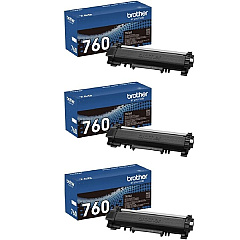
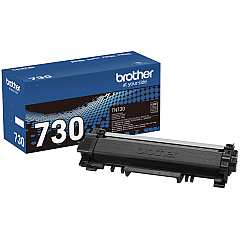
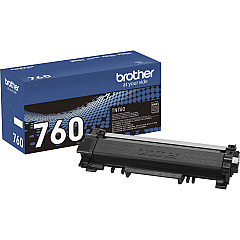
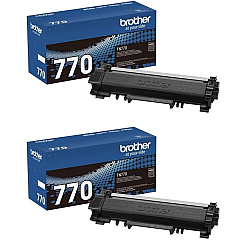
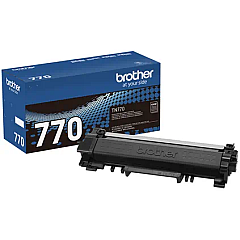
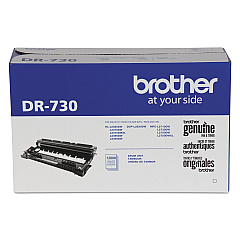
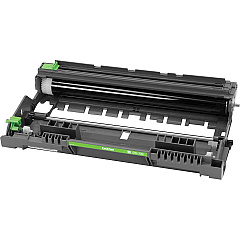
Ensure optimal performance for your Brother MFC-L2750DW with our comprehensive range of Brother MFC-L2750DW Toner Cartridges. From standard yield options like the TN730 to high-yield TN760 and super high-yield TN770 cartridges, we offer solutions for every printing need. Our selection includes genuine Brother toner cartridges in various pack sizes, allowing you to choose between single units, twin packs, or cost-effective 3-packs. For extended drum life, consider the DR730 Drum Unit. Whether you're a small business or a busy home office, our toner options cater to different volume requirements and budgets. Experience consistent, high-quality prints and keep your Brother MFC-L2750DW running smoothly with our reliable toner cartridges.

Brother MFC-L2750DW Toner Cartridges FAQs

  • What is the page yield of the Brother TN730 toner cartridge?

    The Brother TN730 toner cartridge has a standard yield of approximately 1,200 pages.

  • How does the TN760 differ from the TN730?

    The TN760 is a high-yield cartridge with approximately 3,000 page yield, while the TN730 is a standard yield cartridge with about 1,200 page yield.

  • Is the Brother DR730 Drum Unit necessary?

    Yes, the DR730 Drum Unit is essential for the printer's operation and needs to be replaced periodically, typically after several toner cartridge changes.

  • Can I use non-genuine toner cartridges in my Brother MFC-L2750DW?

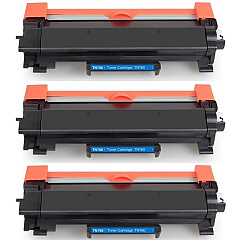
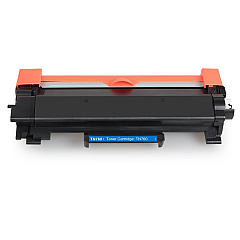
    While third-party cartridges may work, using genuine Brother toner cartridges ensures optimal print quality and prevents potential damage to your printer.

  • What's the difference between the TN760 and TN770 cartridges?

    The TN770 is a super high-yield cartridge with an even higher page yield than the high-yield TN760, offering more prints before needing replacement.

  • How often should I replace my toner cartridge?

    Replacement frequency depends on your print volume. Monitor your printer's toner level indicator and replace when print quality diminishes.

  • Are these toner cartridges compatible with other Brother printer models?

    While they may be compatible with some other models, it's best to check your printer's specific compatibility to ensure proper function.

  • What's the benefit of buying toner cartridges in multi-packs?

    Multi-packs often offer cost savings per cartridge and ensure you have replacements on hand when needed.

  • How should I store unused toner cartridges?

    Store unused cartridges in a cool, dry place away from direct sunlight. Keep them in their original packaging until ready for use.

  • Is it normal for print quality to decrease as the toner cartridge nears the end of its life?

    Yes, it's common to see a gradual decrease in print quality as toner levels become low. This is a sign that it's time to replace the cartridge.

Warehouse Locations

Policy & Agreement | Copyright © 1995-2026 BlueDogInk.com
