




Ads

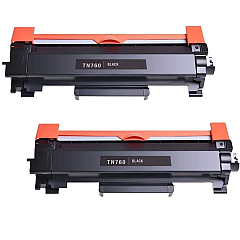
Brother MFC-L2690DW Black Toner Cartridges

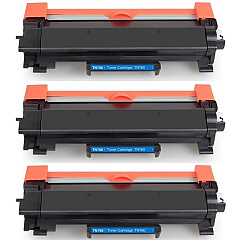
Brother MFC-L2690DW Toner Set

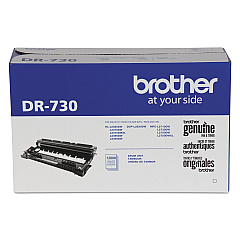
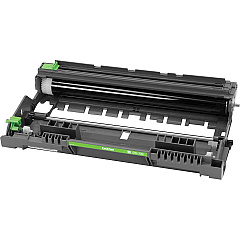
Brother MFC-L2690DW Drum Units

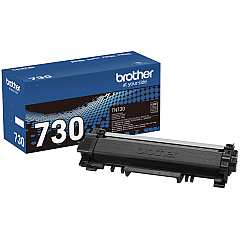
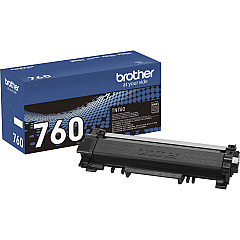
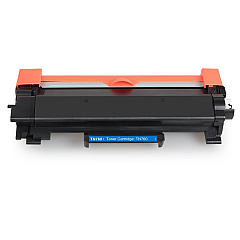
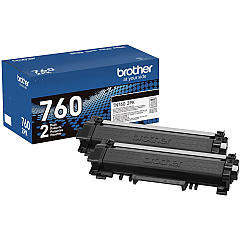
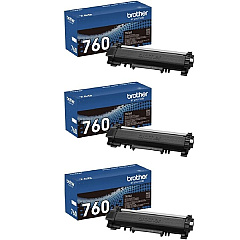
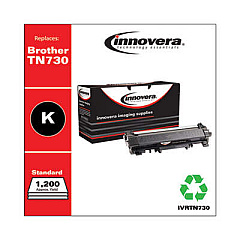
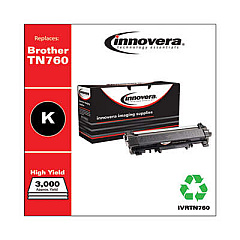
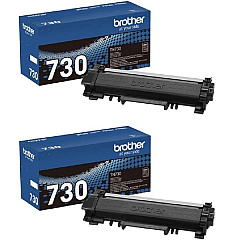
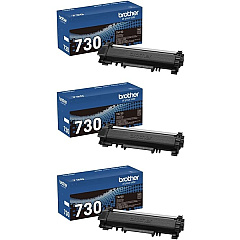
Ensure optimal performance for your Brother MFC-L2690DW with our comprehensive range of Brother MFC-L2690DW Toner Cartridges. From the reliable Brother DR730 Drum Unit to various toner options, we've got you covered. Choose between standard yield TN730 cartridges for everyday printing or high-yield TN760 cartridges for increased efficiency. Available in single, 2-pack, and 3-pack options, these genuine Brother toner cartridges deliver crisp, professional-quality prints every time. Whether you need the TN730 with a 1,200 page yield or the TN760 offering up to 3,000 pages, our selection ensures you'll find the perfect fit for your printing needs. Don't compromise on quality – trust Blue Dog Ink to provide authentic Brother supplies that maximize your printer's potential and keep your office running smoothly.

Brother MFC-L2690DW Toner Cartridges FAQs

  • What is the difference between TN730 and TN760 toner cartridges?

    TN730 is a standard yield cartridge with approximately 1,200 page yield, while TN760 is a high-yield cartridge with about 3,000 page yield.

  • Are these genuine Brother toner cartridges?

    Yes, all toner cartridges listed are genuine Brother products.

  • How often should I replace the drum unit?

    The Brother DR730 Drum Unit typically needs replacement after processing about 12,000 pages.

  • Can I use TN760 cartridges in a printer that originally came with TN730?

    Yes, TN760 cartridges are compatible with printers that use TN730, offering higher yield.

  • What's the benefit of buying multi-pack toner cartridges?

    Multi-packs often offer better value for money and ensure you have replacements on hand.

  • How long do unopened toner cartridges last?

    Unopened toner cartridges typically have a shelf life of 1-2 years when stored properly.

  • Are these cartridges recyclable?

    Yes, Brother offers a recycling program for used toner cartridges.

  • What should I do if my prints are coming out faded?

    First, try redistributing the toner by removing the cartridge and gently shaking it. If the issue persists, it may be time to replace the cartridge.

  • Can I use third-party toner cartridges in my Brother MFC-L2690DW?

    While third-party cartridges may work, using genuine Brother cartridges ensures optimal print quality and protects your printer's warranty.

  • How do I know when it's time to replace my toner cartridge?

    Your Brother MFC-L2690DW will display a 'Toner Low' or 'Replace Toner' message when it's time to change the cartridge.

Warehouse Locations

Policy & Agreement | Copyright © 1995-2026 BlueDogInk.com
