




Ads

Brother MFC-J6930DW Black Ink Cartridges

Brother MFC-J6930DW Color Ink Cartridges

Brother MFC-J6930DW Ink Set

Brother MFC-J6930DW Warranty and Services

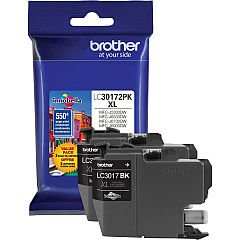
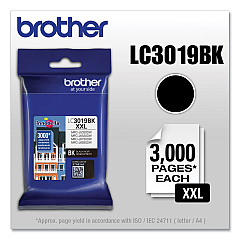
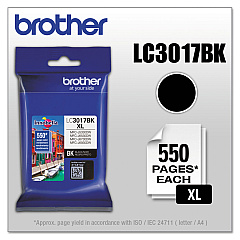
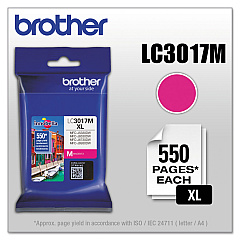
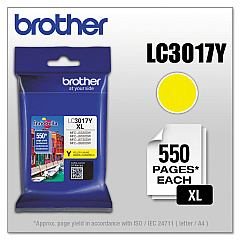
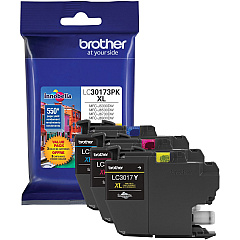
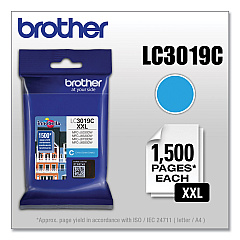
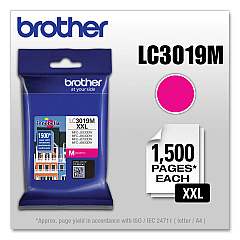
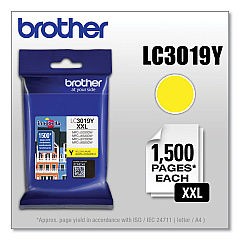
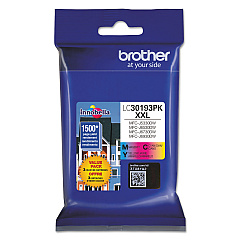
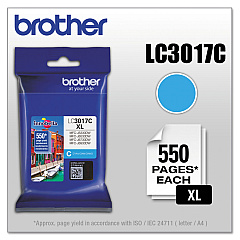
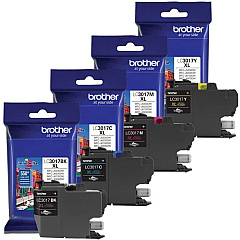
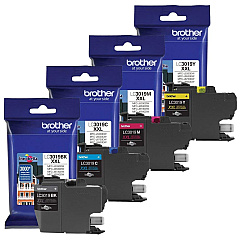
Enhance your printing experience with genuine Brother MFC-J6930DW Ink Cartridges. These high-quality cartridges are designed to deliver exceptional results for your business, educational, or healthcare needs. Choose from a range of options including the LC3017 High Yield series, LC3019 Super High-Yield series, and convenient value packs. Whether you need vibrant color prints with cyan, magenta, and yellow cartridges or crisp black text documents, these ink cartridges ensure professional-grade output. The Brother MFC-J6930DW Ink Cartridges are engineered to work seamlessly with your printer, providing reliable performance and long-lasting results. Maximize your productivity and minimize costs with these efficient ink solutions, perfect for high-volume printing environments. Trust in Brother's quality to deliver sharp, smudge-resistant prints that make a lasting impression.

Brother MFC-J6930DW Ink Cartridges FAQs

  • What is the difference between LC3017 and LC3019 ink cartridges?

    LC3017 are High Yield cartridges, while LC3019 are Super High-Yield cartridges with even greater page yield.

  • Are these cartridges compatible with other Brother printers?

    These cartridges are specifically designed for the Brother MFC-J6930DW. Always check your printer's compatibility before purchasing.

  • How long do these ink cartridges typically last?

    The lifespan varies depending on usage, but Super High-Yield cartridges generally last longer than High Yield ones.

  • Can I use third-party ink cartridges in my Brother MFC-J6930DW?

    While third-party cartridges may work, using genuine Brother cartridges ensures optimal print quality and printer performance.

  • What's included in the value pack options?

    Value packs typically include multiple cartridges, often in different color combinations, offering better value for high-volume users.

  • How do I install these ink cartridges?

    Simply open the ink cartridge cover, remove the old cartridge, and insert the new one until it clicks into place.

  • Are these cartridges environmentally friendly?

    Brother offers a cartridge recycling program to help reduce environmental impact.

  • How can I tell if my ink cartridge is genuine?

    Look for the Brother hologram and check the packaging for authenticity features.

  • What should I do if my printer doesn't recognize the new cartridge?

    Try removing and reinserting the cartridge. If issues persist, clean the printer's contacts and try again.

  • Can I buy these cartridges in bulk for my business?

    Yes, bulk purchasing options are available for businesses with high-volume printing needs.

Warehouse Locations

Policy & Agreement | Copyright © 1995-2026 BlueDogInk.com
