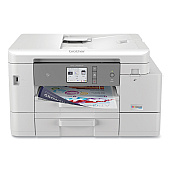
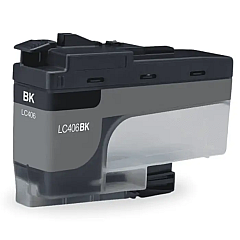
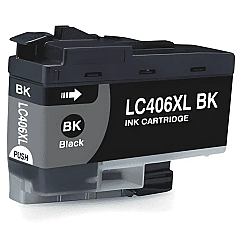
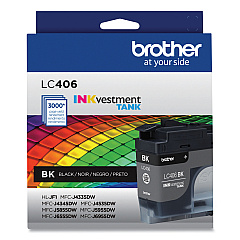
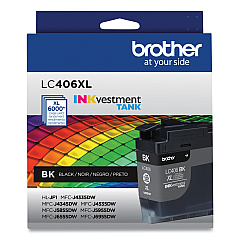
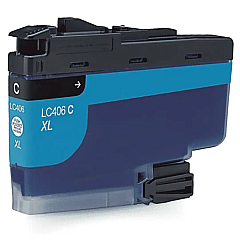
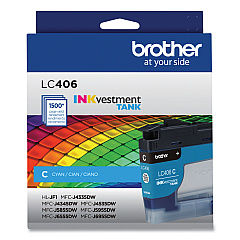
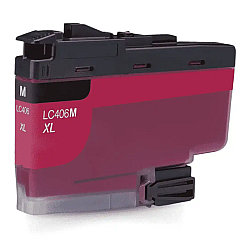
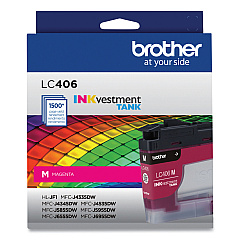
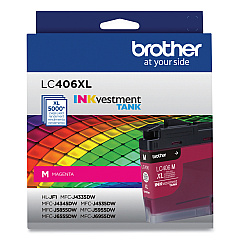
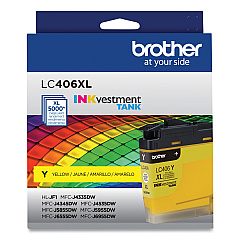
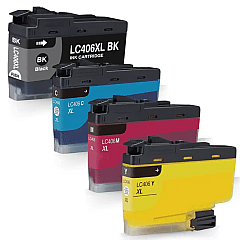





Brother MFC-J4535DW Black Ink Cartridges

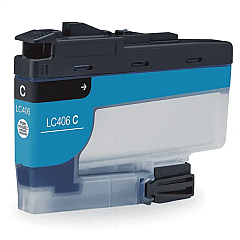
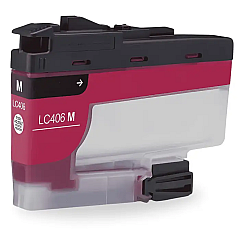
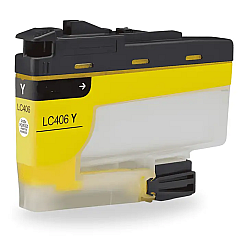
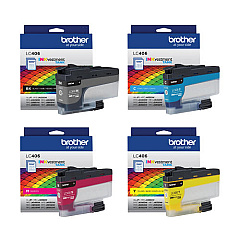
Brother MFC-J4535DW Color Ink Cartridges

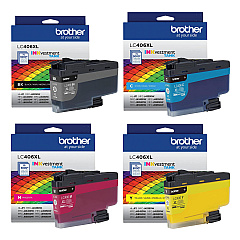
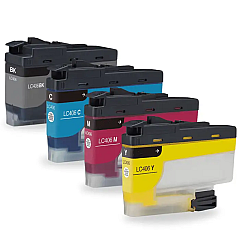
Brother MFC-J4535DW Ink Set

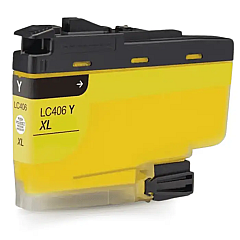
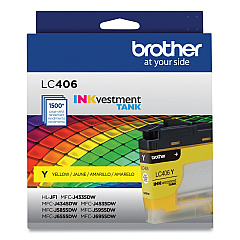
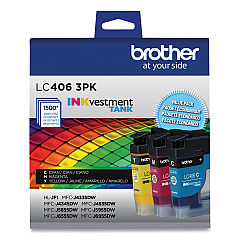
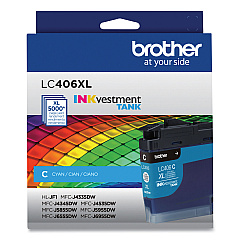
Ensure optimal performance for your Brother MFC-J4535DW with our comprehensive range of Brother MFC-J4535DW Ink Cartridges. Choose from standard yield LC406 cartridges or high-yield LC406XL options to suit your printing needs. Available in individual colors (Black, Cyan, Magenta, Yellow) or convenient multi-packs, these genuine Brother ink cartridges deliver crisp text and vibrant images. The LC406 series offers reliable, smudge-resistant prints, while the LC406XL high-yield cartridges provide extended print capacity for cost-effective, high-volume printing. Whether you need a single replacement or a complete set, our selection ensures your Brother MFC-J4535DW maintains peak performance. Trust in the quality and compatibility of these original Brother inks to produce professional-grade documents and photos every time.

Brother MFC-J4535DW Ink Cartridges FAQs

  • What is the difference between LC406 and LC406XL cartridges?

    LC406 are standard yield cartridges, while LC406XL are high-yield cartridges that provide more prints per cartridge.

  • Are these cartridges compatible with other Brother printers?

    These cartridges are specifically designed for the Brother MFC-J4535DW. Always check your printer's compatibility before purchasing.

  • How many pages can I print with a standard LC406 cartridge?

    Page yield varies by cartridge and print usage, but standard LC406 cartridges typically yield around 550 pages for black and 550 pages for each color.

  • Can I use third-party ink cartridges in my Brother MFC-J4535DW?

    While third-party cartridges may work, using genuine Brother cartridges ensures optimal print quality and printer performance.

  • How long do these ink cartridges last?

    Shelf life is typically 2 years if unopened. Once installed, use within 6 months for best results.

  • Do you offer eco-friendly options for these cartridges?

    Brother offers a cartridge recycling program. Check their website for details on how to participate.

  • What's the benefit of buying multi-pack cartridges?

    Multi-packs often offer better value for money and ensure you have all colors on hand when needed.

  • How do I know when it's time to replace my ink cartridge?

    Your Brother MFC-J4535DW will display a low ink warning when a cartridge needs replacement.

  • Are these cartridges easy to install?

    Yes, Brother designs their cartridges for easy installation. Simply follow the instructions in your printer's manual.

  • What should I do if my printer doesn't recognize a new cartridge?

    Ensure the cartridge is properly seated and the protective tape is removed. If issues persist, consult your printer's troubleshooting guide or contact Brother support.

Warehouse Locations

Policy & Agreement | Copyright © 1995-2026 BlueDogInk.com
