








Ads

Xerox WorkCentre 6400XF Black Toner Cartridges

Xerox WorkCentre 6400XF Color Toner Cartridges

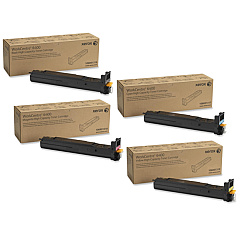
Xerox WorkCentre 6400XF Toner Set

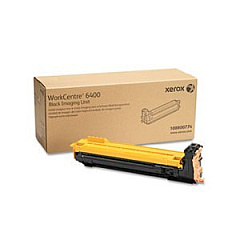
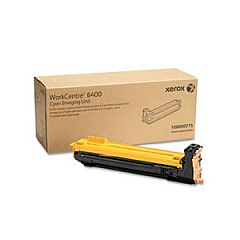
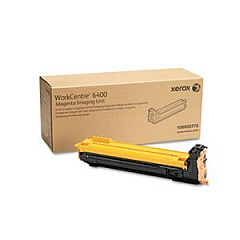
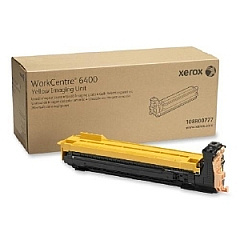
Xerox WorkCentre 6400XF Drum Units

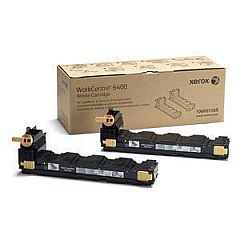
Xerox WorkCentre 6400XF Waste Toner Kits

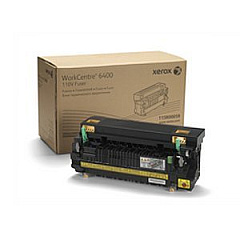
Xerox WorkCentre 6400XF Fusers

Xerox WorkCentre 6400XF Maintenance Kits

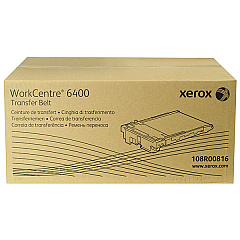
Xerox WorkCentre 6400XF Transfer Units

Xerox WorkCentre 6400XF Printer Accessories

Xerox WorkCentre 6400XF Copy Paper

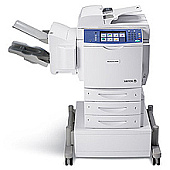
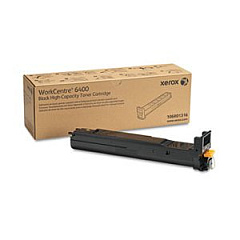
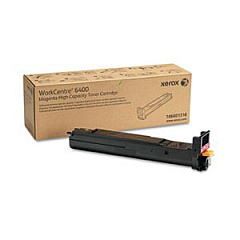
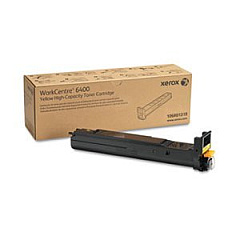
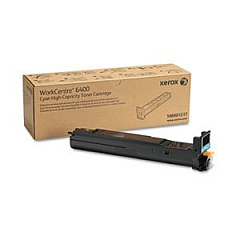
Enhance your printing capabilities with genuine Xerox WorkCentre 6400XF Toner Cartridges and supplies. This comprehensive range includes high-yield black, cyan, magenta, and yellow toner cartridges, ensuring vibrant and professional-quality prints. The WorkCentre 6400XF also utilizes drum cartridges, a waste cartridge, transfer belt, and fuser for optimal performance. Boost productivity with add-ons like the 500-sheet paper tray and ADF roller kit. For seamless workflow integration, consider the Scan to PC Desktop Small Business Edition. The storage cart offers convenient organization for your supplies. Whether you're printing in high volumes or seeking cost-effective solutions, these genuine Xerox supplies deliver exceptional results, maintaining the superior quality and reliability of your WorkCentre 6400XF multifunction printer.

Xerox WorkCentre 6400XF Toner Cartridges FAQs

  • What is the page yield for the high-capacity toner cartridges?

    The high-capacity toner cartridges (106R01320, 106R01321, 106R01322) typically yield around 16,500 pages for each color.

  • How often should I replace the drum cartridges?

    Drum cartridges usually need replacement after approximately 30,000 pages, but this can vary based on usage patterns.

  • Is it necessary to use genuine Xerox supplies?

    Yes, using genuine Xerox supplies ensures optimal print quality, reliability, and longevity of your WorkCentre 6400XF printer.

  • What is the purpose of the waste cartridge?

    The waste cartridge collects excess toner that isn't transferred to the paper during printing, helping maintain print quality and prevent toner spills.

  • Can I use the same toner cartridges for all color printing?

    No, the WorkCentre 6400XF requires separate cartridges for each color: black, cyan, magenta, and yellow.

  • What is the function of the transfer belt?

    The transfer belt moves toner from the drum cartridges onto the paper, ensuring accurate color placement and image quality.

  • How do I know when to replace the fuser?

    The printer will typically display a message when the fuser needs replacement, which is usually after several hundred thousand pages.

  • What benefits does the 500-sheet paper tray offer?

    The additional paper tray increases the printer's paper capacity, reducing the frequency of paper refills and improving overall productivity.

  • What is the Scan to PC Desktop Small Business Edition?

    This software enables easy scanning, organizing, and sharing of documents, supporting up to 5 users in a small business environment.

  • Is the storage cart necessary for the WorkCentre 6400XF?

    While not essential, the storage cart provides convenient storage and organization for supplies, enhancing workspace efficiency.

Warehouse Locations

Policy & Agreement | Copyright © 1995-2026 BlueDogInk.com
