








Ads

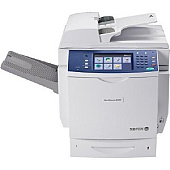
Xerox WorkCentre 6400X Black Toner Cartridges

Xerox WorkCentre 6400X Color Toner Cartridges

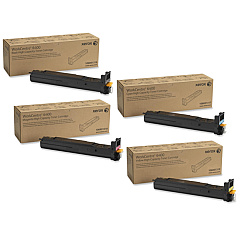
Xerox WorkCentre 6400X Toner Set

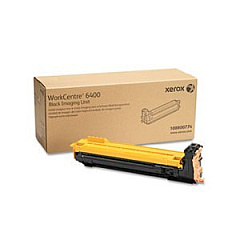
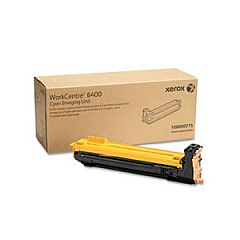
Xerox WorkCentre 6400X Drum Units

Xerox WorkCentre 6400X Waste Toner Kits

Xerox WorkCentre 6400X Fusers

Xerox WorkCentre 6400X Maintenance Kits

Xerox WorkCentre 6400X Transfer Units

Xerox WorkCentre 6400X Printer Accessories

Xerox WorkCentre 6400X Copy Paper

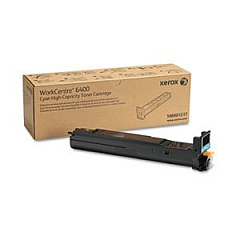
Enhance your printing capabilities with genuine Xerox WorkCentre 6400X Toner Cartridges and supplies. This comprehensive range includes high-quality black, cyan, magenta, and yellow toner cartridges, as well as drum cartridges, waste cartridges, and maintenance kits. The 106R01316-19 series offers standard capacity, while the 106R01320-22 series provides high-capacity options for increased productivity. Maximize your WorkCentre 6400X's performance with essential components like the transfer belt, ADF roller kit, and fuser. Expand your device's functionality with additional paper trays and the Scan to PC Desktop software. Whether you're a small business or a large organization, these genuine Xerox supplies ensure optimal print quality, reliability, and longevity for your WorkCentre 6400X, making it an ideal choice for diverse printing needs.

Xerox WorkCentre 6400X Toner Cartridges FAQs

  • What is the page yield for the standard capacity toner cartridges?

    The standard capacity toner cartridges (106R01316-19) typically yield around 8,000 pages for black and 6,000 pages for color cartridges.

  • How often should I replace the drum cartridges?

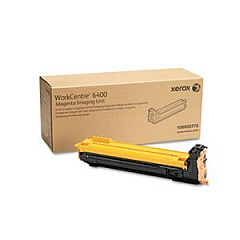
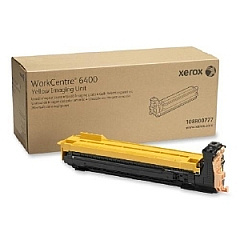
    Drum cartridges (108R00774-777) usually need replacement after approximately 30,000 pages, but this can vary based on usage patterns.

  • Is it necessary to use genuine Xerox toner cartridges?

    Yes, using genuine Xerox toner cartridges ensures optimal print quality, reliability, and prevents potential damage to your printer.

  • What's the difference between standard and high-capacity toner cartridges?

    High-capacity toner cartridges (106R01320-22) offer a higher page yield, reducing the frequency of replacements and potentially lowering cost per page.

  • How do I know when to replace the waste cartridge?

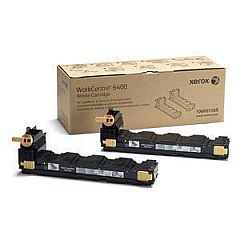
    The printer will display a message when the waste cartridge (106R01368) is nearly full and needs replacement.

  • Can I use third-party toner cartridges in my Xerox WorkCentre 6400X?

    While third-party cartridges may work, they can potentially compromise print quality and may void your printer's warranty.

  • What is the purpose of the transfer belt?

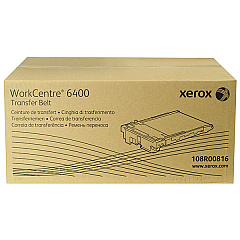
    The transfer belt (108R00816) transfers toner from the drum cartridges to the paper and typically needs replacement after 150,000 pages.

  • How often should I replace the ADF roller kit?

    The ADF roller kit (108R00866) should be replaced approximately every 200,000 scans to maintain optimal document feeding performance.

  • What does the Scan to PC Desktop software do?

    The Scan to PC Desktop software (301K23432) enables direct scanning from the WorkCentre 6400X to a connected computer, enhancing workflow efficiency.

  • Is the additional paper tray (097S03874) easy to install?

    Yes, the 500-sheet paper tray is designed for easy installation, allowing you to quickly expand your printer's paper capacity.

Warehouse Locations

Policy & Agreement | Copyright © 1995-2026 BlueDogInk.com
