






Ads

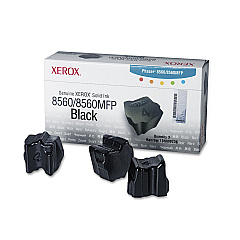
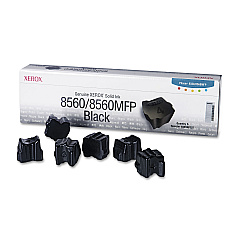
Xerox Phaser 8560MFPT Black Ink Cartridges

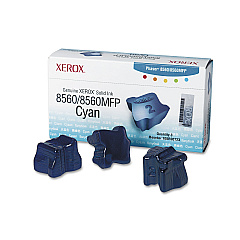
Xerox Phaser 8560MFPT Color Ink Cartridges

Xerox Phaser 8560MFPT Ink Set

Xerox Phaser 8560MFPT Waste Toner Kits

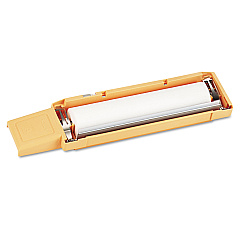
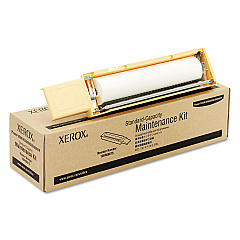
Xerox Phaser 8560MFPT Maintenance Kits

Xerox Phaser 8560MFPT Copy Paper

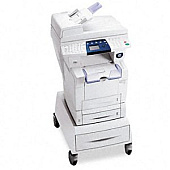
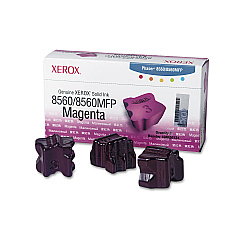
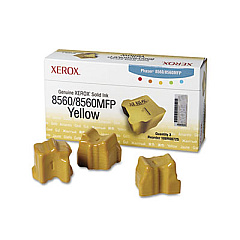
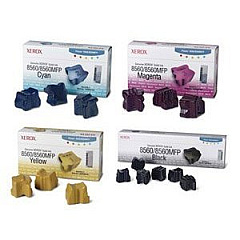
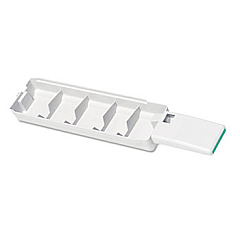
Enhance your printing experience with genuine Xerox Phaser 8560MFPT Ink Cartridges. This versatile multifunction printer demands high-quality supplies to deliver exceptional results. Our comprehensive range includes maintenance kits, solid ink sticks in cyan, magenta, yellow, and black, as well as waste trays. The Xerox 108R00723-726 solid ink sticks ensure vibrant, long-lasting colors, while the 108R00727 black ink provides crisp text and sharp images. For optimal performance, don't forget the essential 108R00675 and 108R00676 maintenance kits. The 109R00754 waste tray efficiently manages excess ink, keeping your printer clean. For convenience and savings, consider the Xerox 8560 Solid Ink Bundle. Trust in Xerox's innovative solid ink technology to produce professional-quality prints while reducing waste and environmental impact. Keep your Phaser 8560MFPT running smoothly with these genuine Xerox supplies.

Xerox Phaser 8560MFPT Toner Cartridges FAQs

  • How long do Xerox Phaser 8560MFPT ink cartridges last?

    The lifespan of ink cartridges varies depending on usage, but typically they can print several thousand pages before needing replacement.

  • Are these ink cartridges compatible with other Xerox printers?

    These cartridges are specifically designed for the Xerox Phaser 8560MFPT and may not be compatible with other models.

  • What's the difference between the 108R00726 and 108R00727 black ink sticks?

    The 108R00726 is a standard capacity black ink stick, while the 108R00727 is a high-capacity version for more frequent printing needs.

  • How often should I replace the maintenance kit?

    Maintenance kit replacement frequency depends on usage, but typically it's recommended every 30,000 to 60,000 prints.

  • Can I use third-party ink cartridges in my Xerox Phaser 8560MFPT?

    While third-party options exist, using genuine Xerox supplies ensures optimal print quality and printer performance.

  • What's included in the Xerox 8560 Solid Ink Bundle?

    The bundle typically includes a set of cyan, magenta, yellow, and black solid ink sticks, offering a cost-effective option for high-volume printing.

  • How do I install the solid ink sticks?

    Simply open the ink loader, unwrap the ink stick, and insert it into the corresponding color-coded slot. The printer will melt the ink as needed.

  • What's the purpose of the waste tray?

    The waste tray collects excess ink and debris, helping to maintain print quality and prevent printer damage.

  • Are these solid ink cartridges environmentally friendly?

    Yes, Xerox solid ink technology produces less waste than traditional toner cartridges and is designed with environmental sustainability in mind.

  • How can I maximize the lifespan of my Xerox Phaser 8560MFPT supplies?

    Regular maintenance, using genuine Xerox supplies, and following the printer's recommended usage guidelines will help extend the life of your supplies and printer.

Warehouse Locations

Policy & Agreement | Copyright © 1995-2026 BlueDogInk.com
