






Ads

Xerox Phaser 8560DN Black Ink Cartridges

Xerox Phaser 8560DN Color Ink Cartridges

Xerox Phaser 8560DN Ink Set

Xerox Phaser 8560DN Waste Toner Kits

Xerox Phaser 8560DN Maintenance Kits

Xerox Phaser 8560DN Copy Paper

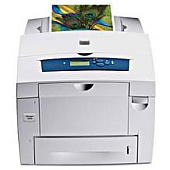
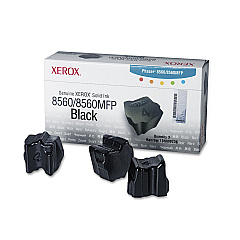
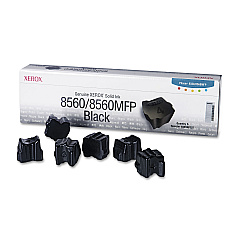
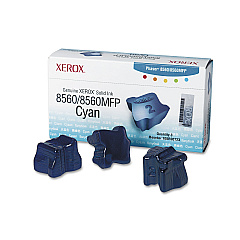
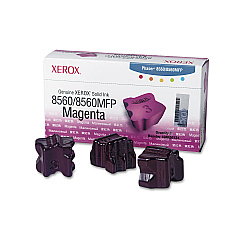
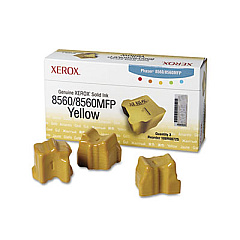
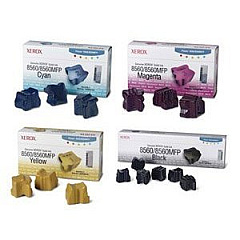
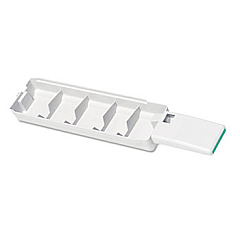
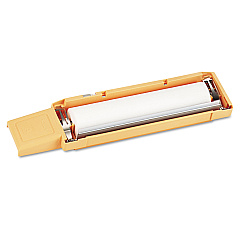
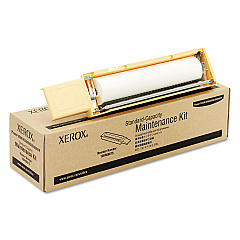
Enhance your printing experience with genuine Xerox Phaser 8560DN Ink Cartridges. This high-performance printer demands top-quality supplies to deliver exceptional results. Our comprehensive range includes the essential Xerox 108R00675 and 108R00676 Maintenance Kits, ensuring your printer operates at peak efficiency. For vibrant color prints, choose from Xerox 108R00723 Cyan, 108R00724 Magenta, and 108R00725 Yellow Solid Inks. The Xerox 108R00726 and 108R00727 Black Solid Inks provide crisp, professional text. Don't forget the Xerox 109R00754 Waste Tray for hassle-free maintenance. For ultimate convenience, consider the Xerox 8560 Solid Ink Bundle, offering a complete set of supplies. Trust in the reliability and quality of genuine Xerox products to keep your Phaser 8560DN producing outstanding prints, page after page.

Xerox Phaser 8560DN Toner Cartridges FAQs

  • What is the difference between the Xerox 108R00726 and 108R00727 Black Solid Inks?

    The Xerox 108R00726 and 108R00727 are both black solid inks for the Phaser 8560DN, but they have different page yields. The specific yield depends on your printer settings and usage.

  • How often should I replace the Xerox 108R00675 Maintenance Kit?

    The frequency of replacement depends on your printer usage. Generally, it's recommended to replace the maintenance kit every 30,000 pages or when prompted by the printer.

  • Can I use non-Xerox brand ink in my Phaser 8560DN?

    While third-party inks may work, using genuine Xerox supplies ensures optimal print quality and printer performance. Non-Xerox inks may void your printer warranty.

  • What's included in the Xerox 8560 Solid Ink Bundle?

    The Xerox 8560 Solid Ink Bundle typically includes a set of cyan, magenta, yellow, and black solid ink sticks, providing a complete color set for your printer.

  • How do I install the solid ink sticks in my Phaser 8560DN?

    To install, open the top cover, locate the correct color-coded slot, and gently push the ink stick into place until it stops. Close the cover to complete installation.

  • What is the purpose of the Xerox 109R00754 Waste Tray?

    The waste tray collects excess ink and debris during the printing process. It should be replaced periodically to maintain printer cleanliness and performance.

  • How long do Xerox Phaser 8560DN ink cartridges last?

    The lifespan of ink cartridges varies based on print volume and content. On average, each color cartridge can print approximately 2,200 pages at 5% coverage.

  • Can I recycle used Xerox ink cartridges?

    Yes, Xerox offers a recycling program for used cartridges. Visit the Xerox website or contact your local Xerox representative for details on how to participate.

  • What should I do if my prints appear faded or have streaks?

    First, check ink levels and replace low cartridges. If the issue persists, run a print head cleaning cycle or consider replacing the maintenance kit.

  • Are Xerox Phaser 8560DN ink cartridges compatible with other Xerox printer models?

    Xerox Phaser 8560DN ink cartridges are specifically designed for this model and may not be compatible with other Xerox printers. Always check your printer's manual for the correct supplies.

Warehouse Locations

Policy & Agreement | Copyright © 1995-2026 BlueDogInk.com
