







Ads

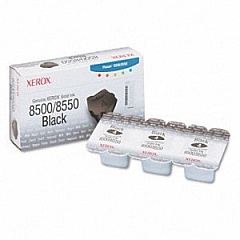
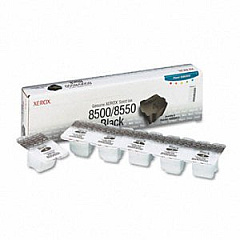
Xerox Phaser 8500N Black Ink Cartridges

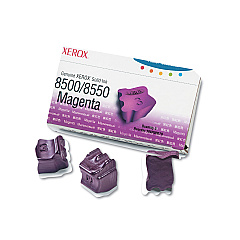
Xerox Phaser 8500N Color Ink Cartridges

Xerox Phaser 8500N Waste Toner Kits

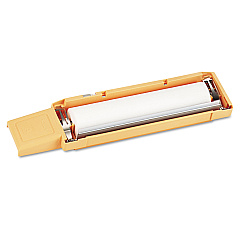
Xerox Phaser 8500N Maintenance Kits

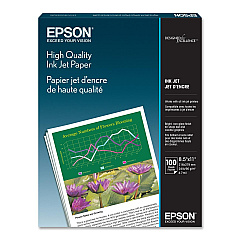
Xerox Phaser 8500N Copy Paper

Xerox Phaser 8500N Photo Paper

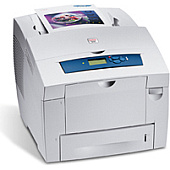
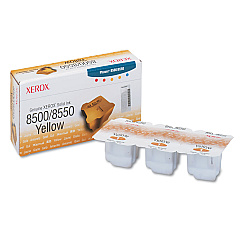
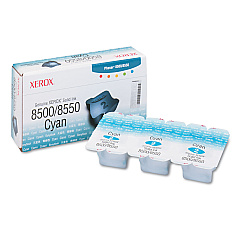
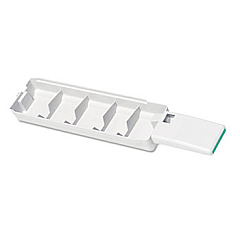
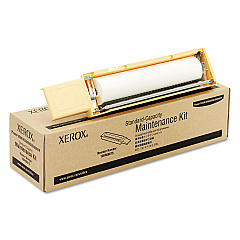
Enhance your printing experience with genuine Xerox Phaser 8500N Ink Cartridges. These high-quality solid ink sticks deliver vibrant, long-lasting prints for your business, educational, or healthcare needs. The range includes black, cyan, magenta, and yellow cartridges (108R00668, 108R00669, 108R00670, 108R00671, 108R00672), ensuring true-to-life color reproduction. Maintain your printer's peak performance with the 108R00675 and 108R00676 maintenance kits, and keep your workspace tidy with the 109R00754 waste tray. These Xerox Phaser 8500N Ink Cartridges are designed for optimal compatibility and efficiency, providing consistent, professional-grade output. Whether you're printing reports, presentations, or marketing materials, these cartridges deliver exceptional results while minimizing environmental impact. Trust in Xerox's renowned quality and reliability to keep your printing operations running smoothly.

Xerox Phaser 8500N Toner Cartridges FAQs

  • How long do Xerox Phaser 8500N ink cartridges last?

    The lifespan of ink cartridges varies depending on usage, but typically they can print several thousand pages before needing replacement.

  • Are these ink cartridges compatible with other Xerox printers?

    These cartridges are specifically designed for the Xerox Phaser 8500N. Always check your printer's compatibility before purchasing.

  • What's the difference between the 108R00668 and 108R00672 black ink cartridges?

    Both are black ink cartridges, but they may have different capacities or be designed for different print volumes.

  • How often should I replace the maintenance kit?

    Maintenance kit replacement frequency depends on usage. Refer to your printer's manual or follow the printer's prompts for optimal timing.

  • Can I use third-party ink cartridges in my Xerox Phaser 8500N?

    While third-party cartridges may work, using genuine Xerox cartridges ensures optimal print quality and printer performance.

  • What's the purpose of the waste tray?

    The waste tray collects excess ink and debris during printing, helping to maintain print quality and prevent printer damage.

  • Are these solid ink sticks environmentally friendly?

    Yes, Xerox solid ink technology produces less waste compared to traditional toner cartridges, making it a more eco-friendly option.

  • How do I install the ink cartridges in my Xerox Phaser 8500N?

    Simply open the printer's ink loader, insert the color-coded ink sticks into their corresponding slots, and close the loader.

  • Can I buy these cartridges in bulk for my business?

    Yes, many suppliers offer bulk purchasing options for businesses to save money and ensure a steady supply of ink.

  • What should I do if my prints are coming out faded or streaky?

    First, check if you need to replace any ink cartridges. If the issue persists, you may need to clean the print head or replace the maintenance kit.

Warehouse Locations

Policy & Agreement | Copyright © 1995-2026 BlueDogInk.com
