







Ads

Xerox Phaser 8500DN Black Ink Cartridges

Xerox Phaser 8500DN Color Ink Cartridges

Xerox Phaser 8500DN Waste Toner Kits

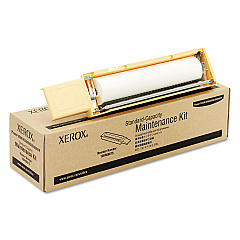
Xerox Phaser 8500DN Maintenance Kits

Xerox Phaser 8500DN Copy Paper

Xerox Phaser 8500DN Photo Paper

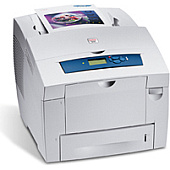
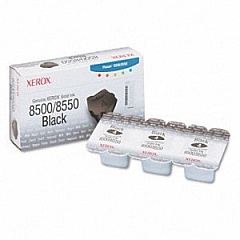
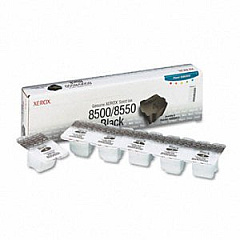
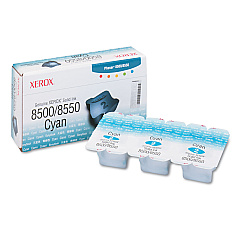
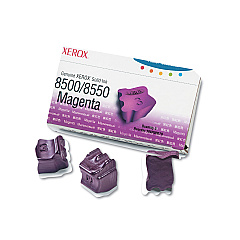
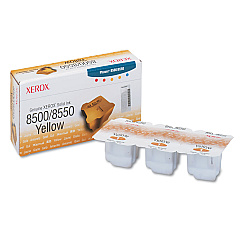
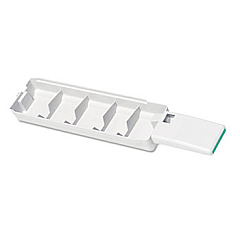
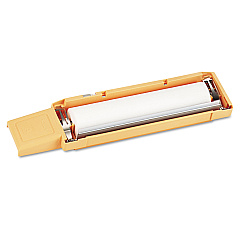
Enhance your printing experience with genuine Xerox Phaser 8500DN Ink Cartridges. These high-quality solid ink sticks deliver vibrant, long-lasting prints for your business, educational, healthcare, or government needs. The Xerox Phaser 8500DN utilizes a range of color cartridges including black, cyan, magenta, and yellow, ensuring crisp text and vivid graphics. Regular maintenance is essential for optimal performance, and the 108R00675 and 108R00676 Maintenance Kits keep your printer running smoothly. Don't forget the 109R00754 Waste Tray for efficient ink disposal. With these authentic Xerox supplies, you'll achieve professional-grade results every time. Trust in the reliability and consistency of Xerox Phaser 8500DN Ink Cartridges to meet your demanding printing requirements, whether you're producing important documents, presentations, or marketing materials.

Xerox Phaser 8500DN Toner Cartridges FAQs

  • How long do Xerox Phaser 8500DN ink cartridges typically last?

    The lifespan of ink cartridges varies depending on usage, but on average, they can print between 1,000 to 3,000 pages.

  • Are these ink cartridges compatible with other Xerox printer models?

    These cartridges are specifically designed for the Xerox Phaser 8500DN. Always check your printer's compatibility before purchasing.

  • What's the difference between the 108R00668 and 108R00672 Black Solid Ink?

    The 108R00672 is a higher capacity black ink stick compared to the 108R00668, offering more prints per cartridge.

  • How often should I replace the maintenance kit?

    Typically, maintenance kits should be replaced every 10,000 to 30,000 pages, depending on your printer's usage and model.

  • Can I use third-party ink cartridges in my Xerox Phaser 8500DN?

    While third-party cartridges may work, using genuine Xerox cartridges ensures optimal print quality and prevents potential damage to your printer.

  • What's the purpose of the waste tray?

    The waste tray collects excess ink and debris during the printing process, helping to maintain print quality and prevent printer damage.

  • How do I know when it's time to replace an ink cartridge?

    Your printer will display a message indicating low ink levels. You can also check ink levels through the printer's control panel or software.

  • Are these solid ink sticks environmentally friendly?

    Yes, Xerox solid ink technology produces less waste compared to traditional toner cartridges, making them a more eco-friendly option.

  • Can I recycle used Xerox ink cartridges?

    Yes, Xerox offers a cartridge recycling program. Check their website for details on how to participate.

  • What's the shelf life of unopened Xerox ink cartridges?

    Unopened Xerox ink cartridges typically have a shelf life of 1-2 years when stored properly in a cool, dry place.

Warehouse Locations

Policy & Agreement | Copyright © 1995-2026 BlueDogInk.com
