







Ads

Xerox Phaser 6600N Black Toner Cartridges

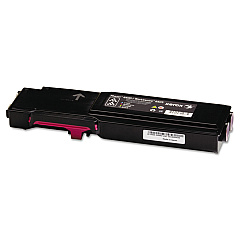
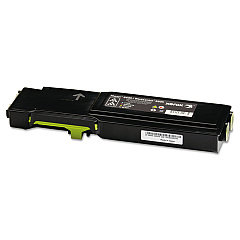
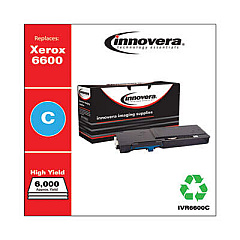
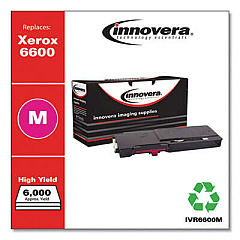
Xerox Phaser 6600N Color Toner Cartridges

Xerox Phaser 6600N Toner Set

Xerox Phaser 6600N Drum Units

Xerox Phaser 6600N Waste Toner Kits

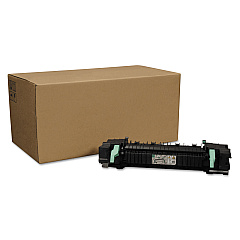
Xerox Phaser 6600N Fusers

Xerox Phaser 6600N Maintenance Kits

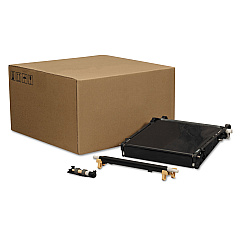
Xerox Phaser 6600N Transfer Units

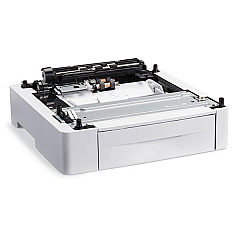
Xerox Phaser 6600N Paper Trays

Xerox Phaser 6600N Printer Accessories

Xerox Phaser 6600N Copy Paper

Xerox Phaser 6600N Warranty and Services

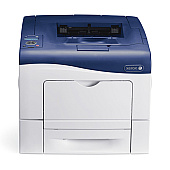
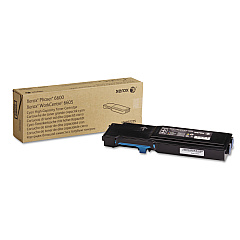
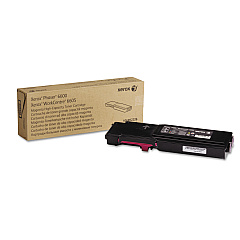
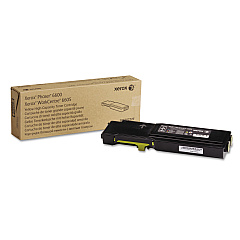
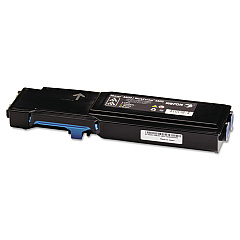
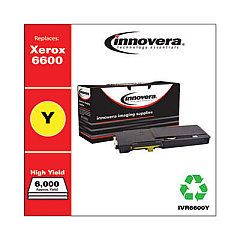
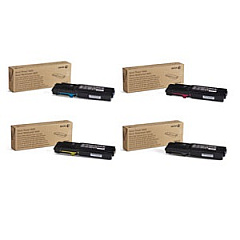
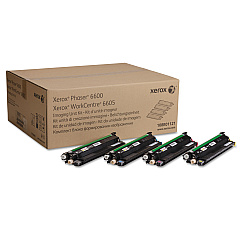
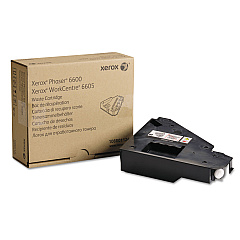
Enhance your printing experience with genuine Xerox Phaser 6600N Toner Cartridges and supplies. This comprehensive range includes high-capacity color toners in cyan, magenta, yellow, and black, ensuring vibrant and professional-quality prints. The Xerox 6600-6605 Toner Bundle offers a cost-effective solution for bulk printing needs. Maintain optimal performance with essential components like the 108R01121 Imaging Unit Kit, 108R01122 Transfer Unit Kit, and 115R00076 Fuser. Boost productivity with the 097S04400 Sheet Feeder and 497K13660 Printer Stand. The 108R01124 Waste Cartridge and 675K47673 Feed Roller Assembly help keep your printer running smoothly. Whether you're a business, school, government agency, or healthcare provider, these authentic Xerox supplies guarantee exceptional print quality and reliability for your Phaser 6600N printer.

Xerox Phaser 6600N Toner Cartridges FAQs

  • Are these toner cartridges compatible with other Xerox printers?

    These cartridges are specifically designed for the Xerox Phaser 6600N. Always check your printer's compatibility before purchasing.

  • What is the page yield for the high-capacity toner cartridges?

    The high-capacity cartridges typically yield around 6,000 pages for color and 8,000 pages for black, based on 5% coverage.

  • How often should I replace the imaging unit kit?

    The imaging unit kit (108R01121) should be replaced approximately every 60,000 pages, depending on usage.

  • Can I use third-party toner cartridges in my Xerox Phaser 6600N?

    While third-party cartridges may work, using genuine Xerox supplies ensures optimal print quality and prevents potential damage to your printer.

  • What's the difference between the standard and high-capacity toner cartridges?

    High-capacity cartridges offer a higher page yield, making them more cost-effective for high-volume printing environments.

  • How do I know when to replace the waste cartridge?

    Your printer will display a message when the waste cartridge (108R01124) needs to be replaced, typically after processing about 30,000 pages.

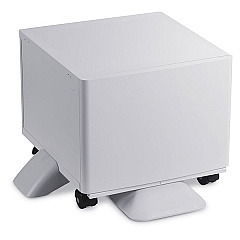
  • Is the printer stand (497K13660) necessary?

    The printer stand is optional but can improve ergonomics and provide additional storage space for supplies.

  • How often should the fuser be replaced?

    The fuser (115R00076) typically lasts for about 100,000 pages, but this can vary based on usage and print environment.

  • What's included in the Xerox 6600-6605 Toner Bundle?

    The bundle usually includes a set of high-capacity toner cartridges (cyan, magenta, yellow, and black) at a discounted price.

  • How can I extend the life of my toner cartridges?

    To extend toner life, use draft mode for internal documents, print in grayscale when color isn't necessary, and ensure your printer is regularly maintained.

Warehouse Locations

Policy & Agreement | Copyright © 1995-2026 BlueDogInk.com
