






Ads

Xerox Colorqube 8870DN Black Ink Cartridges

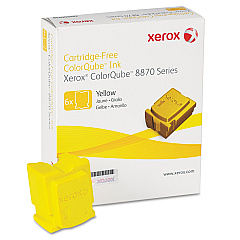
Xerox Colorqube 8870DN Color Ink Cartridges

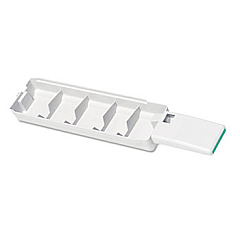
Xerox Colorqube 8870DN Waste Toner Kits

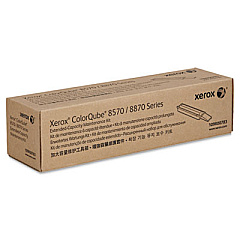
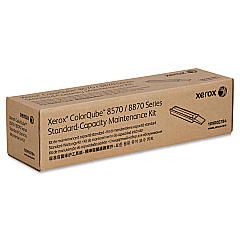
Xerox Colorqube 8870DN Maintenance Kits

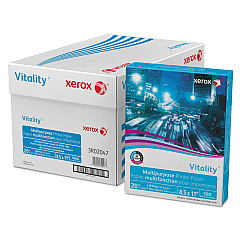
Xerox Colorqube 8870DN Copy Paper

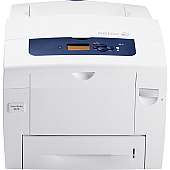
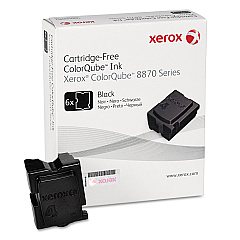
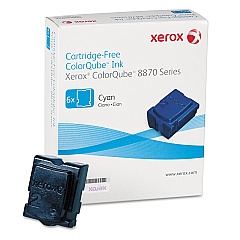
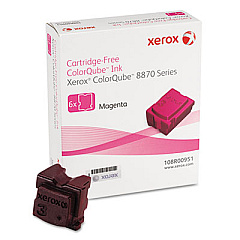
Enhance your printing experience with genuine Xerox Colorqube 8870DN Ink Cartridges. This high-performance printer utilizes innovative solid ink technology, offering vibrant color output and cost-effective printing solutions for businesses, schools, and healthcare facilities. The Colorqube 8870DN supports a range of ink sticks, including Cyan (108R00950), Magenta (108R00951), Yellow (108R00952), and Black (108R00953). To maintain optimal performance, the printer also requires periodic replacement of the Waste Tray (109R00754) and Maintenance Kits (109R00783 and 109R00784). These genuine Xerox supplies ensure consistent, high-quality prints while minimizing environmental impact. With its efficient solid ink technology, the Colorqube 8870DN delivers exceptional color accuracy and crisp text, making it an ideal choice for professional documents, presentations, and marketing materials. Invest in authentic Xerox supplies to maximize your printer's potential and achieve outstanding results.

Xerox Colorqube 8870DN Toner Cartridges FAQs

  • How often should I replace the ink sticks in my Xerox Colorqube 8870DN?

    Replacement frequency depends on usage, but typically when the printer indicates low ink levels or when print quality diminishes.

  • Can I use third-party ink sticks in my Xerox Colorqube 8870DN?

    It's recommended to use genuine Xerox ink sticks for optimal performance and to maintain warranty coverage.

  • How do I install new ink sticks in the Colorqube 8870DN?

    Open the ink loader door, insert the ink stick into the correct color-coded slot, and push it gently until it stops.

  • What is the page yield for Xerox Colorqube 8870DN ink sticks?

    Page yield varies by color, but typically ranges from 17,000 to 19,000 pages per stick at 5% coverage.

  • How often should I replace the waste tray?

    Replace the waste tray when prompted by the printer or approximately every 27,000 pages.

  • What's included in the maintenance kits?

    Maintenance kits typically include rollers, belts, and other components that require periodic replacement to maintain print quality.

  • Can I recycle used ink sticks and waste trays?

    Yes, Xerox offers recycling programs for used supplies. Check their website for details on how to participate.

  • How do I know which maintenance kit my Colorqube 8870DN needs?

    The printer will indicate which maintenance kit is required. Refer to the user manual or contact Xerox support for specific guidance.

  • Are Xerox Colorqube 8870DN ink sticks compatible with other Xerox printers?

    Ink sticks are model-specific. Always use the ink sticks designed for your particular printer model.

  • How long do unopened ink sticks last?

    Unopened ink sticks have a shelf life of about two years when stored in a cool, dry place away from direct sunlight.

Warehouse Locations

Policy & Agreement | Copyright © 1995-2026 BlueDogInk.com
