






Ads

Xerox ColorQube 8700XF Black Ink Cartridges

Xerox ColorQube 8700XF Color Ink Cartridges

Xerox ColorQube 8700XF Waste Toner Kits

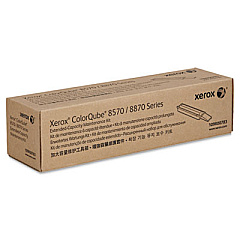
Xerox ColorQube 8700XF Maintenance Kits

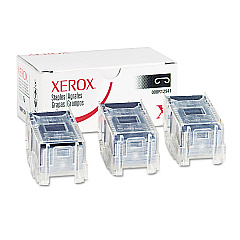
Xerox ColorQube 8700XF Printer Staples

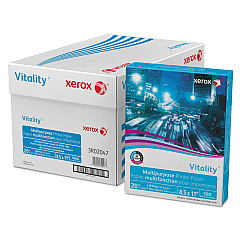
Xerox ColorQube 8700XF Copy Paper

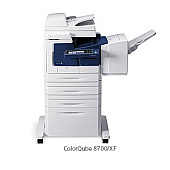
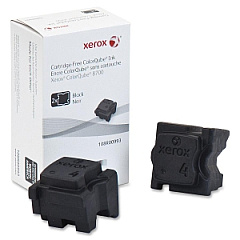
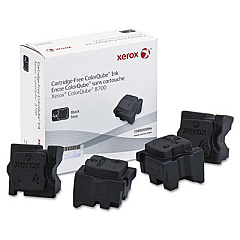
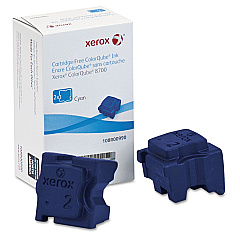
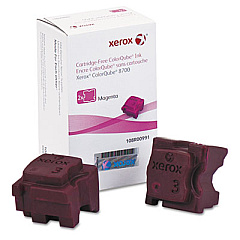
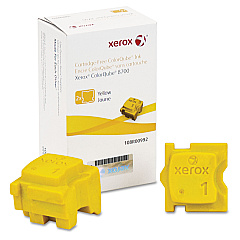
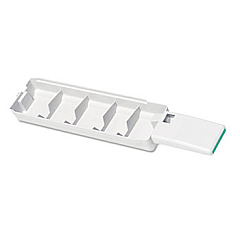
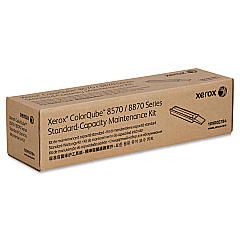
Enhance your printing experience with genuine Xerox ColorQube 8700XF Ink Cartridges and supplies. This high-performance printer relies on a range of specialized ink sticks and maintenance components to deliver exceptional color output. The ColorQube 8700XF utilizes Xerox 108R00990 Cyan, 108R00991 Magenta, 108R00992 Yellow, and 108R00993/108R00994 Black Ink Sticks for vibrant, long-lasting prints. Keep your device running smoothly with the 109R00783 and 109R00784 Maintenance Kits, while the 109R00754 Waste Tray ensures proper disposal of used materials. For document finishing, the 008R12941 Staple Cartridge is essential. By using authentic Xerox supplies, you'll maximize print quality, minimize downtime, and extend the life of your ColorQube 8700XF printer, making it an ideal choice for businesses, schools, government offices, and healthcare facilities requiring high-volume, professional-grade color printing.

Xerox ColorQube 8700XF Toner Cartridges FAQs

  • How often should I replace the ink sticks in my Xerox ColorQube 8700XF?

    Replacement frequency depends on your printing volume. The printer will alert you when ink levels are low and replacement is necessary.

  • Are third-party ink sticks compatible with the Xerox ColorQube 8700XF?

    We recommend using genuine Xerox ink sticks for optimal performance and to maintain your printer's warranty.

  • What is the purpose of the waste tray?

    The waste tray collects excess ink and debris during the printing process, helping to maintain print quality and prevent internal contamination.

  • How do I know when to replace the maintenance kit?

    The printer will display a message when it's time to replace the maintenance kit, typically after a certain number of prints.

  • Can I use the same black ink sticks (108R00993 and 108R00994) interchangeably?

    Yes, both black ink stick models are compatible with the ColorQube 8700XF.

  • How many staples does the 008R12941 Staple Cartridge contain?

    The 008R12941 Staple Cartridge typically contains 5,000 staples.

  • What's the difference between the 109R00783 and 109R00784 Maintenance Kits?

    These kits may contain different components or be designed for specific maintenance intervals. Consult your printer manual for details on when to use each kit.

  • How do I install new ink sticks in my ColorQube 8700XF?

    Open the ink loader door, insert the ink sticks into the corresponding color-coded slots, and close the door. The printer will automatically melt and use the ink as needed.

  • Can I recycle used ink sticks and waste trays?

    Yes, Xerox offers recycling programs for many of its consumables. Check the Xerox website or contact customer support for details on recycling options in your area.

  • What is the page yield for each color of ink stick?

    Page yield varies depending on print coverage and settings. Refer to the product specifications or packaging for estimated page yields for each color.

Warehouse Locations

Policy & Agreement | Copyright © 1995-2026 BlueDogInk.com
