






Ads

Xerox ColorQube 8700X Black Ink Cartridges

Xerox ColorQube 8700X Color Ink Cartridges

Xerox ColorQube 8700X Waste Toner Kits

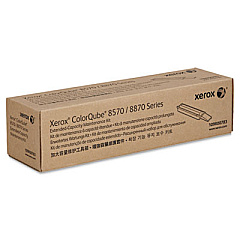
Xerox ColorQube 8700X Maintenance Kits

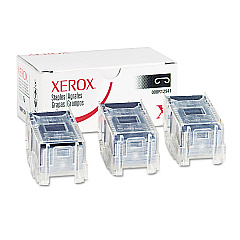
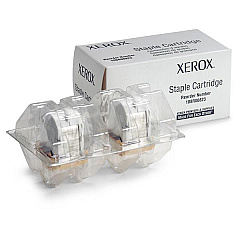
Xerox ColorQube 8700X Printer Staples

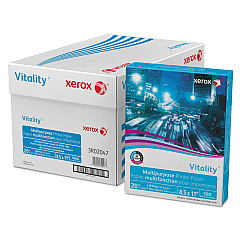
Xerox ColorQube 8700X Copy Paper

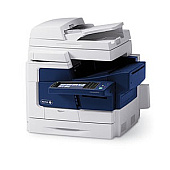
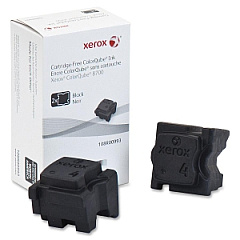
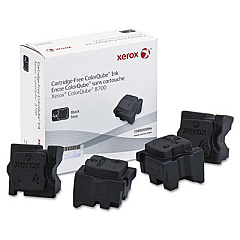
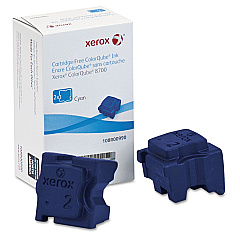
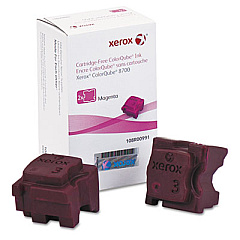
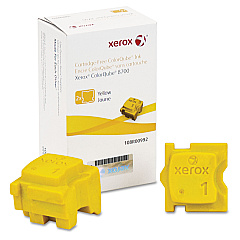
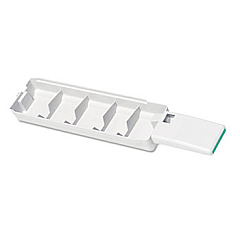
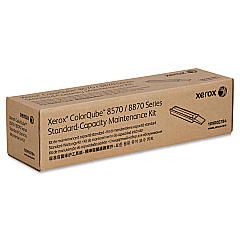
Enhance your printing experience with genuine Xerox ColorQube 8700X Ink Cartridges and supplies. This comprehensive range includes staple cartridges, vibrant cyan, magenta, yellow, and black ink sticks, as well as essential maintenance kits. The Xerox 008R12941 and 108R00823 Staple Cartridges ensure professional document finishing, while the 108R00990-994 series of ink sticks deliver exceptional color quality and consistency. For optimal printer performance, the 109R00754 Waste Tray and 109R00783/784 Maintenance Kits are indispensable. By choosing authentic Xerox supplies, you guarantee superior print quality, reliability, and longevity for your ColorQube 8700X printer. Whether you're printing high-volume business documents or vibrant marketing materials, these Xerox ColorQube 8700X Ink Cartridges and accessories will help you achieve outstanding results every time.

Xerox ColorQube 8700X Toner Cartridges FAQs

  • How long do Xerox ColorQube 8700X ink sticks typically last?

    The lifespan of ink sticks varies depending on print volume and coverage, but they generally last for several thousand pages.

  • Are these ink cartridges compatible with other Xerox printer models?

    These ink cartridges are specifically designed for the Xerox ColorQube 8700X and may not be compatible with other models.

  • How often should I replace the maintenance kit?

    The maintenance kit should be replaced according to the printer's recommended maintenance schedule, typically after a certain number of prints or time period.

  • Can I use third-party ink sticks in my Xerox ColorQube 8700X?

    While third-party options exist, using genuine Xerox supplies ensures optimal print quality and prevents potential damage to your printer.

  • What's the difference between the 108R00993 and 108R00994 Black Ink Sticks?

    These are likely different sizes or capacities of black ink sticks. Check your printer's specifications to determine which one you need.

  • How do I know when it's time to replace the waste tray?

    Your printer will typically alert you when the waste tray is full and needs to be replaced.

  • Are these ink sticks easy to install?

    Yes, Xerox designed these ink sticks for easy and mess-free installation.

  • What's included in the maintenance kit?

    The maintenance kit usually includes components that wear out over time, such as rollers, belts, and other essential parts.

  • Can I recycle used ink sticks and cartridges?

    Yes, Xerox offers recycling programs for used supplies. Check their website for details on how to participate.

  • How can I ensure the best print quality with these supplies?

    Use genuine Xerox supplies, perform regular maintenance, and follow the printer's user guide for optimal print quality.

Warehouse Locations

Policy & Agreement | Copyright © 1995-2026 BlueDogInk.com
