






Ads

Xerox ColorQube 8700S Black Ink Cartridges

Xerox ColorQube 8700S Color Ink Cartridges

Xerox ColorQube 8700S Waste Toner Kits

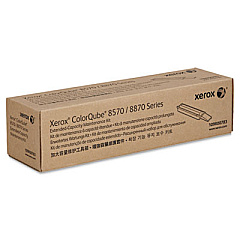
Xerox ColorQube 8700S Maintenance Kits

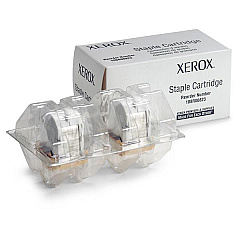
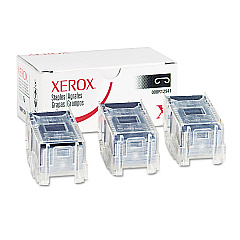
Xerox ColorQube 8700S Printer Staples

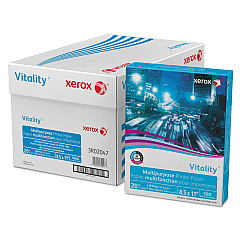
Xerox ColorQube 8700S Copy Paper

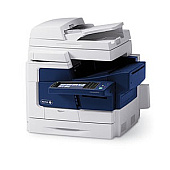
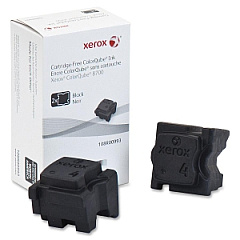
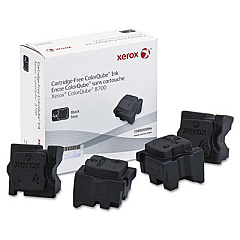
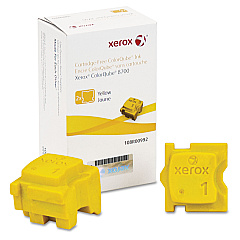
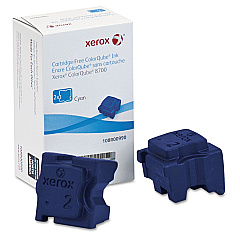
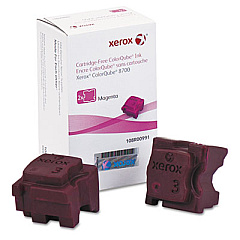
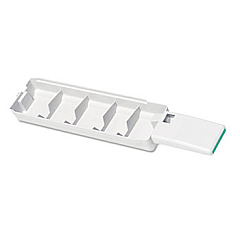
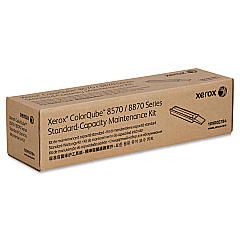
Enhance your printing experience with genuine Xerox ColorQube 8700S Ink Cartridges and supplies. This comprehensive range includes staple cartridges, vibrant color ink sticks, and essential maintenance kits to keep your printer running smoothly. The ColorQube 8700S utilizes solid ink technology, offering eco-friendly, high-quality prints for businesses, schools, and healthcare facilities. With options like the 108R00990 Cyan, 108R00991 Magenta, 108R00992 Yellow, and 108R00993 Black Ink Sticks, you can produce stunning color documents with ease. The 109R00754 Waste Tray and 109R00783/109R00784 Maintenance Kits ensure optimal performance and longevity. Trust in Xerox ColorQube 8700S Ink Cartridges for consistent, professional results that meet the demands of high-volume printing environments.

Xerox ColorQube 8700S Toner Cartridges FAQs

  • What is the page yield for Xerox ColorQube 8700S ink sticks?

    Page yield varies by color and usage, but typically ranges from 4,000 to 9,000 pages per stick.

  • Are Xerox ColorQube 8700S ink sticks compatible with other Xerox printers?

    No, these ink sticks are specifically designed for the ColorQube 8700 series and are not compatible with other models.

  • How often should I replace the waste tray?

    The waste tray should be replaced when indicated by the printer, typically after several thousand prints.

  • What's included in the Xerox 109R00783 Maintenance Kit?

    The kit includes components to maintain print quality and printer performance, such as rollers and cleaning materials.

  • Can I use third-party ink sticks in my Xerox ColorQube 8700S?

    It's recommended to use genuine Xerox supplies to ensure optimal print quality and to maintain your printer's warranty.

  • How do I install new ink sticks in the ColorQube 8700S?

    Open the ink loader door, insert the ink stick into the correct color-coded slot, and push it gently until it stops.

  • What's the difference between the 108R00993 and 108R00994 Black Ink Sticks?

    These are different capacity options for black ink, with the 108R00994 typically offering a higher page yield.

  • How long do unopened ink sticks last?

    Unopened ink sticks can last for several years when stored properly in a cool, dry place.

  • Is the solid ink used in the ColorQube 8700S environmentally friendly?

    Yes, solid ink technology produces less waste compared to traditional toner cartridges and is more eco-friendly.

  • How often should I perform maintenance on my ColorQube 8700S?

    Regular maintenance should be performed as recommended in the user manual, typically every few months or as indicated by the printer.

Warehouse Locations

Policy & Agreement | Copyright © 1995-2026 BlueDogInk.com
