






Ads

Xerox Colorqube 8570N Black Ink Cartridges

Xerox Colorqube 8570N Color Ink Cartridges

Xerox Colorqube 8570N Waste Toner Kits

Xerox Colorqube 8570N Maintenance Kits

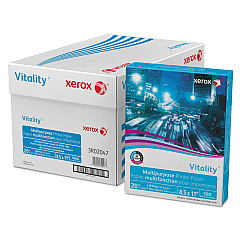
Xerox Colorqube 8570N Copy Paper

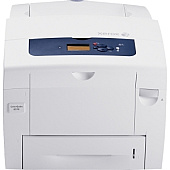
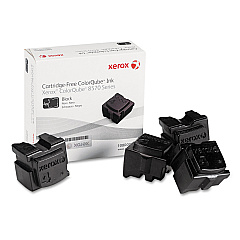
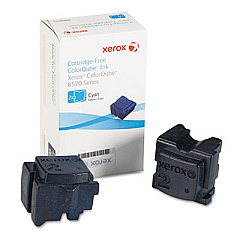
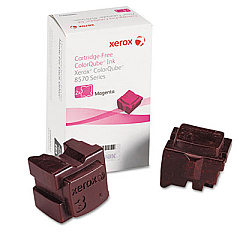
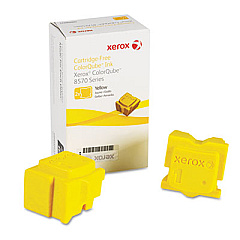
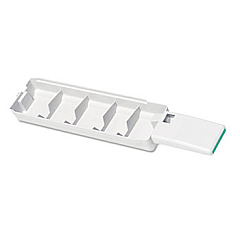
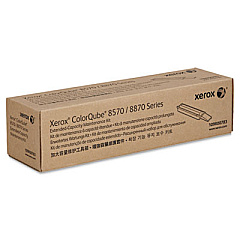
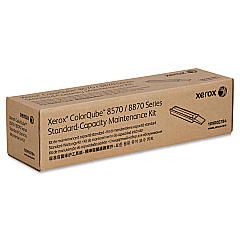
Enhance your printing experience with genuine Xerox Colorqube 8570N Ink Cartridges. This high-performance printer utilizes innovative solid ink technology, offering vibrant color output and cost-effective printing solutions for businesses, schools, and healthcare facilities. The Colorqube 8570N supports a range of ink sticks, including Cyan (108R00926), Magenta (108R00927), Yellow (108R00928), and Black (108R00930). To maintain optimal performance, the printer also requires periodic replacement of the Waste Tray (109R00754) and Maintenance Kits (109R00783 and 109R00784). These genuine Xerox supplies ensure consistent, high-quality prints while minimizing environmental impact. With its efficient solid ink technology, the Xerox Colorqube 8570N delivers professional-grade documents and graphics, making it an ideal choice for organizations seeking reliable, eco-friendly printing solutions.

Xerox Colorqube 8570N Toner Cartridges FAQs

  • What is the page yield for Xerox Colorqube 8570N ink sticks?

    The page yield varies by color. Black ink sticks typically yield around 4,300 pages, while color ink sticks yield approximately 2,200 pages each.

  • Are these ink cartridges compatible with other Xerox printers?

    These ink sticks are specifically designed for the Xerox Colorqube 8570N and may not be compatible with other printer models.

  • How often should I replace the waste tray?

    The waste tray should be replaced when indicated by the printer, typically after processing approximately 27,000 pages.

  • What is included in the maintenance kit?

    The maintenance kit includes components such as feed rollers, separation pads, and other parts that require periodic replacement to maintain printer performance.

  • Can I use third-party ink sticks in the Xerox Colorqube 8570N?

    It is recommended to use genuine Xerox ink sticks to ensure optimal print quality and prevent potential damage to the printer.

  • How do I install new ink sticks in the Colorqube 8570N?

    Open the ink loader door, insert the ink stick into the corresponding color slot, and push it gently until it stops. Close the door to complete the installation.

  • What is the shelf life of Xerox Colorqube 8570N ink sticks?

    Xerox ink sticks typically have a shelf life of two years from the date of manufacture when stored properly.

  • How can I reduce ink consumption on my Colorqube 8570N?

    Use draft mode for internal documents, print in grayscale when color is not necessary, and utilize duplex printing to reduce paper and ink usage.

  • Are these ink cartridges environmentally friendly?

    Yes, Xerox solid ink technology produces minimal packaging waste and has a lower environmental impact compared to traditional toner cartridges.

  • How do I know when it's time to replace the maintenance kit?

    The printer will display a message indicating when it's time to replace the maintenance kit, typically after a certain number of prints or a specific time period.

Warehouse Locations

Policy & Agreement | Copyright © 1995-2026 BlueDogInk.com
