






Ads

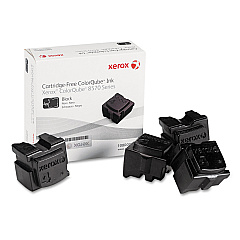
Xerox Colorqube 8570DT Black Ink Cartridges

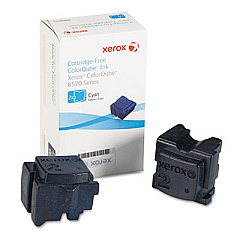
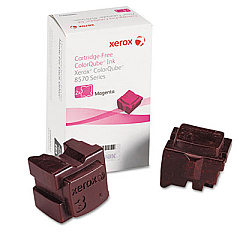
Xerox Colorqube 8570DT Color Ink Cartridges

Xerox Colorqube 8570DT Waste Toner Kits

Xerox Colorqube 8570DT Maintenance Kits

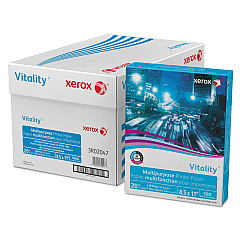
Xerox Colorqube 8570DT Copy Paper

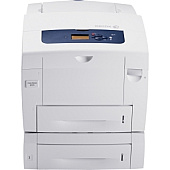
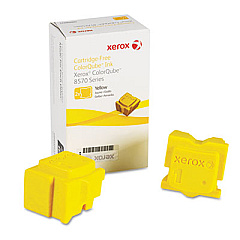
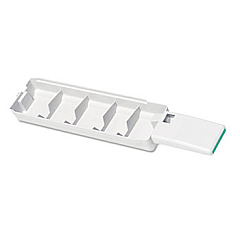
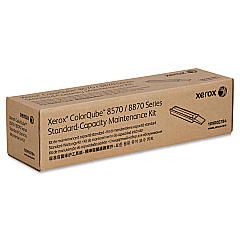
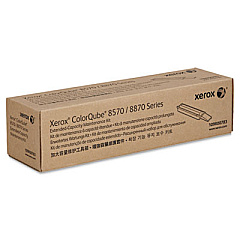
Enhance your printing experience with genuine Xerox Colorqube 8570DT Ink Cartridges. This high-performance printer utilizes innovative solid ink technology, delivering vibrant, professional-quality prints while minimizing environmental impact. The ColorQube 8570DT requires specific ink sticks for optimal performance: Xerox 108R00926 Cyan, 108R00927 Magenta, 108R00928 Yellow, and 108R00930 Black. To maintain peak efficiency, the printer also uses the Xerox 109R00754 Waste Tray and two maintenance kits: 109R00783 and 109R00784. These genuine Xerox supplies ensure consistent, high-quality output, reduced waste, and extended printer life. Whether you're printing business documents, marketing materials, or creative projects, trust Xerox Colorqube 8570DT Ink Cartridges to deliver exceptional results every time. Invest in authentic Xerox supplies to maximize your printer's performance and protect your investment.

Xerox Colorqube 8570DT Toner Cartridges FAQs

  • How long do Xerox Colorqube 8570DT ink sticks last?

    The lifespan of ink sticks varies depending on usage, but typically each color can print approximately 4,400 pages at 5% coverage.

  • Are Xerox Colorqube 8570DT ink sticks environmentally friendly?

    Yes, solid ink technology produces up to 90% less waste than comparable laser printers, making it an eco-friendly choice.

  • Can I use third-party ink sticks in my Xerox Colorqube 8570DT?

    It's recommended to use genuine Xerox ink sticks to ensure optimal print quality and prevent potential damage to your printer.

  • How often should I replace the waste tray?

    The waste tray should be replaced when prompted by the printer, typically after printing approximately 27,000 pages.

  • What's included in the maintenance kits?

    Maintenance kits typically include components like feed rollers, separation pads, and other parts that require periodic replacement.

  • Can I recycle used Xerox ink sticks?

    Yes, Xerox offers a recycling program for used ink sticks and other printer supplies.

  • How do I install new ink sticks in my Colorqube 8570DT?

    Simply open the ink loader door, insert the ink stick into the correct color-coded slot, and close the door. The printer will melt and use the ink as needed.

  • What's the difference between the two maintenance kits?

    The 109R00783 and 109R00784 kits contain different components for maintaining various parts of the printer. Refer to your printer manual for specific details.

  • Can I mix different brands of ink sticks in my Colorqube 8570DT?

    It's not recommended to mix brands. Using only genuine Xerox ink sticks ensures consistent print quality and protects your printer's warranty.

  • How can I tell if my ink sticks are genuine Xerox products?

    Genuine Xerox ink sticks have a distinct shape and are marked with the Xerox logo. You can also verify the authenticity through the Xerox website using the product code.

Warehouse Locations

Policy & Agreement | Copyright © 1995-2026 BlueDogInk.com
