








Ads

Xerox Phaser 6250N Black Toner Cartridges

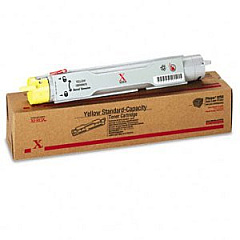
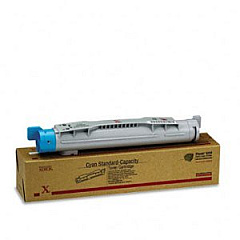
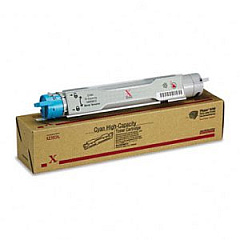
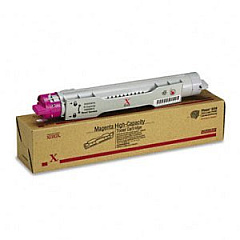
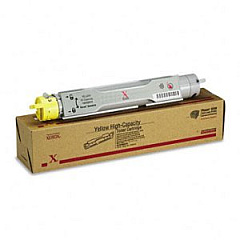
Xerox Phaser 6250N Color Toner Cartridges

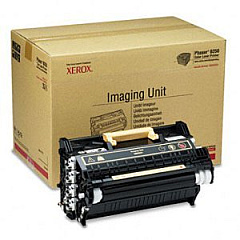
Xerox Phaser 6250N Drum Units

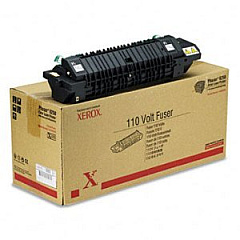
Xerox Phaser 6250N Fusers

Xerox Phaser 6250N Printer Accessories

Xerox Phaser 6250N Labels

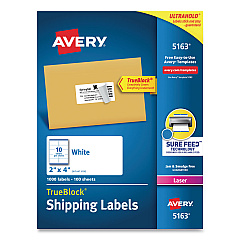
  • Avery 5163 Labels

    Item 5163

    Avery 5163 Labels

    Shipping Labels with TrueBlock Technology, Laser, 2 x 4, White, 1000/Box..

    Status

    In Stock

    $37.99

Xerox Phaser 6250N Copy Paper

Xerox Phaser 6250N Photo Paper

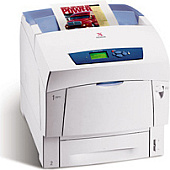
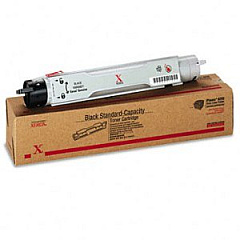
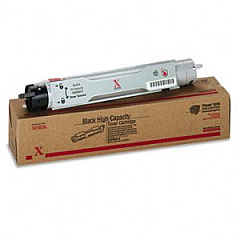
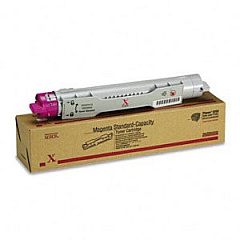
Enhance your printing experience with genuine Xerox Phaser 6250N Toner Cartridges. These high-quality cartridges ensure exceptional color accuracy and sharp text for all your business needs. Available in cyan, magenta, yellow, and black, these toners deliver consistent, professional results. The Xerox Phaser 6250N printer supports both standard and high-capacity cartridges, allowing you to choose based on your printing volume. Additionally, the printer utilizes an imaging unit and fuser for optimal performance. Upgrade options, such as memory expansion and network connectivity, are available to boost productivity. Whether you're printing marketing materials, reports, or everyday documents, Xerox Phaser 6250N Toner Cartridges provide the reliability and quality you need to make a lasting impression.

Xerox Phaser 6250N Toner Cartridges FAQs

  • What is the page yield for Xerox Phaser 6250N toner cartridges?

    Page yields vary by cartridge. Standard cartridges typically yield around 4,000 pages, while high-capacity cartridges can yield up to 8,000 pages.

  • Are compatible toner cartridges available for the Xerox Phaser 6250N?

    While compatible cartridges may be available, we recommend using genuine Xerox toner cartridges for optimal print quality and printer performance.

  • How often should I replace the imaging unit in my Xerox Phaser 6250N?

    The imaging unit (108R00591) typically needs replacement after processing about 30,000 pages, but this can vary based on usage patterns.

  • Can I use high-capacity toner cartridges in my Xerox Phaser 6250N?

    Yes, the Xerox Phaser 6250N is compatible with both standard and high-capacity toner cartridges.

  • What's the difference between the black toner cartridges 106R00671 and 106R00675?

    The 106R00671 is a standard capacity cartridge, while the 106R00675 is a high-capacity cartridge, offering a higher page yield.

  • How do I install the memory expansion in my Xerox Phaser 6250N?

    The memory expansion can be installed by opening the printer's side panel and inserting the memory modules into the designated slots. Refer to the printer manual for detailed instructions.

  • What benefits does the B To N Upgrade offer?

    The B To N Upgrade (097S03099) adds 10/100 Base Tx Ethernet connectivity and an additional 128 MB of memory, improving network printing capabilities and overall performance.

  • How often should the fuser unit be replaced in the Xerox Phaser 6250N?

    The fuser unit (115R00029) typically needs replacement after processing about 100,000 pages, but this can vary based on usage and print environment.

  • Can I mix different brands of toner cartridges in my Xerox Phaser 6250N?

    It's not recommended to mix different brands of toner cartridges. Using genuine Xerox cartridges ensures optimal print quality and prevents potential damage to your printer.

  • How can I maximize the lifespan of my Xerox Phaser 6250N toner cartridges?

    To maximize toner cartridge lifespan, print in draft mode when possible, avoid printing unnecessary pages, and keep the printer in a clean, dry environment.

Warehouse Locations

Policy & Agreement | Copyright © 1995-2026 BlueDogInk.com
