









Ads

Samsung ML-6512ND Black Toner Cartridges

Samsung ML-6512ND Drum Units

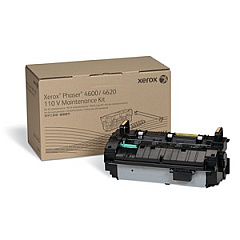
Samsung ML-6512ND Maintenance Kits

Samsung ML-6512ND Copy Paper

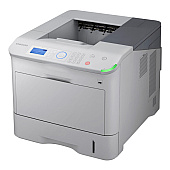
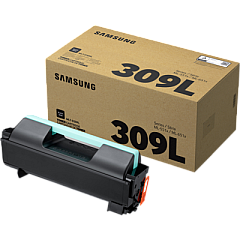
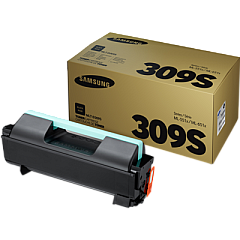
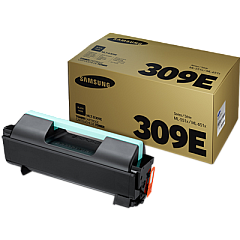
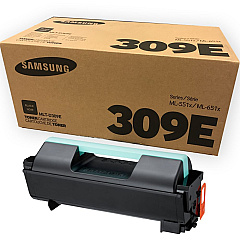
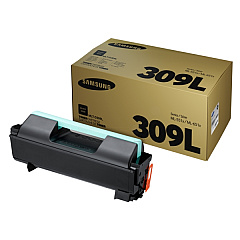
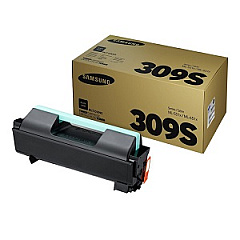
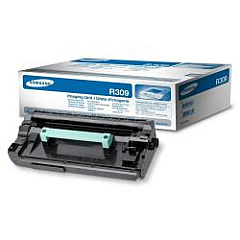
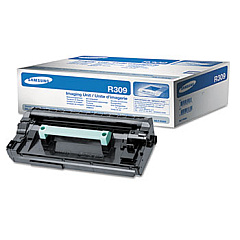
Ensure uninterrupted printing with high-quality Samsung ML-6512ND Toner Cartridges. These reliable consumables are designed specifically for the Samsung ML-6512ND printer, delivering crisp, professional-grade output for your business needs. Choose from a range of options including the high-yield MLT-D309E, the standard MLT-D309L, and the economical MLT-D309S Black Toner Cartridges. Each cartridge is engineered to produce sharp text and clear graphics, maximizing your printer's performance. For optimal print quality, don't forget the MLT-R309 Imaging Unit, which works in tandem with the toner to create flawless prints. Whether you're in a corporate office, educational institution, or healthcare facility, these Samsung ML-6512ND Toner Cartridges provide the consistency and efficiency you need for high-volume printing tasks. Invest in genuine Samsung supplies to protect your printer and ensure the best possible results.

Samsung ML-6512ND Toner Cartridges FAQs

  • What is the page yield of the Samsung MLT-D309E Black Toner Cartridge?

    The Samsung MLT-D309E Black Toner Cartridge has an estimated page yield of 40,000 pages at 5% coverage.

  • Are these toner cartridges compatible with other Samsung printer models?

    These toner cartridges are specifically designed for the Samsung ML-6512ND printer. They may not be compatible with other models.

  • How often should I replace the Samsung MLT-R309 Imaging Unit?

    The imaging unit typically needs replacement after processing about 80,000 pages, but this can vary based on usage patterns.

  • What's the difference between the MLT-D309L and MLT-D309S cartridges?

    The MLT-D309L is a high-yield cartridge with a larger page yield, while the MLT-D309S is a standard-yield cartridge suitable for lower volume printing.

  • Can I use third-party toner cartridges in my Samsung ML-6512ND printer?

    While third-party cartridges may work, using genuine Samsung toner cartridges ensures optimal print quality and protects your printer's warranty.

  • How do I install a new toner cartridge in the Samsung ML-6512ND printer?

    Open the front cover, remove the old cartridge, unpack the new one, and insert it until it clicks into place. Close the cover to complete installation.

  • What should I do with my used toner cartridges?

    Samsung offers a recycling program for used cartridges. You can also check with local office supply stores for recycling options.

  • How can I extend the life of my toner cartridge?

    Use draft mode for internal documents, print in grayscale when possible, and ensure your printer firmware is up to date for optimal efficiency.

  • Are these toner cartridges covered by a warranty?

    Yes, genuine Samsung toner cartridges come with a standard manufacturer's warranty against defects in materials and workmanship.

  • Can I store unused toner cartridges for long periods?

    Yes, store unopened cartridges in a cool, dry place away from direct sunlight. They typically have a shelf life of 1-2 years.

Warehouse Locations

Policy & Agreement | Copyright © 1995-2026 BlueDogInk.com
