









Ads

Ricoh CL7200DT2 Black Toner Cartridges

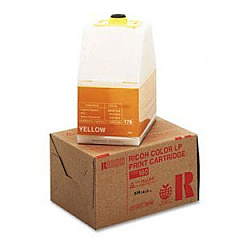
Ricoh CL7200DT2 Color Toner Cartridges

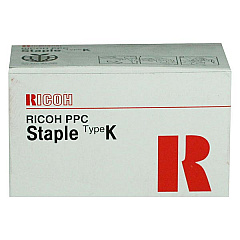
Ricoh CL7200DT2 Printer Staples

Ricoh CL7200DT2 Copy Paper

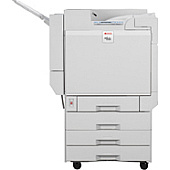
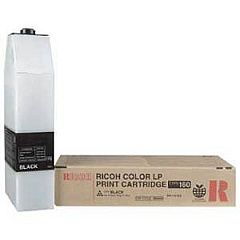
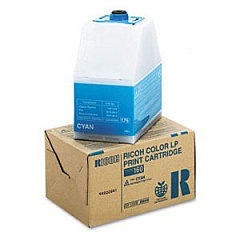
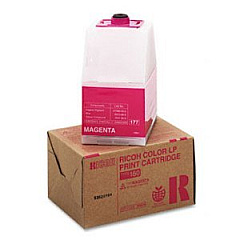
Enhance your printing experience with genuine Ricoh CL7200DT2 Toner Cartridges. These high-quality consumables are designed to deliver exceptional results for businesses, educational institutions, government offices, healthcare facilities, and wholesale operations. The Ricoh CL7200DT2 printer utilizes a range of cartridges, including the Ricoh 410801 Staple Cartridge for efficient document finishing, and the Type 160 series of toner cartridges in Black, Cyan, Magenta, and Yellow. These cartridges ensure vibrant, long-lasting prints with sharp text and vivid colors. By choosing authentic Ricoh supplies, you'll maximize your printer's performance, minimize downtime, and maintain consistent print quality. Whether you're producing important business documents, educational materials, or healthcare records, these reliable toner cartridges will meet your demanding printing needs while offering cost-effective solutions for high-volume printing environments.

Ricoh CL7200DT2 Toner Cartridges FAQs

  • What is the page yield for Ricoh Type 160 toner cartridges?

    The page yield varies by color. Black typically yields around 15,000 pages, while Cyan, Magenta, and Yellow yield approximately 15,000 pages each at 5% coverage.

  • Are these toner cartridges compatible with other Ricoh printer models?

    The Ricoh Type 160 toner cartridges are specifically designed for the CL7200DT2 and may not be compatible with other models. Always check your printer's specifications before purchasing.

  • How often should I replace the Ricoh 410801 Staple Cartridge?

    The replacement frequency depends on usage. Typically, you should replace the staple cartridge when it runs out of staples or if you notice inconsistent stapling performance.

  • Can I use third-party toner cartridges in my Ricoh CL7200DT2 printer?

    While third-party cartridges may work, using genuine Ricoh toner cartridges ensures optimal print quality and prevents potential damage to your printer.

  • How do I install the toner cartridges in the Ricoh CL7200DT2?

    To install, open the front cover, remove the old cartridge, shake the new cartridge gently, remove the protective cover, and insert it into the corresponding slot until it clicks into place.

  • What should I do with used toner cartridges?

    Ricoh offers a recycling program for used cartridges. You can return them to Ricoh or dispose of them according to local regulations for electronic waste.

  • How long do unopened toner cartridges last?

    Unopened toner cartridges typically have a shelf life of 1-2 years when stored in a cool, dry place away from direct sunlight.

  • Can I print if one color cartridge is empty?

    The printer may continue to print in black and white if a color cartridge is empty, but for full-color printing, all cartridges need to have toner.

  • How can I reduce toner consumption?

    You can reduce toner usage by printing in draft mode, using economy settings, or printing in grayscale for non-essential documents.

  • Are these toner cartridges environmentally friendly?

    Ricoh designs its toner cartridges with environmental sustainability in mind, using recyclable materials and offering recycling programs to minimize environmental impact.

Warehouse Locations

Policy & Agreement | Copyright © 1995-2026 BlueDogInk.com
