










Ads

Oki C9300 Black Toner Cartridges

Oki C9300 Color Toner Cartridges

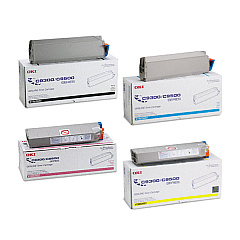
Oki C9300 Toner Set

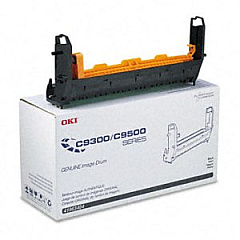
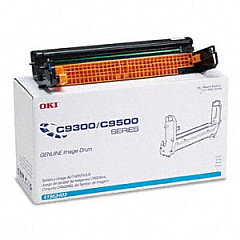
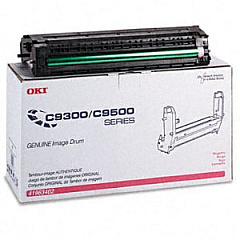
Oki C9300 Drum Units

Oki C9300 Copy Paper

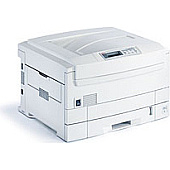
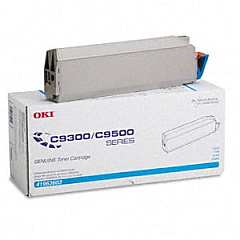
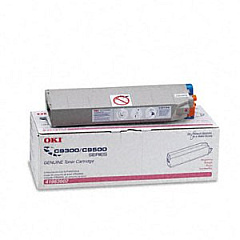
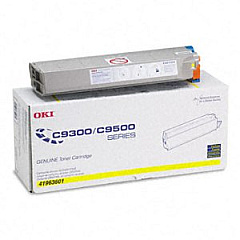
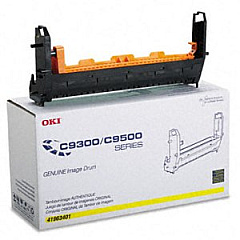
Enhance your printing experience with high-quality Oki C9300 Toner Cartridges from BlueDogInk.com. Our comprehensive range includes the essential Okidata image drums in Yellow (41963401), Magenta (41963402), Cyan (41963403), and Black (41963404), ensuring vibrant and long-lasting prints. Pair these with our premium toner cartridges in Yellow (41963601), Magenta (41963602), Cyan (41963603), and Black (41963604) for optimal performance. For maximum convenience, consider our Okidata C9300 Toner Cartridge Set, which provides all the colors you need in one package. These Oki C9300 Toner Cartridges are designed to deliver exceptional print quality, reliability, and value for your business, educational institution, government office, healthcare facility, or wholesale operation. Trust BlueDogInk.com for all your Oki C9300 printing needs and experience the difference in your documents and presentations.

Oki C9300 Toner Cartridges FAQs

  • What is the page yield for Oki C9300 Toner Cartridges?

    The page yield varies by color, but typically ranges from 15,000 to 17,000 pages for color cartridges and up to 20,000 pages for black cartridges at 5% coverage.

  • Are these Oki C9300 Toner Cartridges compatible with other Oki printer models?

    These cartridges are specifically designed for the Oki C9300 series. Always check your printer's compatibility before purchasing.

  • How often should I replace the image drums?

    Image drums typically need replacement after 30,000 to 40,000 pages, depending on usage and print quality requirements.

  • Can I use third-party toner cartridges in my Oki C9300 printer?

    While third-party cartridges may work, we recommend using genuine Oki cartridges for optimal performance and to maintain your printer's warranty.

  • What's the difference between toner cartridges and image drums?

    Toner cartridges contain the powder used to create prints, while image drums transfer the toner onto the paper. Both are essential for printing.

  • How do I know when it's time to replace my toner cartridge?

    Your Oki C9300 printer will typically display a warning message when toner levels are low. You may also notice a decrease in print quality.

  • Are these Oki C9300 Toner Cartridges environmentally friendly?

    Oki designs their cartridges with environmental considerations in mind. Many components are recyclable, and Oki offers a recycling program for used cartridges.

  • How should I store unused toner cartridges?

    Store cartridges in a cool, dry place away from direct sunlight. Keep them in their original packaging until ready for use to protect them from damage and dust.

  • Can I buy individual color cartridges, or do I need to purchase a full set?

    You can purchase individual color cartridges as needed. However, buying a full set can often be more cost-effective if you use all colors regularly.

  • What should I do if I experience print quality issues with my Oki C9300 Toner Cartridges?

    First, ensure the cartridges are properly installed. If issues persist, try printing a test page or cleaning the printer heads. If problems continue, contact Oki support or consult your printer's manual for troubleshooting steps.

Warehouse Locations

Policy & Agreement | Copyright © 1995-2026 BlueDogInk.com
