









Ads

Oki B411d Black Toner Cartridges

Oki B411d Drum Units

Oki B411d Fusers

Oki B411d Copy Paper

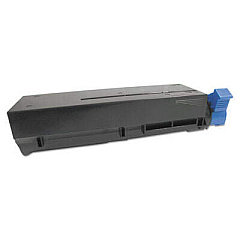
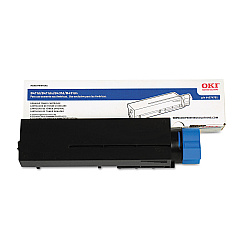
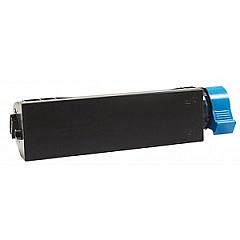
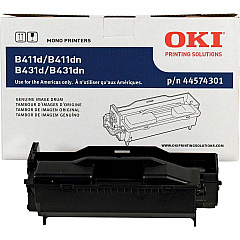
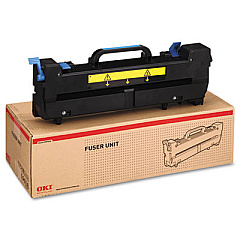
Enhance your printing experience with high-quality Oki B411d Toner Cartridges and supplies. Our comprehensive range includes the Innovera Remanufactured Black Toner, a cost-effective replacement for 44574701, and the Innovera Remanufactured Drum Unit, which substitutes the 44574301. For optimal performance, we offer the genuine Okidata 44565805 Fuser, ensuring crisp and clear prints. The Okidata 44574301 Image Drum delivers long-lasting, professional-grade results, while the Okidata 44574701 Black Toner Cartridge provides superior print quality and yield. These Oki B411d Toner Cartridges and components are designed to meet the demands of businesses, educational institutions, government agencies, healthcare facilities, and wholesale operations. Choose our reliable products to maximize your printer's efficiency and produce consistently outstanding documents that make a lasting impression.

Oki B411d Toner Cartridges FAQs

  • What is the page yield of the Okidata 44574701 Black Toner Cartridge?

    The Okidata 44574701 Black Toner Cartridge has a page yield of approximately 4,000 pages at 5% coverage.

  • Are the Innovera Remanufactured cartridges compatible with the Oki B411d printer?

    Yes, the Innovera Remanufactured cartridges are designed to be fully compatible with the Oki B411d printer.

  • How often should I replace the Okidata 44574301 Image Drum?

    The Okidata 44574301 Image Drum typically needs replacement after approximately 25,000 pages, depending on usage.

  • What is the purpose of the Okidata 44565805 Fuser?

    The Okidata 44565805 Fuser is responsible for melting and bonding the toner to the paper, ensuring high-quality prints.

  • Can I use third-party toner cartridges in my Oki B411d printer?

    While third-party cartridges may work, using genuine Okidata or high-quality remanufactured cartridges like Innovera ensures optimal performance and print quality.

  • How do I install a new toner cartridge in the Oki B411d printer?

    To install a new toner cartridge, open the printer's top cover, remove the old cartridge, and insert the new one until it clicks into place. Close the cover to complete installation.

  • What should I do if I experience print quality issues with my Oki B411d?

    If you experience print quality issues, try cleaning the printer's interior, checking for low toner, and ensuring the image drum is not damaged or worn out.

  • Are these supplies covered by a warranty?

    Genuine Okidata supplies come with a manufacturer's warranty, while Innovera remanufactured products typically offer a satisfaction guarantee. Check the product details for specific warranty information.

  • How can I recycle used toner cartridges and drums?

    Many office supply stores offer recycling programs for used toner cartridges and drums. You can also check with the manufacturer for their recycling options.

  • What is the difference between a toner cartridge and an image drum?

    A toner cartridge contains the powder used to create prints, while an image drum transfers the toner onto the paper. Both components are essential for the printing process.

Warehouse Locations

Policy & Agreement | Copyright © 1995-2026 BlueDogInk.com
