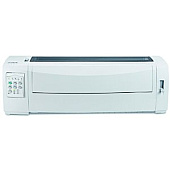





Lexmark 2591N Dot Matrix Printers Supplies

Ads

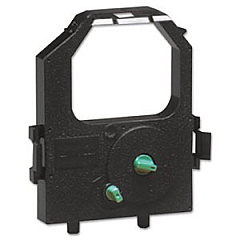
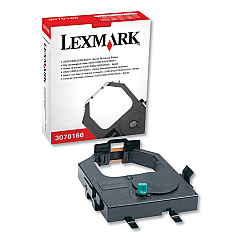
Lexmark 2591N Dot Matrix Ribbon

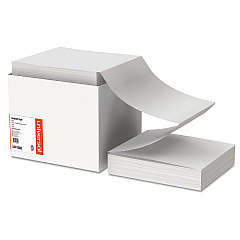
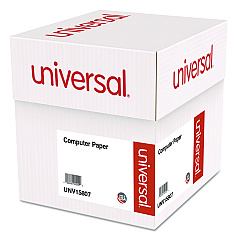
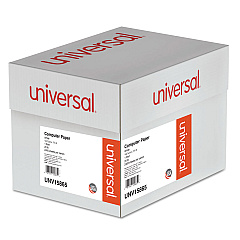
Lexmark 2591N Copy Paper

Ensure uninterrupted printing with high-quality Lexmark 2591N Ink Cartridges. These reliable supplies are designed specifically for the Lexmark 2591N dot matrix printer, delivering crisp, clear text and graphics for all your business needs. Choose between the Lexmark 11A3540 and 11A3550 Re-Inking Ribbons, both offering exceptional print quality and longevity. The 11A3540 is perfect for standard print jobs, while the 11A3550 provides extended life for high-volume printing. These cartridges are easy to install and maintain, minimizing downtime and maximizing productivity. Whether you're printing invoices, reports, or multi-part forms, Lexmark 2591N Ink Cartridges ensure consistent, professional results. Trust in Lexmark's commitment to quality and reliability to keep your dot matrix printer running smoothly. Order your Lexmark 2591N Ink Cartridges today and experience the difference in your printing output.

Lexmark 2591N Dot Matrix Printers Supplies FAQs

  • What is the difference between Lexmark 11A3540 and 11A3550 Re-Inking Ribbons?

    The 11A3540 is for standard print jobs, while the 11A3550 offers extended life for high-volume printing.

  • How often should I replace my Lexmark 2591N Ink Cartridge?

    Replacement frequency depends on usage, but typically when print quality begins to fade or become inconsistent.

  • Are these cartridges compatible with other Lexmark printers?

    These cartridges are specifically designed for the Lexmark 2591N dot matrix printer and may not be compatible with other models.

  • How many pages can I print with one cartridge?

    Page yield varies depending on print density and content, but the 11A3550 generally offers a higher yield than the 11A3540.

  • Can I use third-party ink cartridges in my Lexmark 2591N printer?

    While third-party options may exist, using genuine Lexmark cartridges ensures optimal performance and print quality.

  • How do I install a new ink cartridge in my Lexmark 2591N printer?

    Refer to your printer's user manual for specific instructions, but generally, it involves opening the printer cover, removing the old cartridge, and inserting the new one.

  • Are these ink cartridges environmentally friendly?

    Lexmark has sustainability initiatives in place, including recycling programs for used cartridges. Check Lexmark's website for more information.

  • What should I do if my prints are faded or streaky?

    First, try cleaning the print head. If the issue persists, it may be time to replace the ink cartridge.

  • Can I store unused ink cartridges for later use?

    Yes, store unopened cartridges in a cool, dry place. Once opened, use within 6 months for best results.

  • Does Blue Dog Ink offer bulk discounts on Lexmark 2591N Ink Cartridges?

    Check the Blue Dog Ink website or contact their customer service for information on bulk pricing and discounts.

Warehouse Locations

Policy & Agreement | Copyright © 1995-2026 BlueDogInk.com
